DC100 MAX Digital Dispenser Operating Manual
© 2023 Fisnar - 29 - DC100 MAX Rev 4
FUNCTION MENU
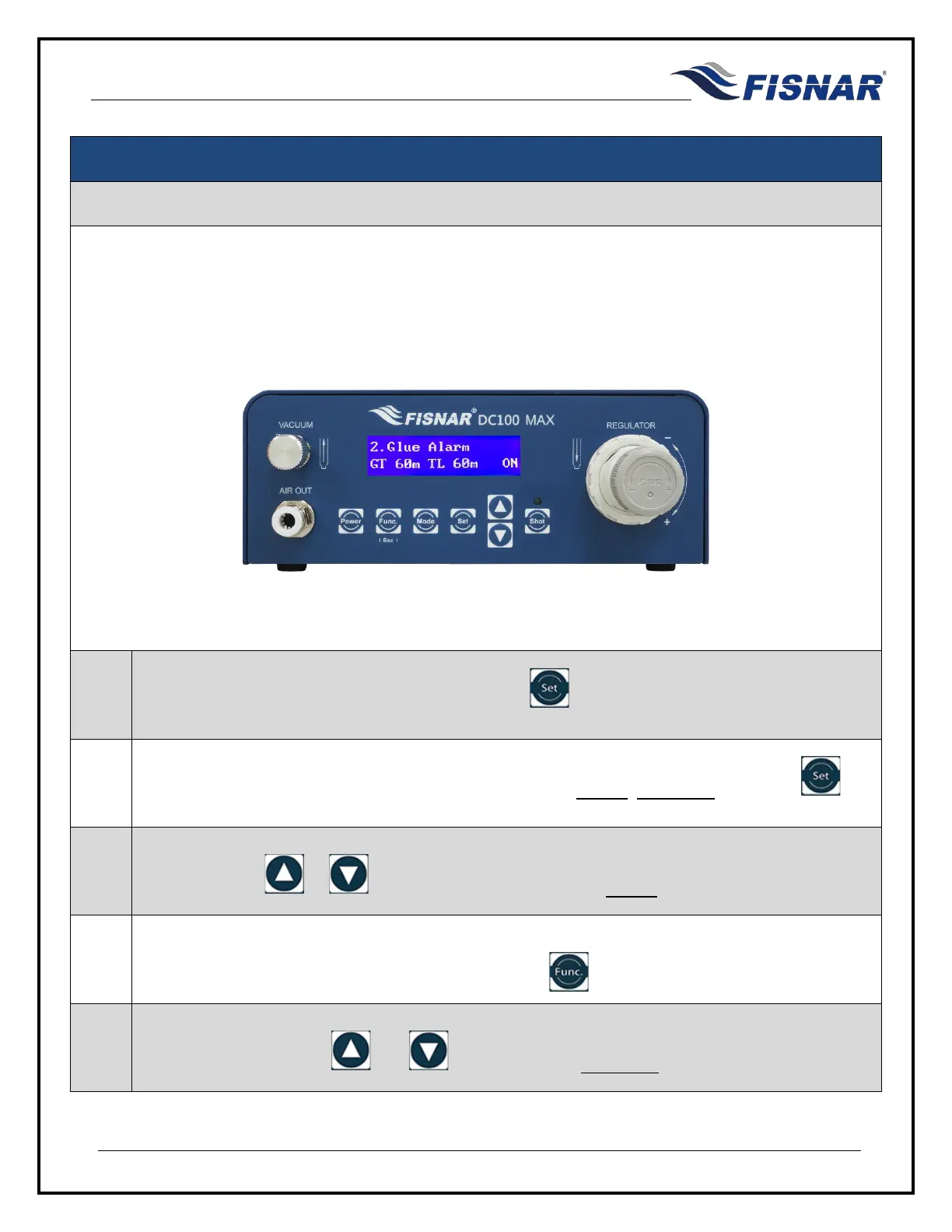
2. Glue Alarm
This function allows the user to set a timer that will trigger a visual and audible alarm to indicate when the
fluid material is either no longer useable, or its optimal working life has been reached. This functionality is
particularly useful for sensitive (moisture, temperature, light, etc.) or multi-component materials which have
strict pot-life or working life dispensing requirements.
1.
When the Glue Alarm page is displayed, press the button to enter into the setting page for
the Glue Alarm.
2.
There are two (2) adjustable parameters for this function: MODE, Glue Ti
me. Press the
button to scroll through these parameters.
3.
MODE: Use the or buttons to turn the Glue Alarm MODE On or Off.
4.
Time Left (TL): Displays the time left before the glue alarm is activated. The glue time (GT) can
be reset back to the original set value by pressing the button.
5.
Glue Time (GT): Use the and button to set the Glue Time value in minutes “m”.



 To Next Page