DC100 MAX Digital Dispenser Operating Manual
© 2023 Fisnar - 22 - DC100 MAX Rev 4
DISPENSE MODES
TIME+ MODE
1.
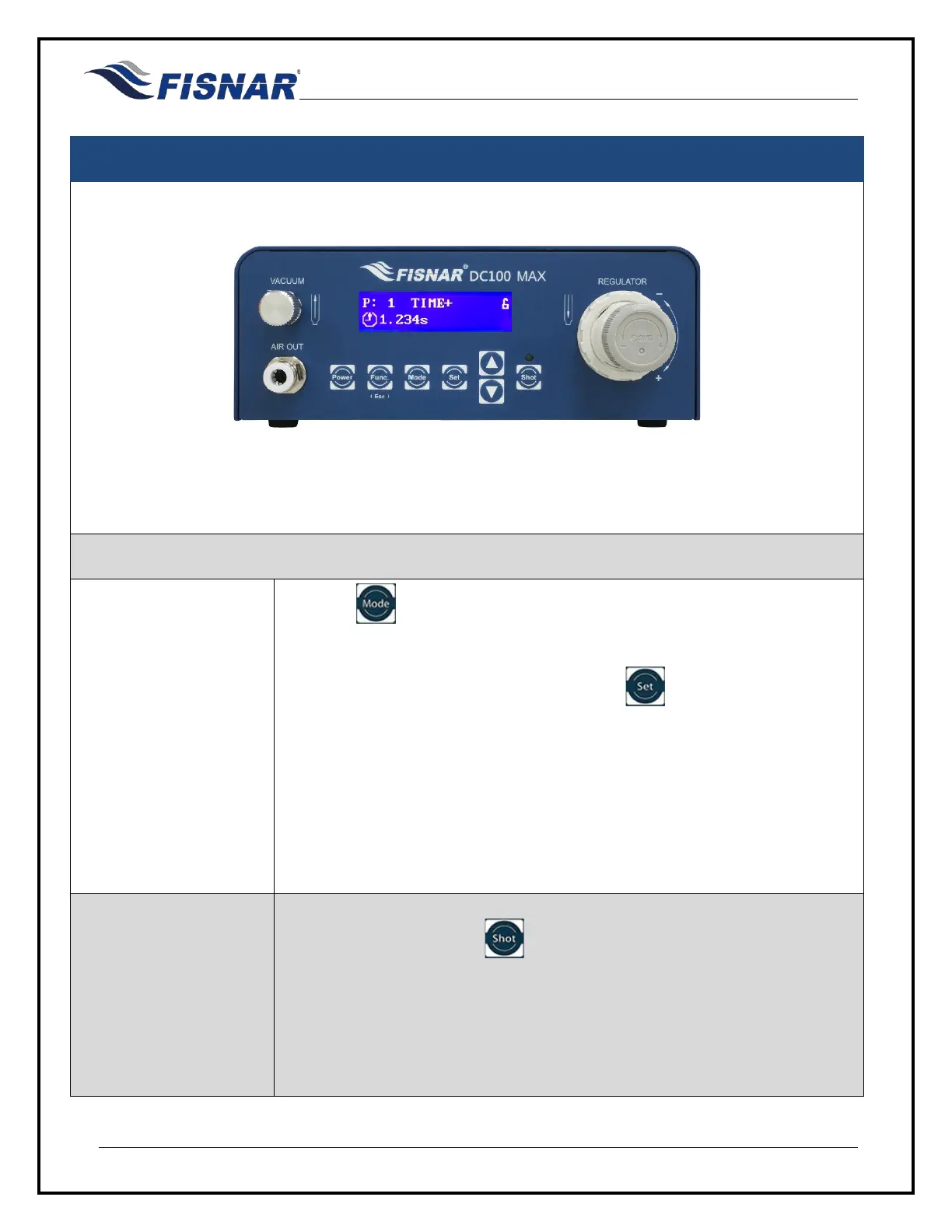
Press the button until “TIME+” mode is displayed.
TIME+ mode allows the operator to adjust the timed shot on the fly by a set
amount as and when needed by pressing the button. This is useful for
making slight adjustments on the dispense time without changing the
original value in TIMED mode.
This mode can be suitable for sensitive (temperature, humidity, short pot life,
etc.) materials that require the dispense time value to be increased over an
uncontrolled period of time determined by the operator to improve dispense
repeatability over the longevity of the fluid
being dispensed from the syringe
barrel until it is empty.
2.
Press the foot pedal or the button to actuate the machine and begin
dispensing fluid.
The dispense time will automatically start counting downwards from the set
dispense time until it reaches zero (0) seconds.



 To Next Page