DC100 MAX Digital Dispenser Operating Manual
© 2023 Fisnar - 54 - DC100 MAX Rev 4
FUNCTION MENU
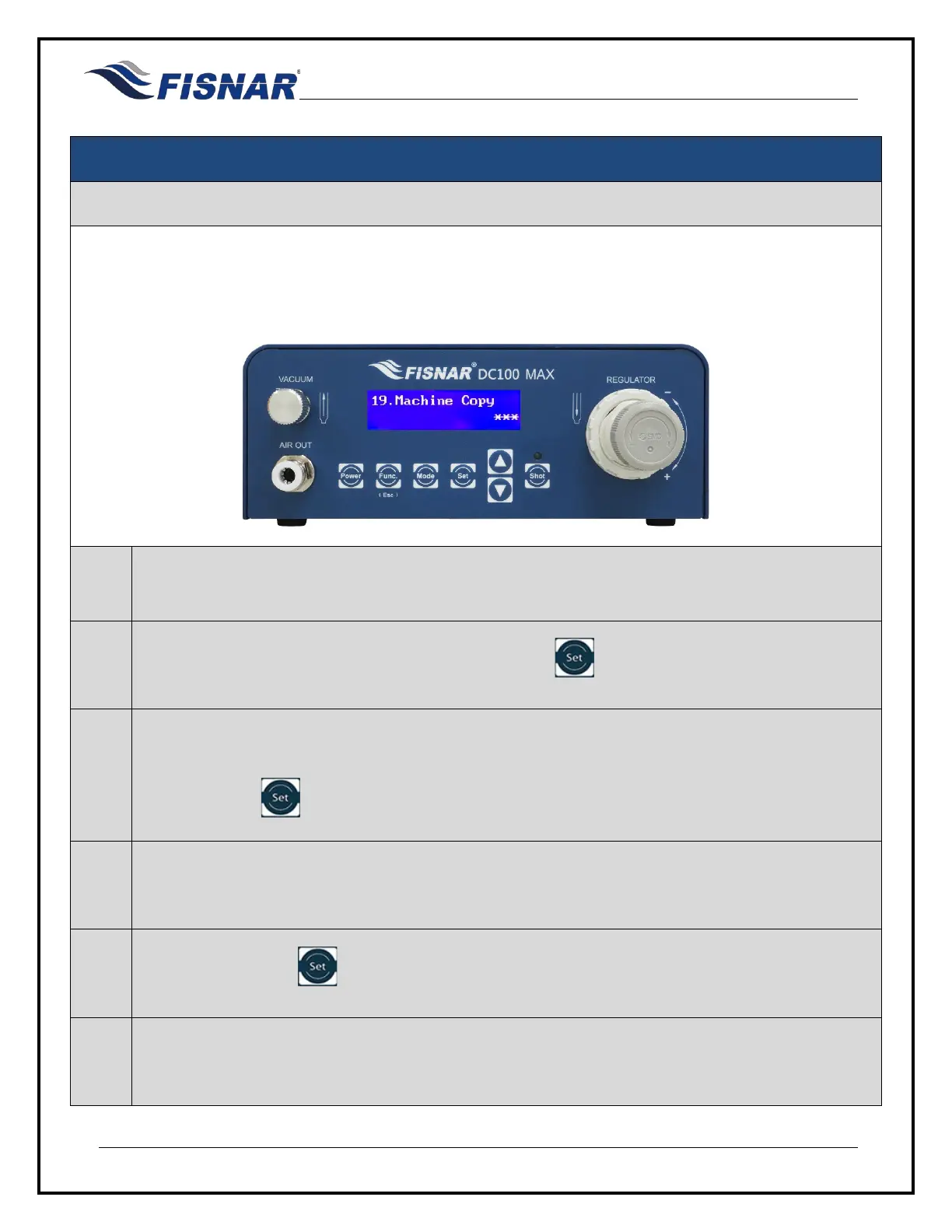
19. Machine Copy
This function allows the user to copy all stored programs, settings, and parameters from one machine to
another. (The receiving machines programs, settings, and parameters will be overwritten)
The function can only be used by the machine containing the stored programs, settings, and parameters
that you want to transfer onto another machine.
1.
Install a straight parallel RS232 communication cable between the RS232 port on the back of the
two machines.
2.
When the Machine Copy page is displayed, press the button to enter into the setting page
for the Machine Copy.
3.
Follow the prompt on the screen to confirm that an RS232 cable has been connected between the
machine being controlled and the machine that the settings and parameters are to be copied onto
by pressing the button.
4.
Ensure that the machine that the settings and parameters are to be copied onto is powered on
and displaying the home screen.
5.
Press and hold the button
for 3 seconds to copy the setting and parameters from one
machine to another.
6.
A message will appear on both machines to confirm the settings and parameters have been
successfully copied, and then automatically return back to the home screen.



 To Next Page