DC100 MAX Digital Dispenser Operating Manual
© 2023 Fisnar - 48 - DC100 MAX Rev 4
FUNCTION MENU
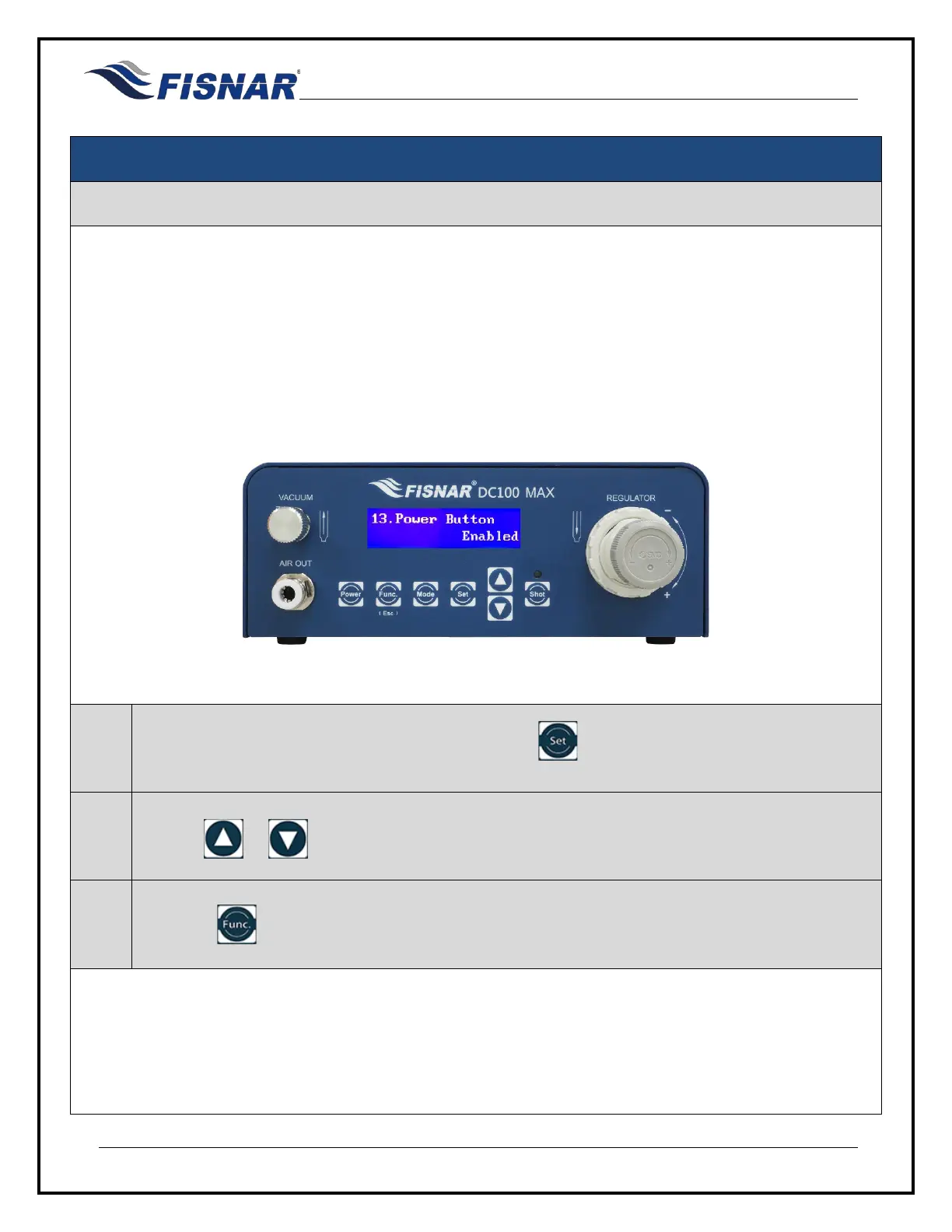
13. Power Button
This function allows for the machine to be turned on immediately when power is applied, instead of pushing
the power button on the machine. This can be helpful when the machine is being used as part of a larger
system that has a main power switch, allowing for the machine to start up and be ready for use when the
main power is turned onto the system.
Enabled = The machine is turned on using the power button on the machine.
Disabled = The machine is turned on immediately when power is applied.
1.
When the Power Button page is displayed, press the button to enter into the setting page for
the Power Button.
2.
Use the or buttons to set if the power button is enabled or disabled
3.
Press the button to exit the selected function setting.



 To Next Page