DC100 MAX Digital Dispenser Operating Manual
© 2023 Fisnar - 55 - DC100 MAX Rev 4
FUNCTION MENU
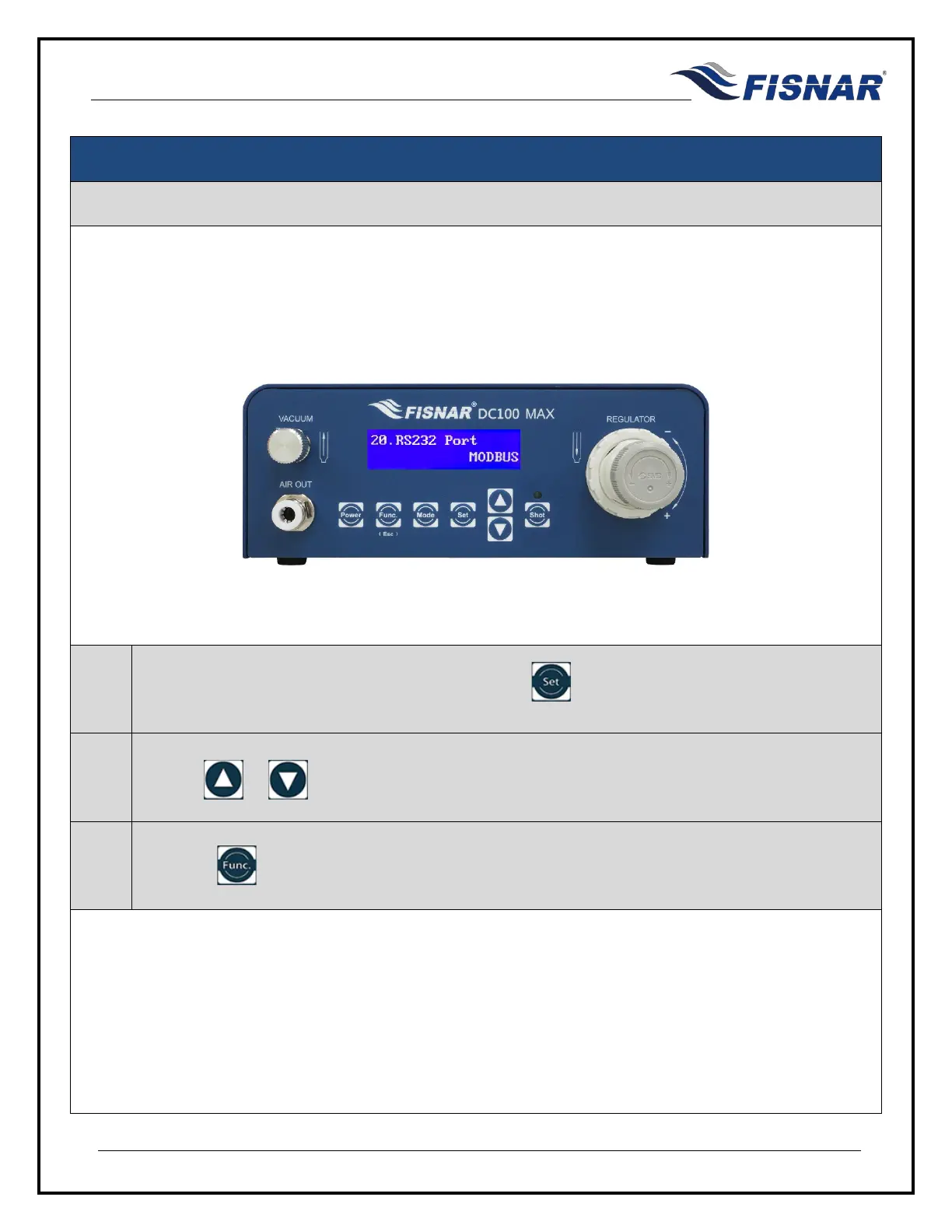
20. RS232 Port
This function allows the user to set if the RS232 Port on the back of the machine is to be setup to allow a
barcode scanner to be connected to the machine or to allow the machine to be programmed and controlled
remotely using MODBUS communication protocol.
1.
When the RS232 Port page is displayed, press the button to enter into the setting page for
the RS232 Port.
2.
Use the or buttons to set the configuration of the RS232 Port.
3.
Press the button to exit the selected function setting.



 To Next Page