DC100 MAX Digital Dispenser Operating Manual
© 2023 Fisnar - 19 - DC100 MAX Rev 4
DISPENSE MODES
TEACH MODE
1.
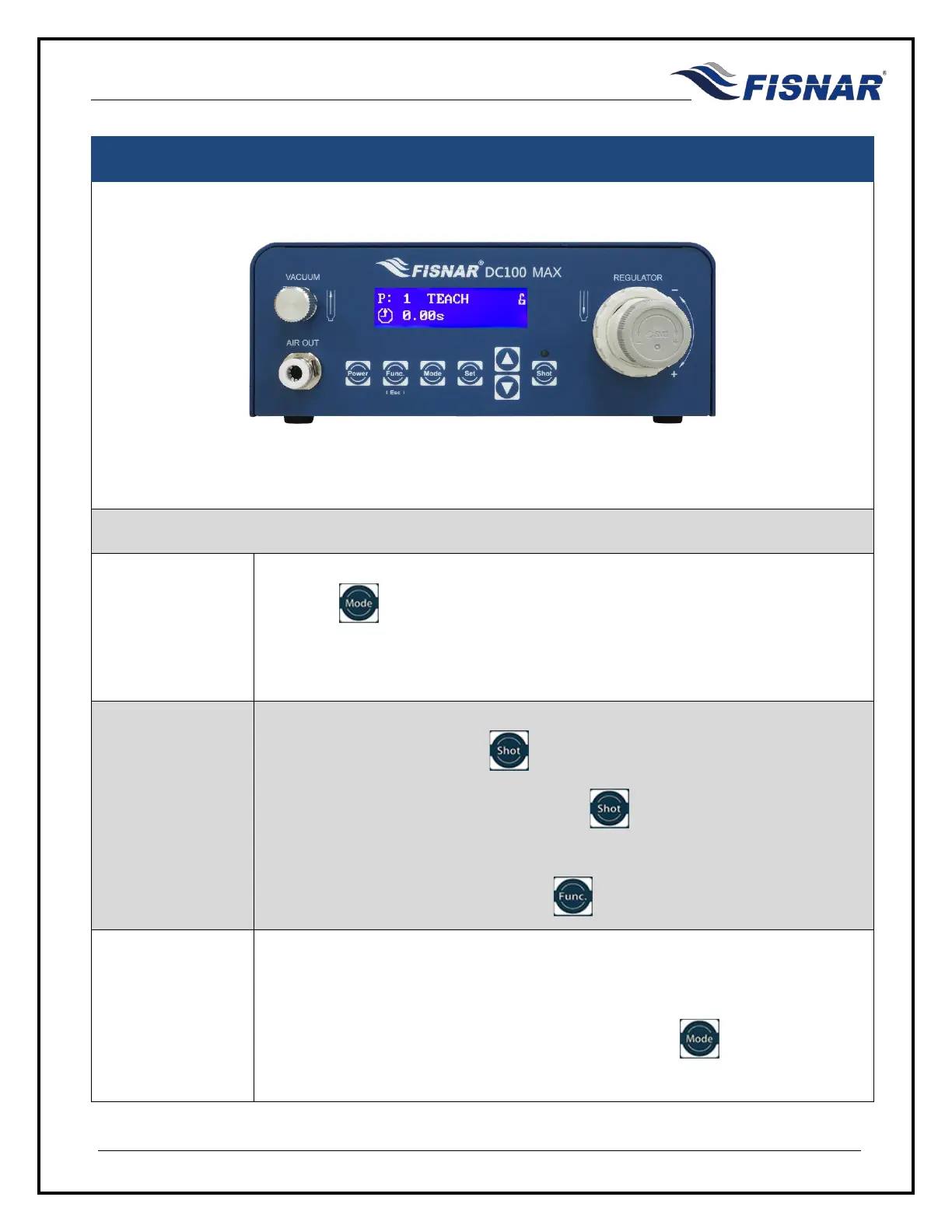
Press the button until “TEACH” mode is displayed.
TEACH mode allows the operator to calculate the correct dispense time needed
for the application process. This is useful when carrying out a potting process.
2.
Press the foot pedal or the
button to actuate the machine and begin
dispensing fluid. Release the foot pedal or button to stop dispensing fluid.
The TIME shown will increase cumulatively every time the machine is actuated.
If or when needed, press and hold the button to reset the timer to zero (0).
3.
The time shown on the screen will be the total cumulative time the machine has
been actuated for.
Once the correct dispense time is obtained, press the button to switch to
TIMED, TIME+ or CYCLE mode to save the value.



 To Next Page