DC100 MAX Digital Dispenser Operating Manual
© 2023 Fisnar - 51 - DC100 MAX Rev 4
FUNCTION MENU
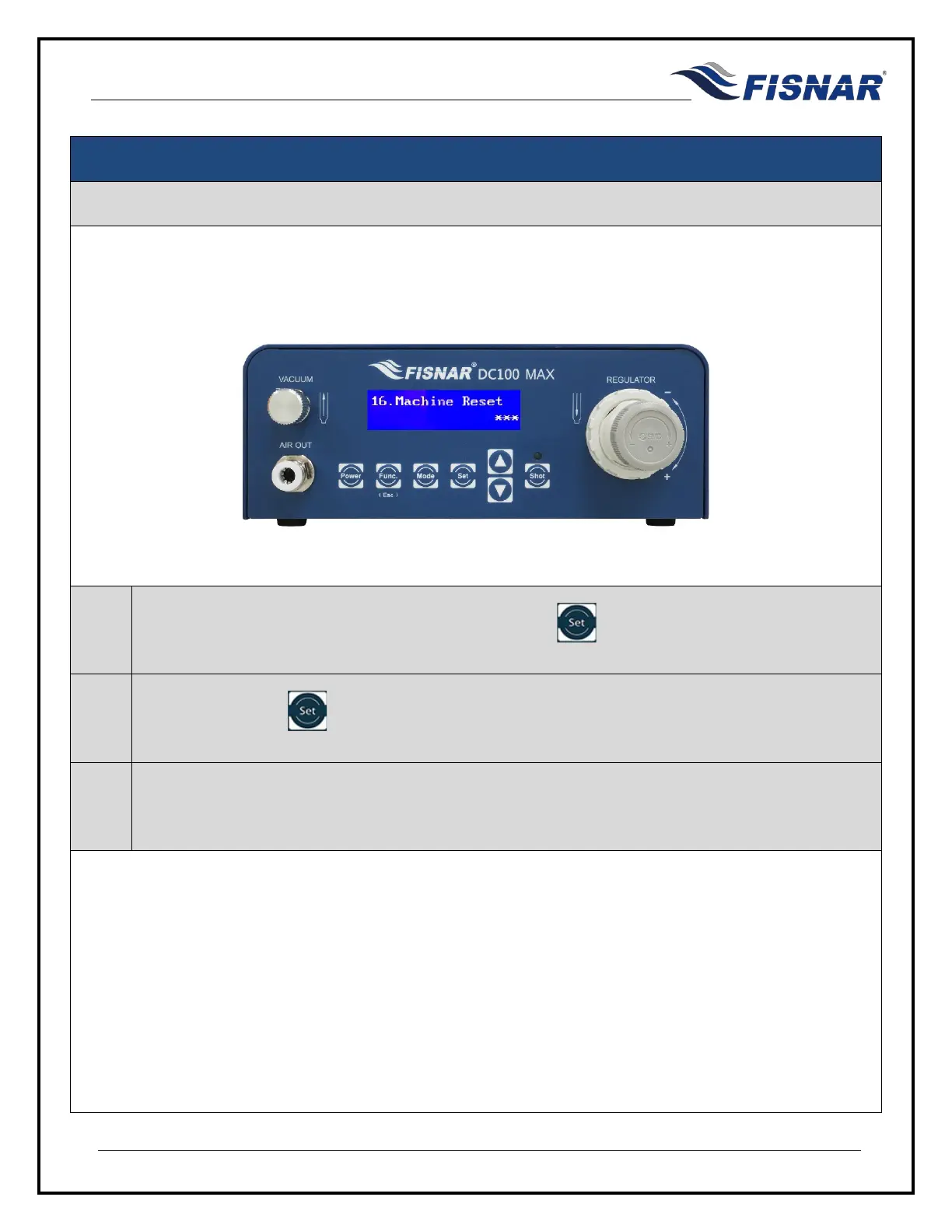
16. Machine Reset
This function allows the user to reset the machine back to its factory default settings.
1.
When the Machine Reset page is displayed, press the button to enter into the setting page
for the Machine Reset.
2.
Press and hold the button for 10 seconds to reset the machine back to its factory default
settings.
3.
After the Machine has been reset, the machine will automatically switch off.



 To Next Page