DC100 MAX Digital Dispenser Operating Manual
© 2023 Fisnar - 37 - DC100 MAX Rev 4
FUNCTION MENU
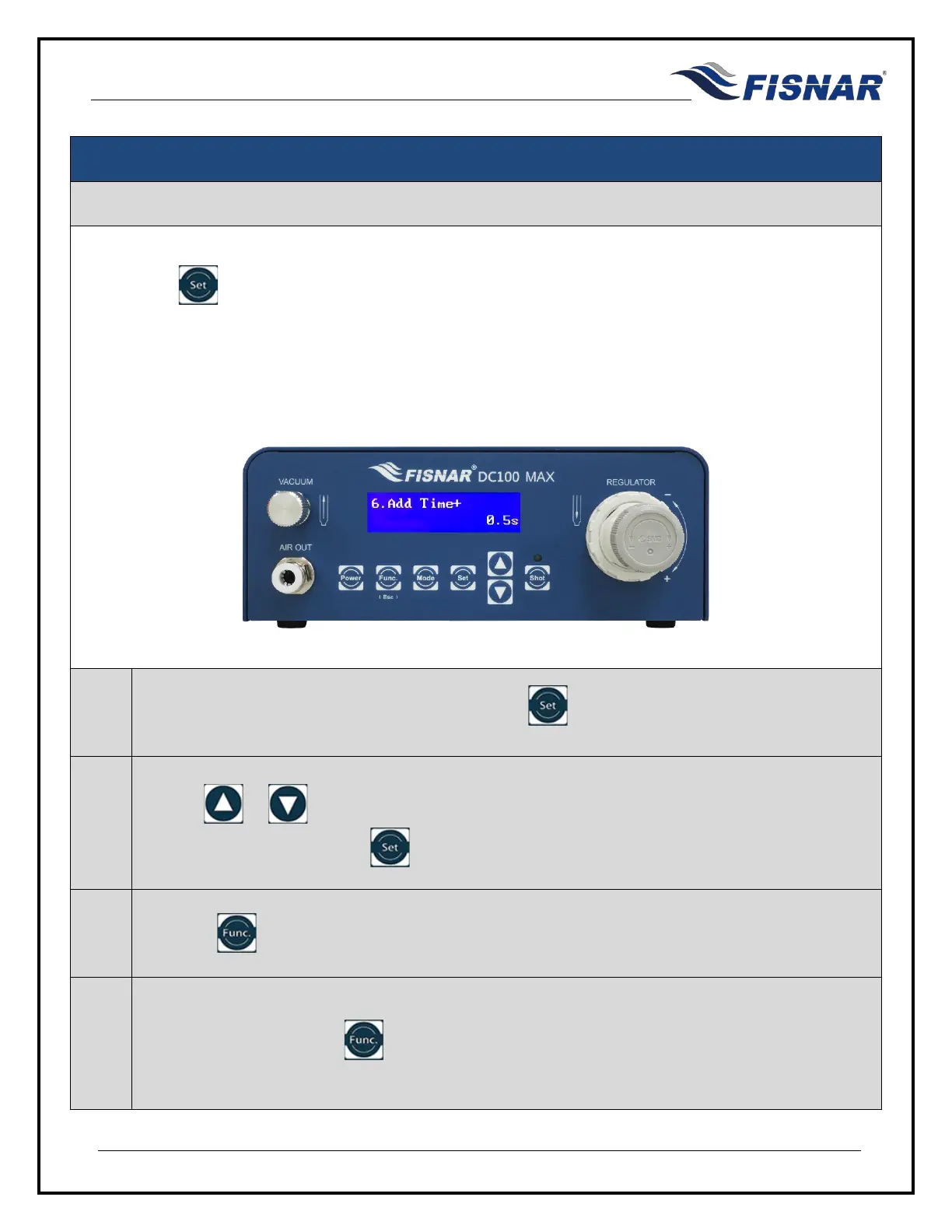
6. Add Time+
This function allows the user to add a cumulative time offset to the original timed shot at any time by
pressing the button. This function can be useful to control the dispensed material amount as the
barrel or cartridge empties over time or when dispensing multi-component (2K) materials which are curing
or increasing in viscosity over time.
This function is used in conjunction when the machine is set and used in Time+ mode.
1.
When the Add Time+ page is displayed, press the button to enter into the setting page for
the Add Time+.
2.
Use the or buttons to set the time value in seconds (s) that will be added to the saved
dispense time value when the button is pressed.
3.
Press the button to exit the selected function setting.
4.
The cumulative time added to the saved time value when using the machine in Time+ mode can
be deleted by pressing the button or momentarily (two (2) seconds) activating pin #16 of the
I/O input circuit.



 To Next Page