DC100 MAX Digital Dispenser Operating Manual
© 2023 Fisnar - 35 - DC100 MAX Rev 4
FUNCTION MENU
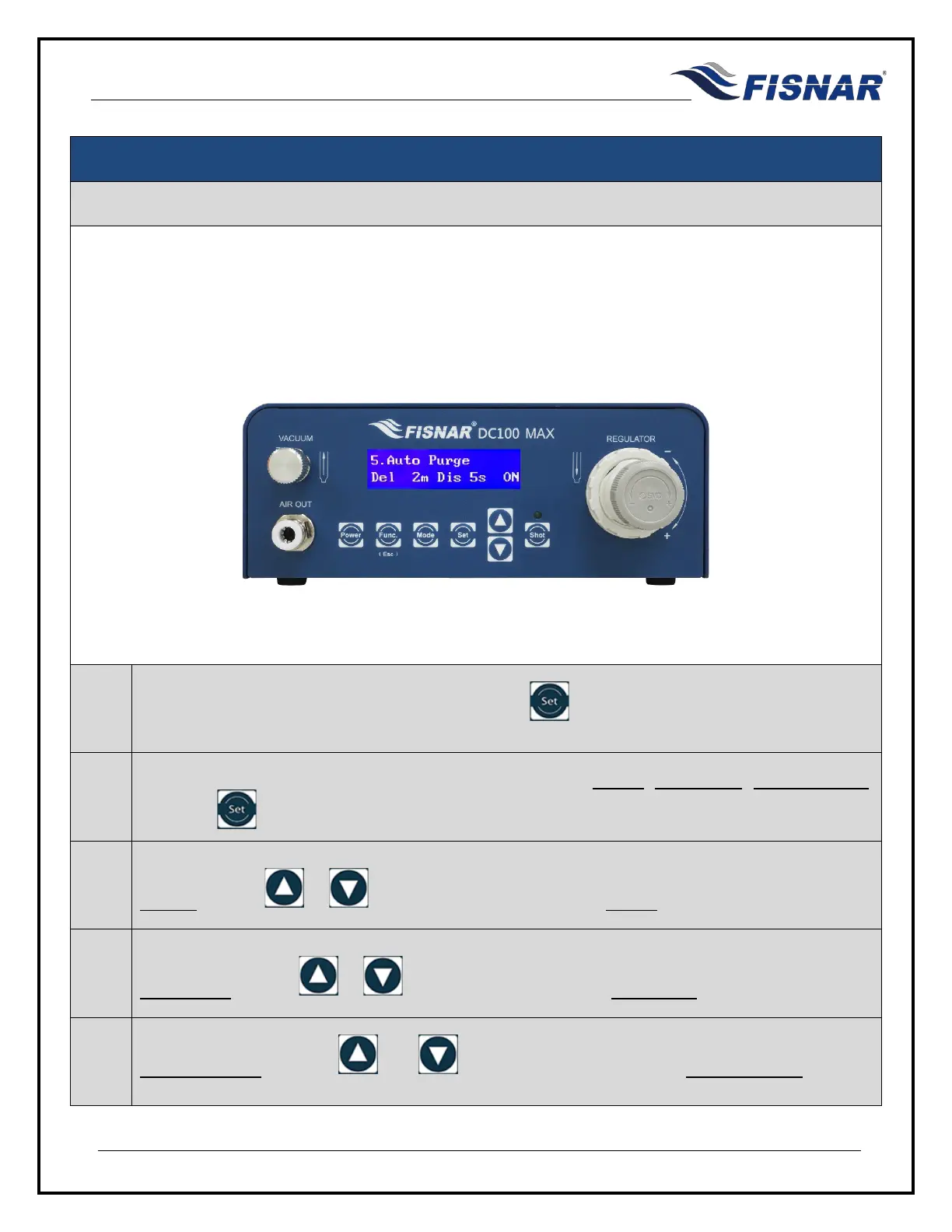
5. Auto Purge
This function allows the user to set an automatic dispense time in pre-defined intervals when the machine
is idle. This functionality is particularly useful for sensitive (moisture, temperature, light, etc.) or multi-
component (2K) materials which have strict pot-life or working life dispensing requirements. This prevents
premature curing of material in the mixing nozzle or dispense tip.
1.
When the Auto Purge page is displayed, press the button to enter into the setting page for
the Auto Purge.
2.
There are two (3) adjustable parameters for this function: MODE, Delay Time, Dispense Time.
Press the button to scroll through these parameters.
3.
MODE: Use the or buttons to turn the Auto Purge MODE On or Off.
4.
Delay Time: Use the or buttons to set the required Delay Time value in minutes (m).
5.
Dispense Time: Use the and buttons to set the required Dispense Time
seconds (s).



 To Next Page