DC100 MAX Digital Dispenser Operating Manual
© 2023 Fisnar - 34 - DC100 MAX Rev 4
5.
Tolerance: Use the or buttons to set the Tolerance. When this tolerance is exceeded
above or below the set vacuum, then the Vacuum Alarm will be activated.
6.
Press the button to exit the selected function setting.
7.
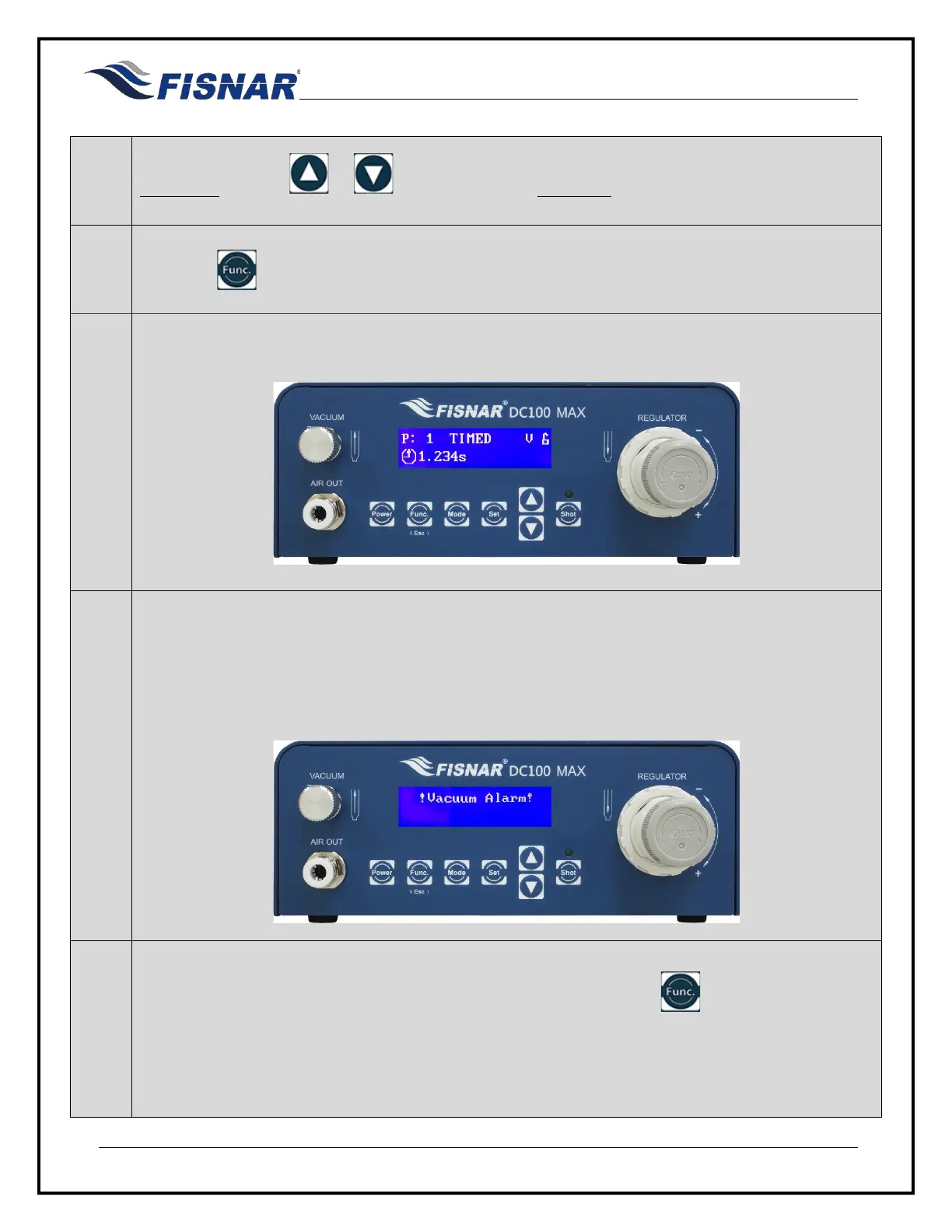
A letter “V” will be displayed on the home screen when this function is turned ON.
8.
Whenever the vacuum is outside of the set tolerance, the letter “V” will flash and it will not be
possible to actuate the machine. Pin #6 of the I/O output circuit will also be activated.
If the machine is actuated when the Vacuum Alarm is activated, a pop-up message “!Vacuum
Alarm!” will be displayed on the screen and an audible noise heard.
9.
The pop-up message “!Vacuum Alarm!” is removed by pressing the button or momentarily
(two (2) seconds) activating pin #16 of the I/O input circuit.
Adjust the vacuum control knob on the front of the machine as needed.



 To Next Page