DC100 MAX Digital Dispenser Operating Manual
© 2023 Fisnar - 40 - DC100 MAX Rev 4
FUNCTION MENU
9. Dispense Limit
This function allows the user to
set the total number of dispense cycles that the machine is able to
complete. A visual alarm will trigger once the Dispense Limit has been reached preventing the machine
from being actuated further until the Dispense Limit has been reset.
1.
When the Dispense Limit page is displayed, press the button to enter into the setting page
for the Dispense Limit.
2.
Use the or buttons to set the total number of dispense cycles that the machine is able
to complete before the !limit Alarm” message is activated.
3.
Press the button to exit the selected function setting.
4.
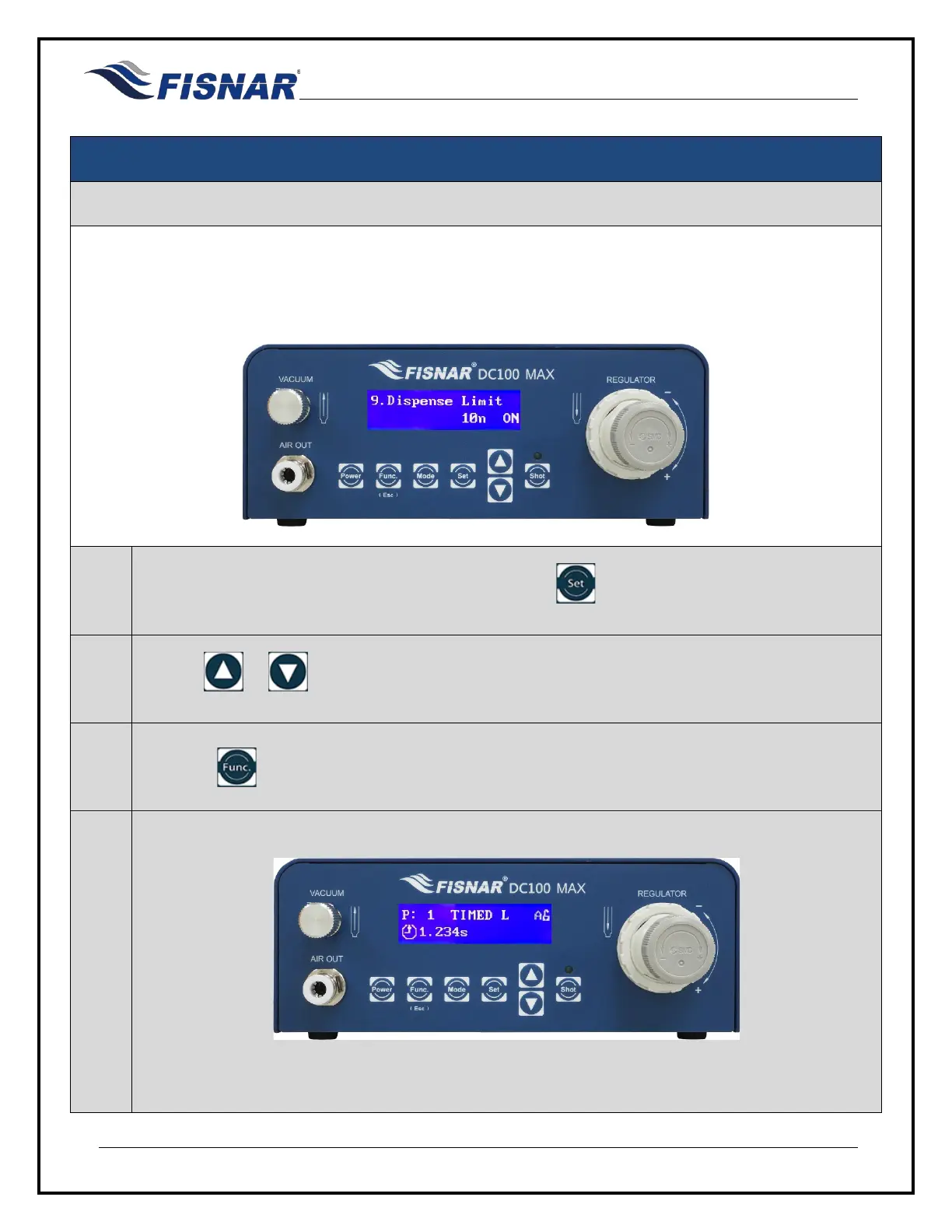
A letter “L” will be displayed on the home screen when this function is turned ON.
The remaining dispense cycles (L) before the Dispense Limit is reached, can be seen counting
down when the Function display screen is selected.



 To Next Page