DC100 MAX Digital Dispenser Operating Manual
© 2023 Fisnar - 50 - DC100 MAX Rev 4
FUNCTION MENU
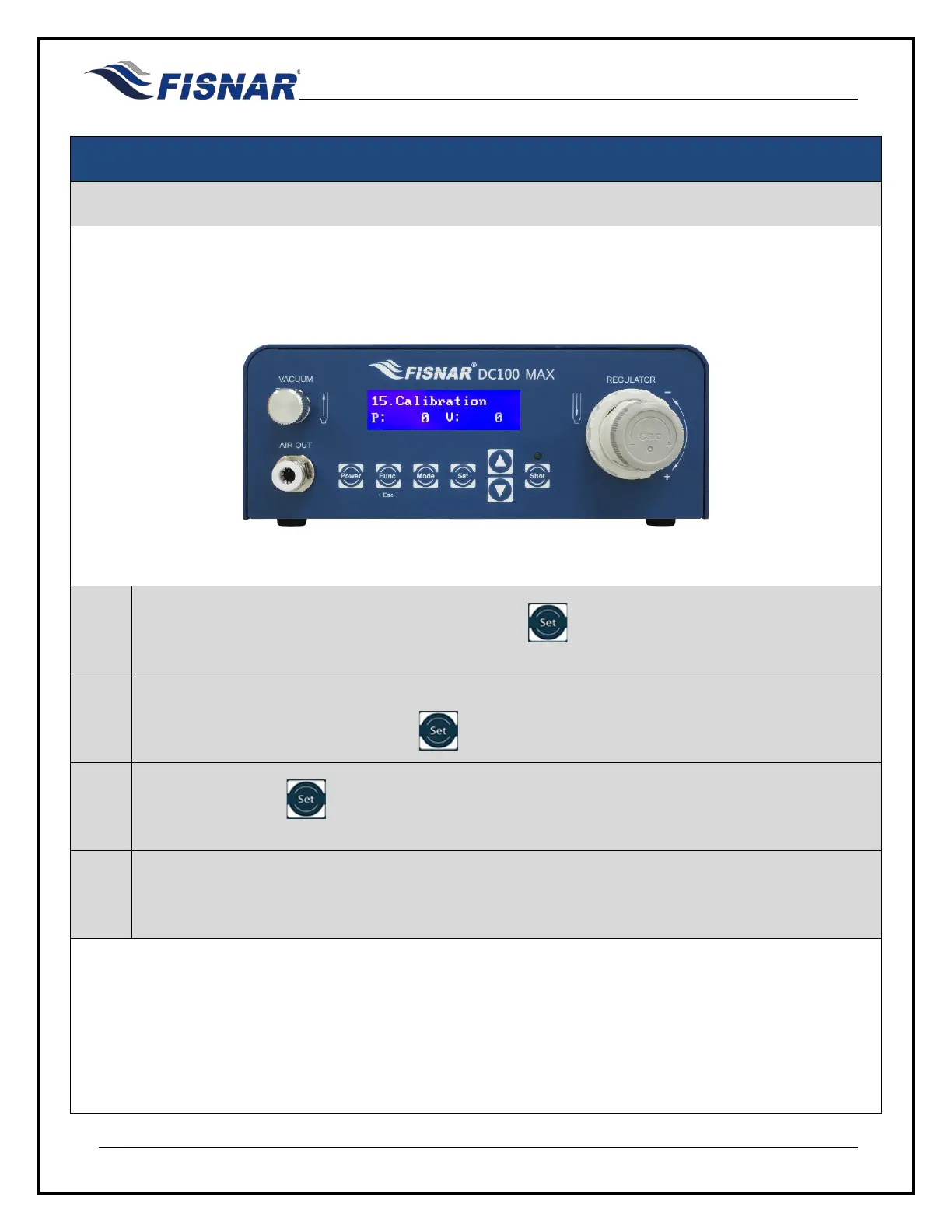
15. Calibration
This function allows the user to calibrate the digital pressure and vacuum gauge to the atmospheric and
environmental conditions where the machine is being used.
1.
When the Calibration page is displayed, press the button to enter into the setting page for
the Calibration.
2.
Follow the prompt on the screen to confirm that the Main Air In hose has been removed from the
back of the machine by pressing the button.
3.
Press and hold the button for 3 seconds to calibrate the pressure and vacuum gauge on the
machine.
4.
After the pressure and vacuum gauge has been calibrated, the machine will automatically return
back to the function menu.



 To Next Page