DC100 MAX Digital Dispenser Operating Manual
© 2023 Fisnar - 43 - DC100 MAX Rev 4
FUNCTION MENU
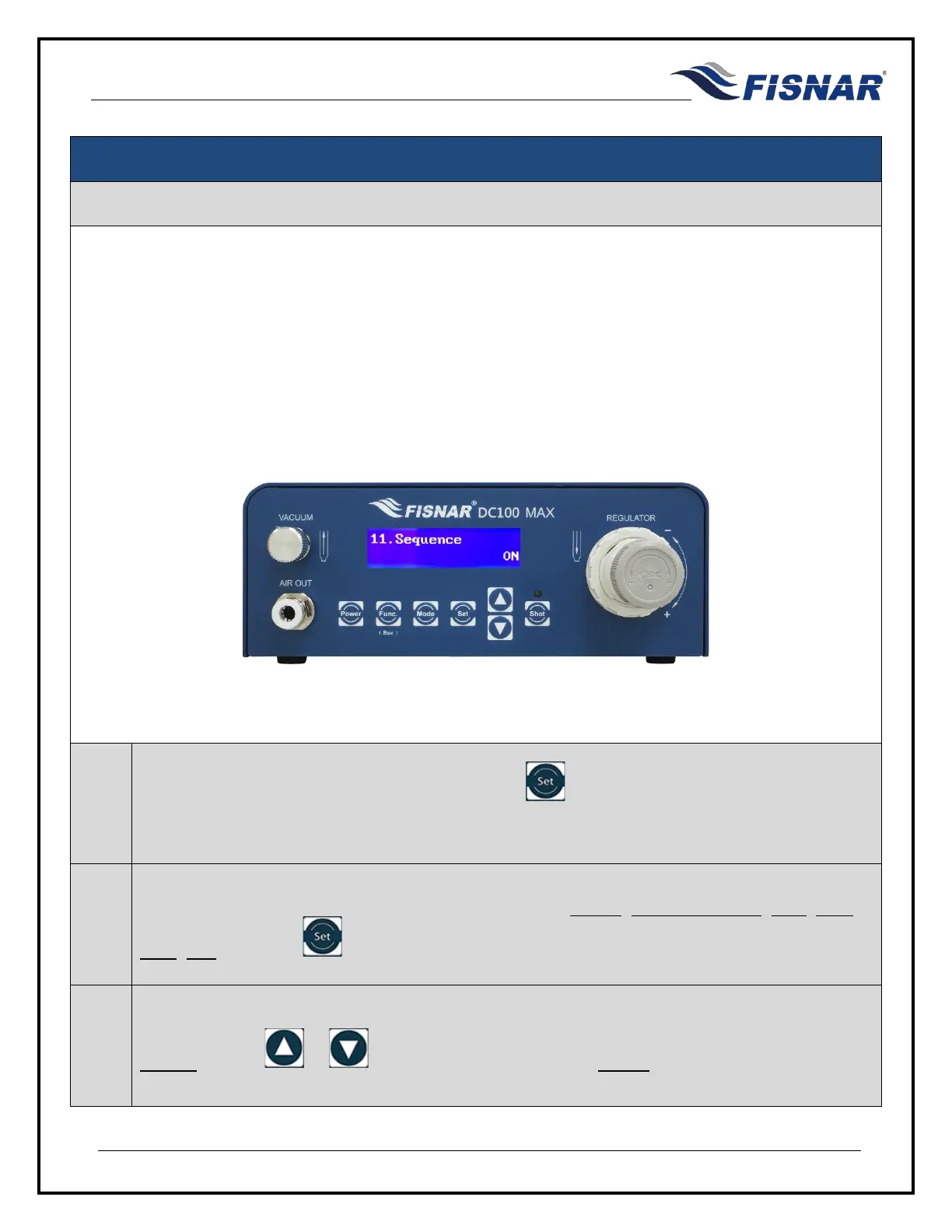
11. Sequence
This function allows the user to create and run a sequence of programs one after the other. The user is
able to control when the machine changes from one program to another by either shot count or time.
This function is particularly useful when dispensing multi-component (2K) materials which have strict pot-
life or working life dispense requirements.
This allows the machine to maintain a consistent shot size / dispense volume by increasing the dispense
time as the material is increasing in viscosity.
1.
When the Sequence page is displayed, press the button to enter into the setting page for
the Sequence.
2.
There are six (6) adjustable parameters for this function: MODE, Program Change, Shot, Time,
Start, End. Press the button to scroll through these parameters.
3.
MODE: Use the or buttons to turn the Sequence MODE On or Off.



 To Next Page