DC100 MAX Digital Dispenser Operating Manual
© 2023 Fisnar - 39 - DC100 MAX Rev 4
FUNCTION MENU
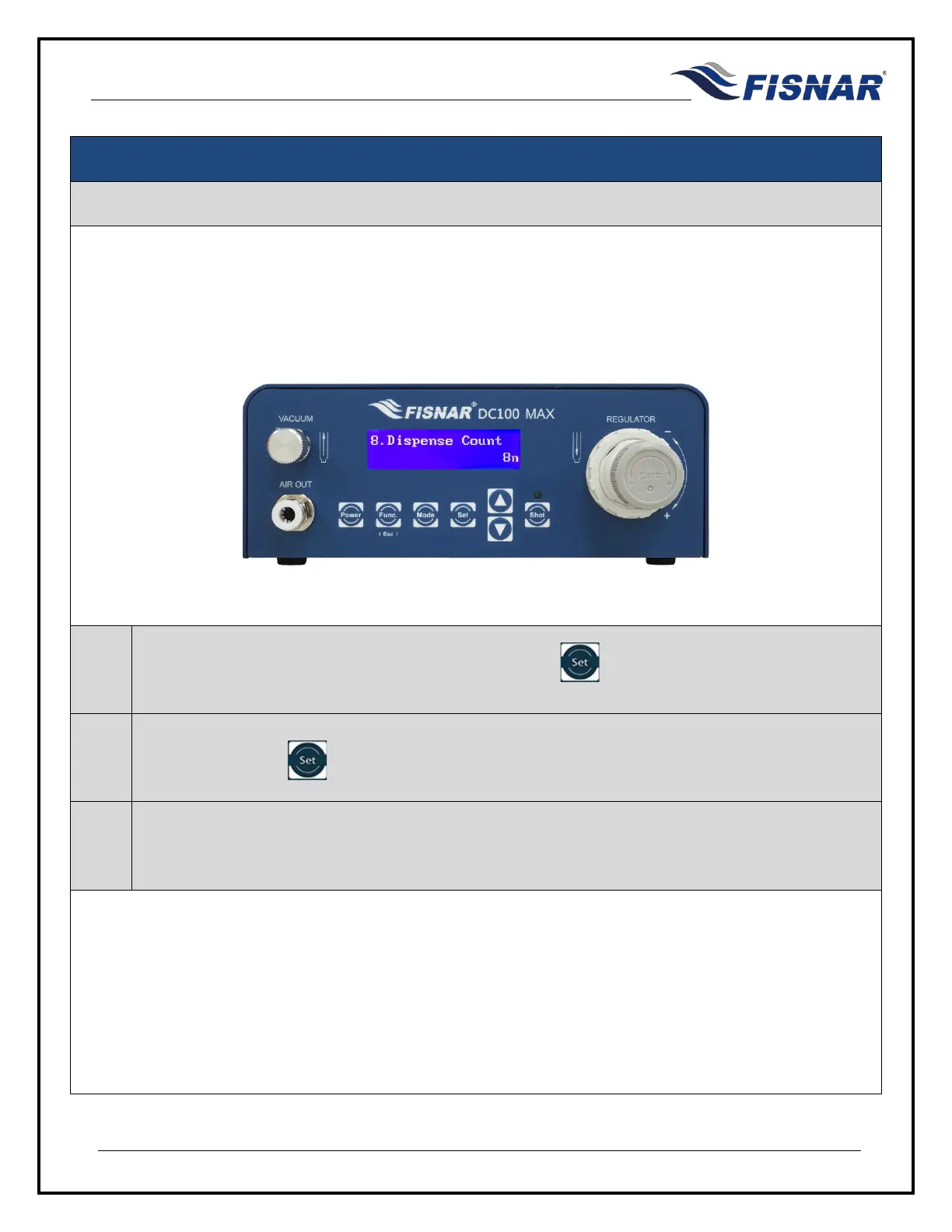
8. Dispense Count
This function displays the total number of completed cycles made by the machine. Every dispensing signal
from all modes is accumulated to the Dispense Count counter.
The counter is resettable.
1.
When the Dispense Count page is displayed, press the button to enter into the setting page
for the Dispense Count.
2.
Press and hold the button for 3 seconds to reset the Dispense Counter to zero (0).
3.
After the dispense counter has been reset, the machine will automatically return back to the
function menu.



 To Next Page