DC100 MAX Digital Dispenser Operating Manual
© 2023 Fisnar - 57 - DC100 MAX Rev 4
FUNCTION MENU
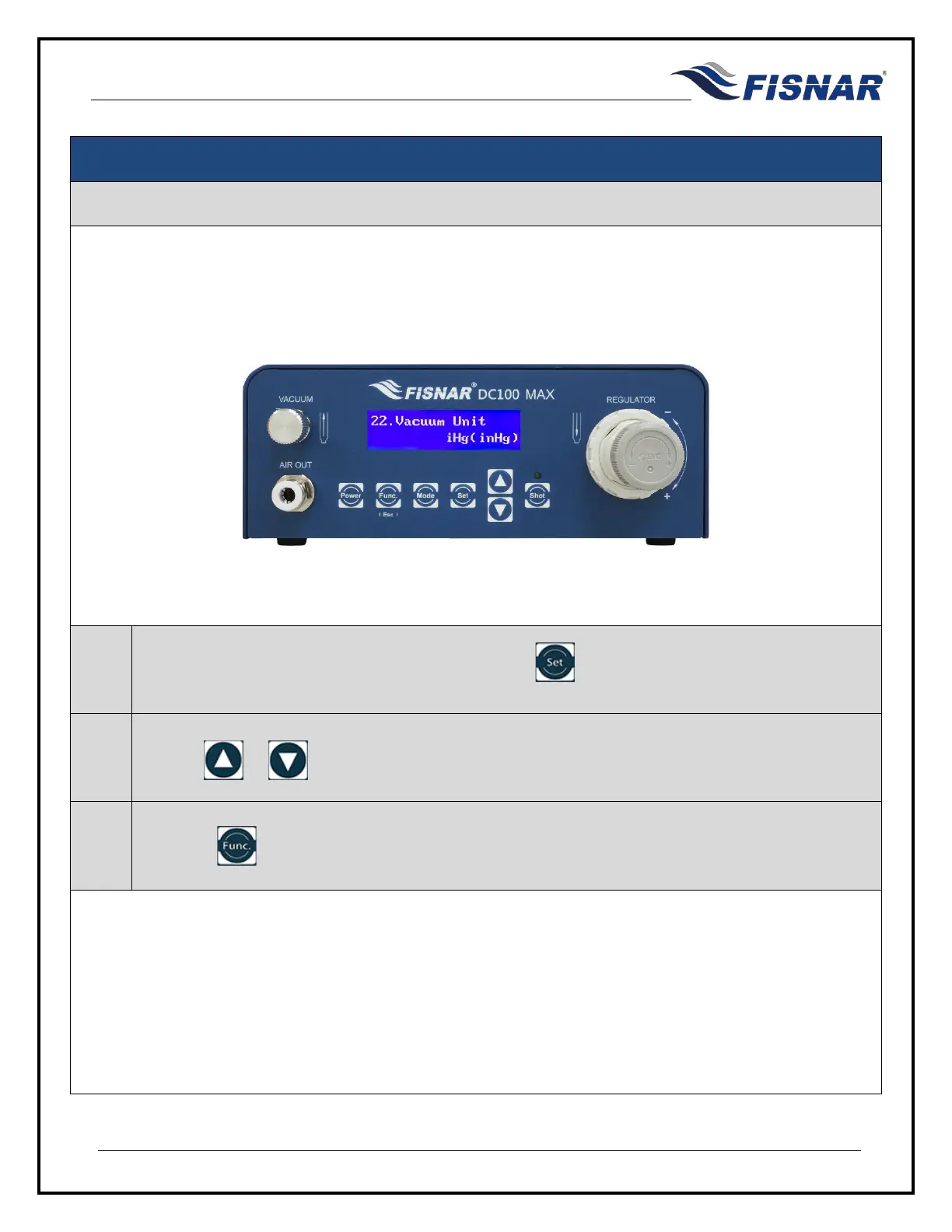
22. Vacuum Unit
This function allows the user to select the vacuum units of measurement that will be displayed on the
screen. The user can select inHg, inH2o, or kPa.
1.
When the Vacuum Unit page is displayed, press the button to enter into the setting page for
the Vacuum Unit.
2.
Use the or buttons to set the required vacuum unit of measurement.
3.
Press the button to exit the selected function setting.



 To Next Page