DC100 MAX Digital Dispenser Operating Manual
© 2023 Fisnar - 20 - DC100 MAX Rev 4
DISPENSE MODES
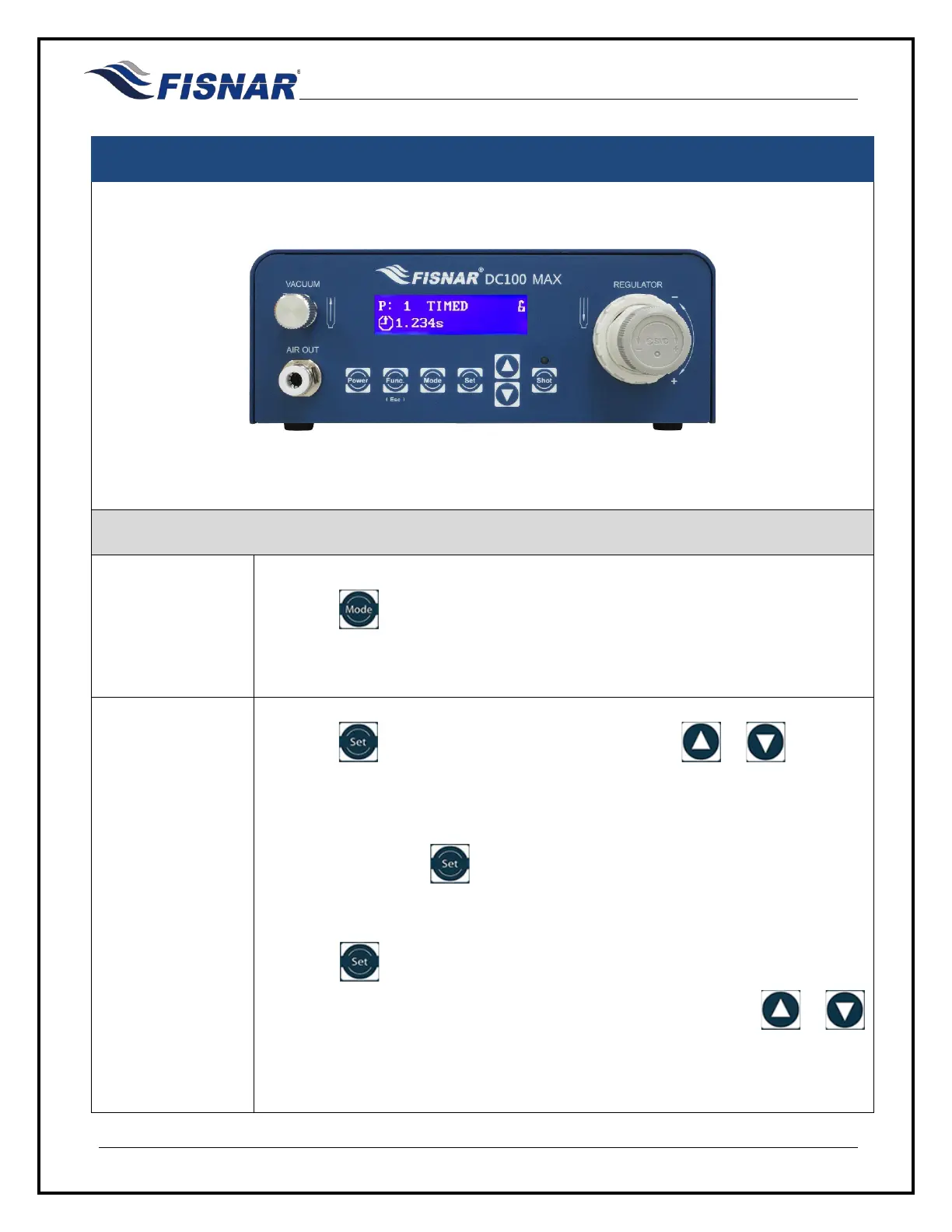
TIMED MODE
1.
Press the button until “TIMED” mode is displayed.
TIMED mode allows the operator to dispense fluid for a set period, regardless of
how long the foot pedal is pressed.
2.
Press the button to set the dispense time. Use the or buttons to
change the individual numeric value. The digit displaying the “_” below it, is the
one that will be adjusted.
Continue to press the button to scroll through the digit positions, adjusting
the numerical values as required.
When the button is pressed after the first digit from the left is displaying “_”
below it, the “_” will move to below the decimal place. Use the or
buttons to move the decimal place into the correct needed position.



 To Next Page