DC100 MAX Digital Dispenser Operating Manual
© 2023 Fisnar - 58 - DC100 MAX Rev 4
FUNCTION MENU
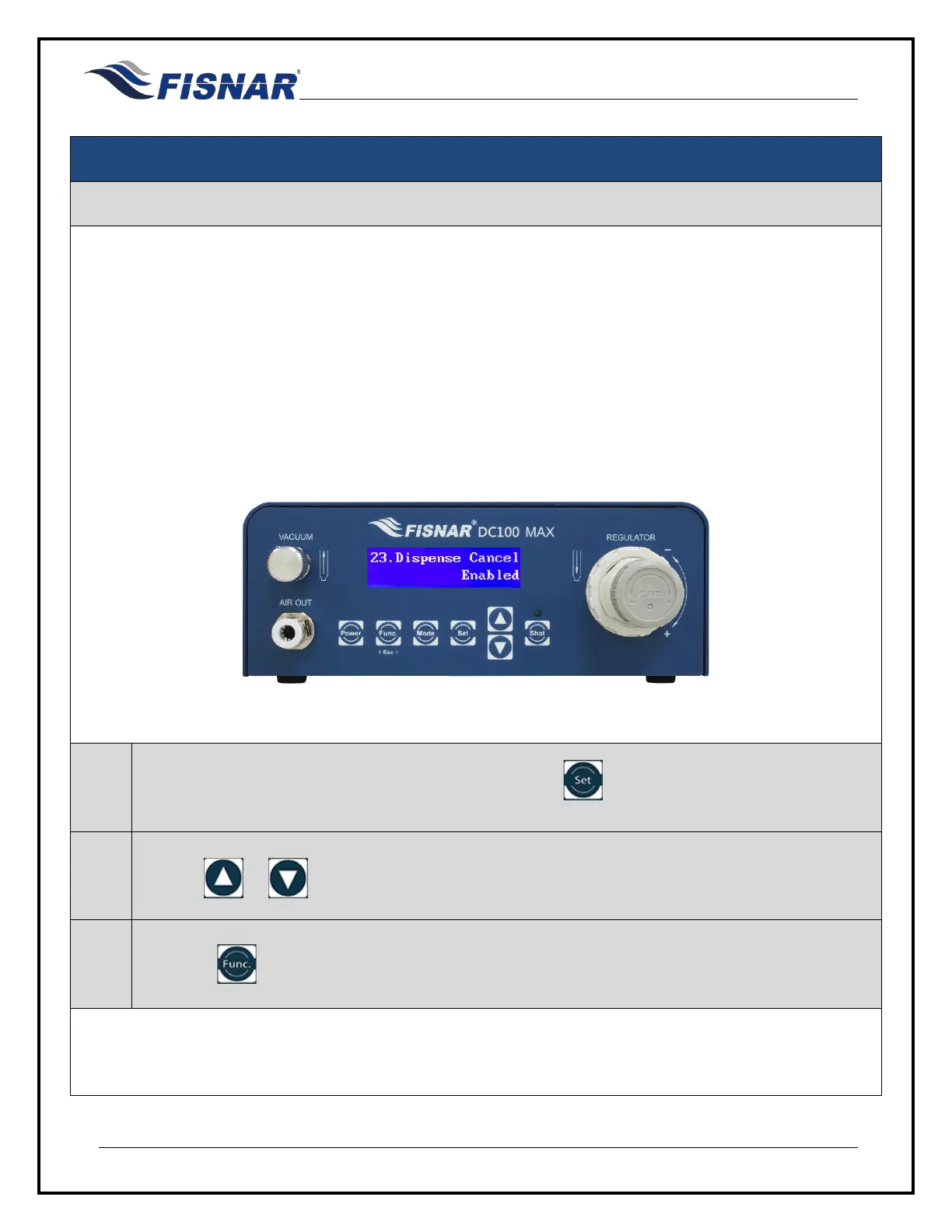
23. Dispense Cancel
This function allows the user to set if the dispense cycle can be cancelled before the end of the dispense
cycle is reached.
This can be useful when the machine is being operated in TIME mode and there is a risk that the foot
pedal switch may be accidentally pressed.
Enabled = The dispense cycle can be cancelled by sending another dispense actuation signal before the
end of the dispense cycle is reached.
Disabled = The dispense cycle cannot be cancelled.
1.
When the Dispense Cancel page is displayed, press the button to enter into the setting page
for the Dispense Cancel.
2.
Use the or buttons to enable or disable the Dispense Cancel function.
3.
Press the button to exit the selected function setting.



 To Next Page