DC100 MAX Digital Dispenser Operating Manual
© 2023 Fisnar - 59 - DC100 MAX Rev 4
FUNCTION MENU
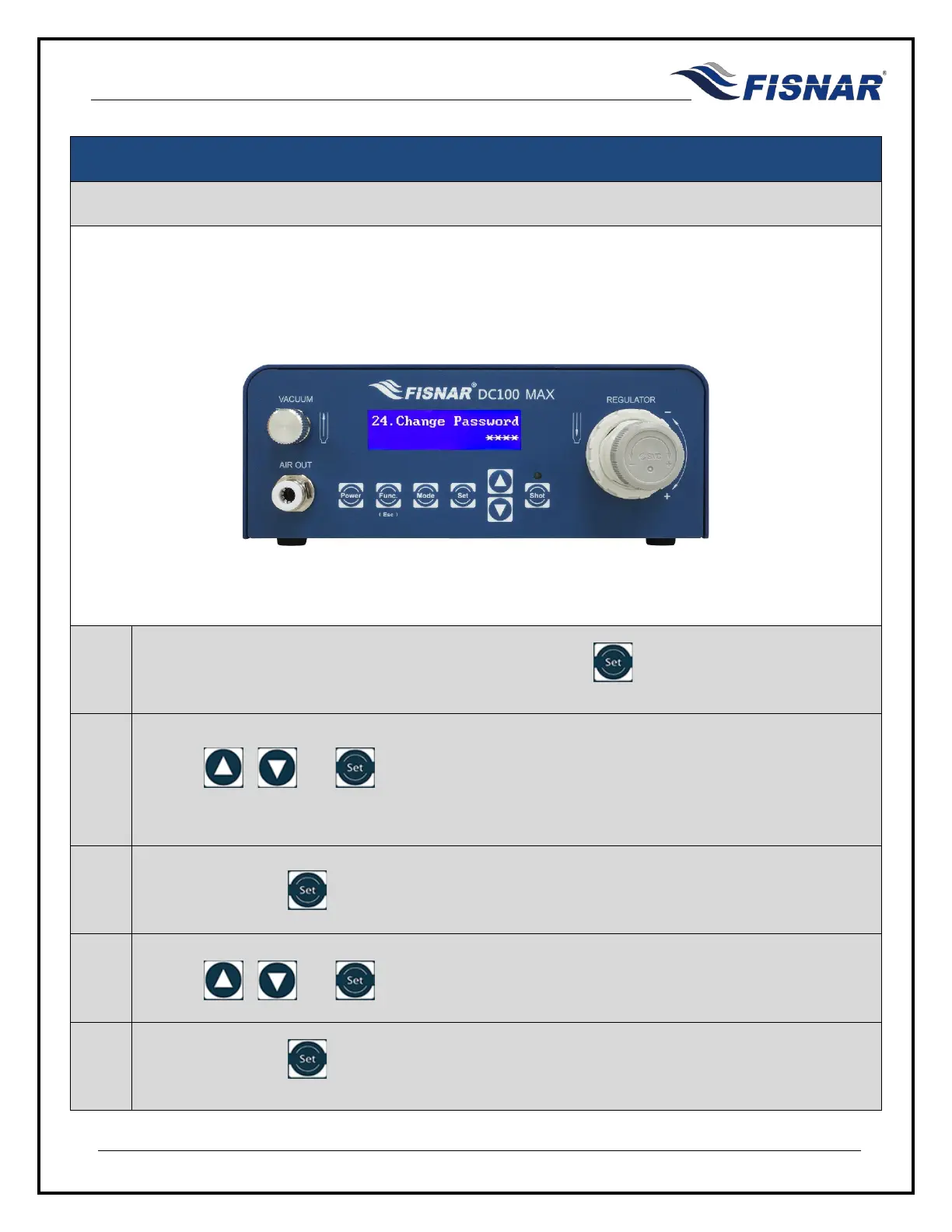
24. Change Password
This function allows the user to change the password that is used to enter into the function menu when
the Operator Lockout function is activated.
1.
When the Change Password page is displayed, press the button to enter into the setting
page for the Change Password.
2.
Use the , and buttons to enter the current password (1111).
If the password is forgotten a master password (1985) can be entered, to reset a new password.
3.
Press and hold the button for two seconds.
4.
Use the , and buttons to enter the new password.
5.
Press and hold the button for three seconds. The machine will then automatically exit back
to the function menu.



 To Next Page