DC100 MAX Digital Dispenser Operating Manual
© 2023 Fisnar - 60 - DC100 MAX Rev 4
FUNCTION MENU
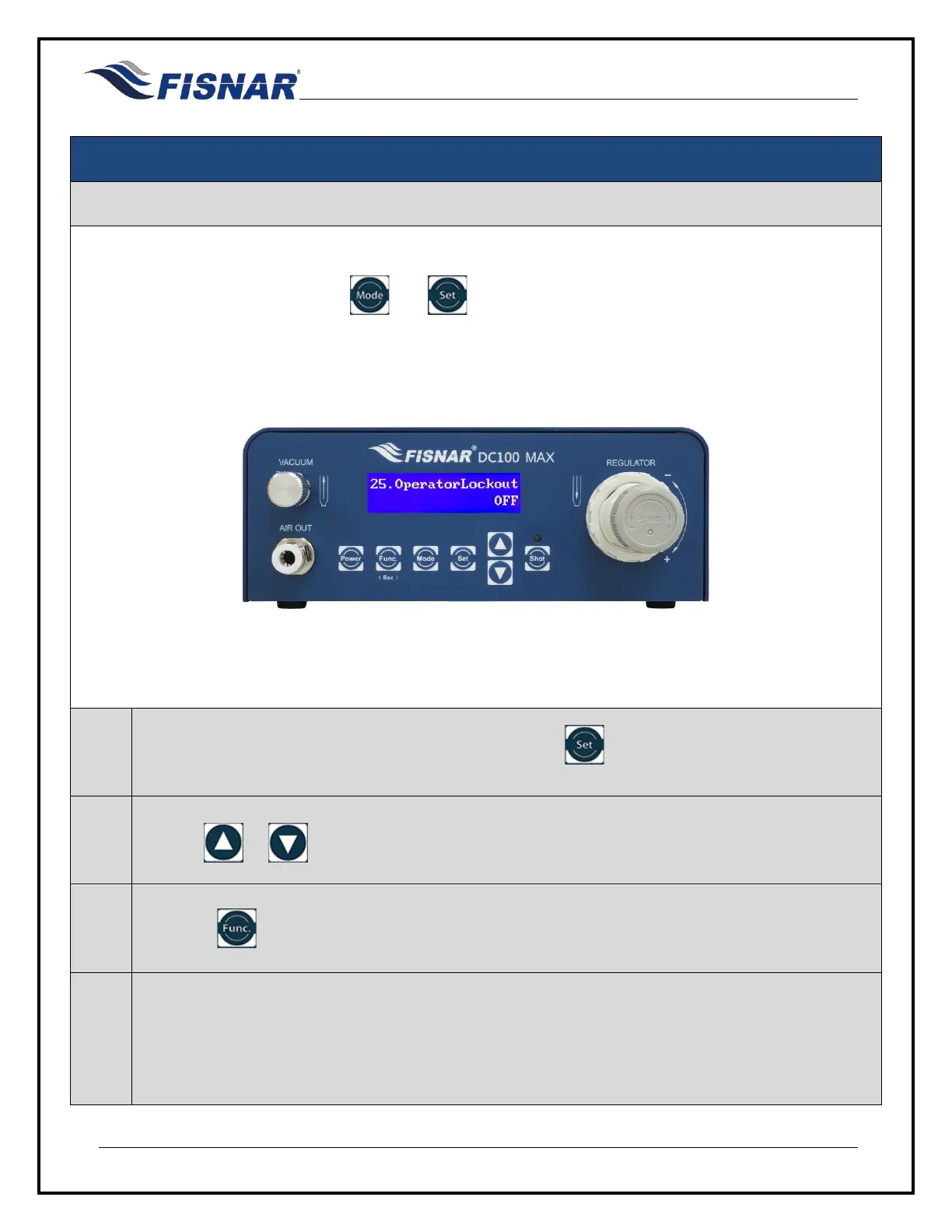
25. Operator Lockout
This function allows the user to prevent the operator from making an adjustment to the machine settings
or parameters. When activated, the and button are disabled and access to the Function Menu
is password protected
1.
When the Operator Lockout page is displayed, press the button to enter into the setting page
for the Operator Lockout.
2.
Use the or buttons to switch ON or OFF the Operator Lockout function.
3.
Press the button to exit the selected function setting.
4.
To confirm if the Operator Lockout has been activated on the machine, refer to padlock symbol on
the home screen.
Padlock in locked state = Operator Lockout ON
Padlock in unlocked state = Operator Lockout OFF



 To Next Page