DC100 MAX Digital Dispenser Operating Manual
© 2023 Fisnar - 30 - DC100 MAX Rev 4
6.
Press the button to exit the selected function setting. The Glue Alarm Time will automatically
start after exiting the Function menu back into the home screen.
7.
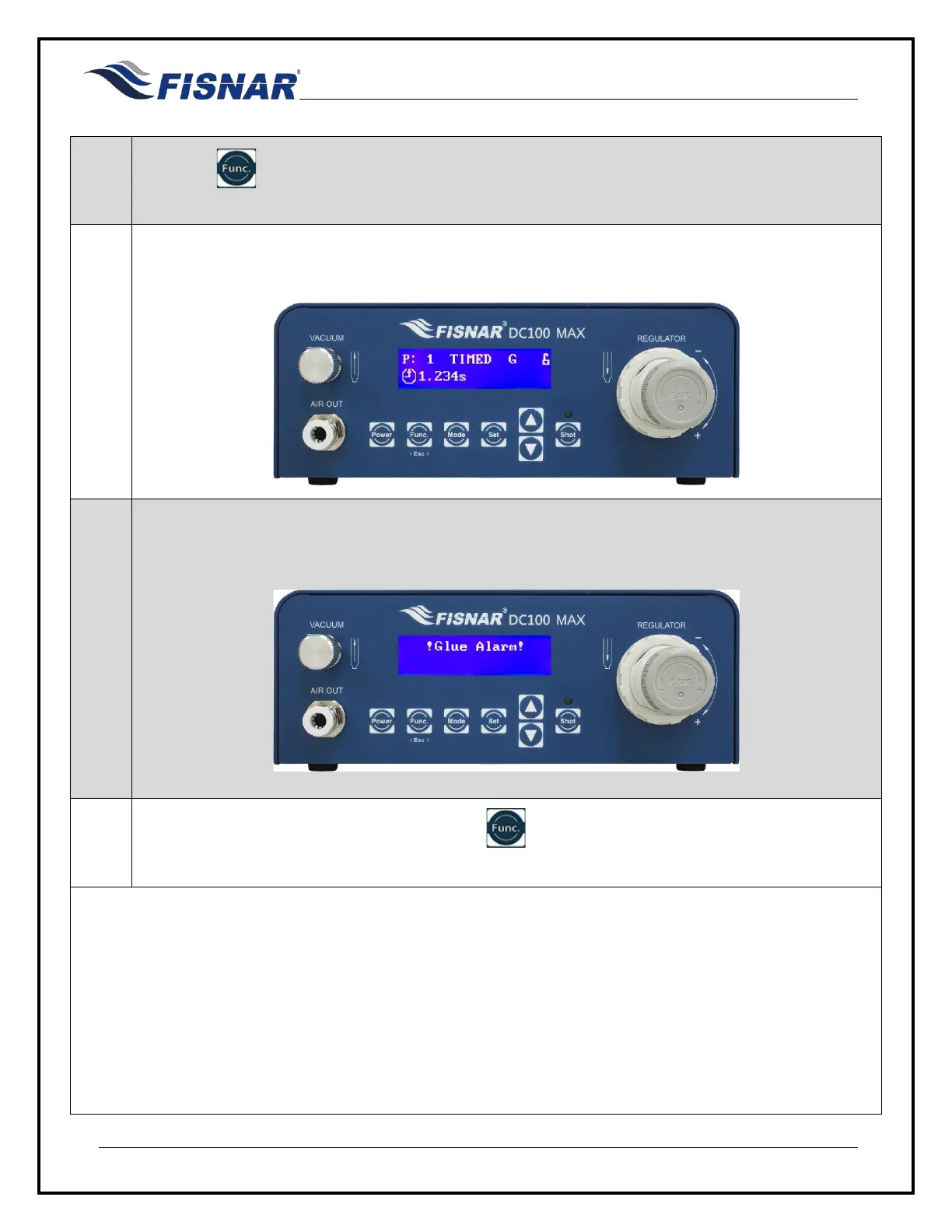
A letter “G” will show on the home screen when this function is turned ON. The Glue Alarm time
left (G) can be seen counting down when the Function display screen is selected.
8.
When the timer reaches zero (0), the text “G” will flash and a pop-up message “!Glue Alarm!” will
be displayed on the screen. Pin #6 of the I/O output circuit will also be activated.
9.
The Glue Alarm Time is reset by pressing the button or momentarily (two (2) seconds)
activating pin #16 of the I/O input circuit.



 To Next Page