FLEX-6000 Signature Series – Maestro User Guide
Page 14
Copyright 2019 FlexRadio Systems. All Rights Reserved.
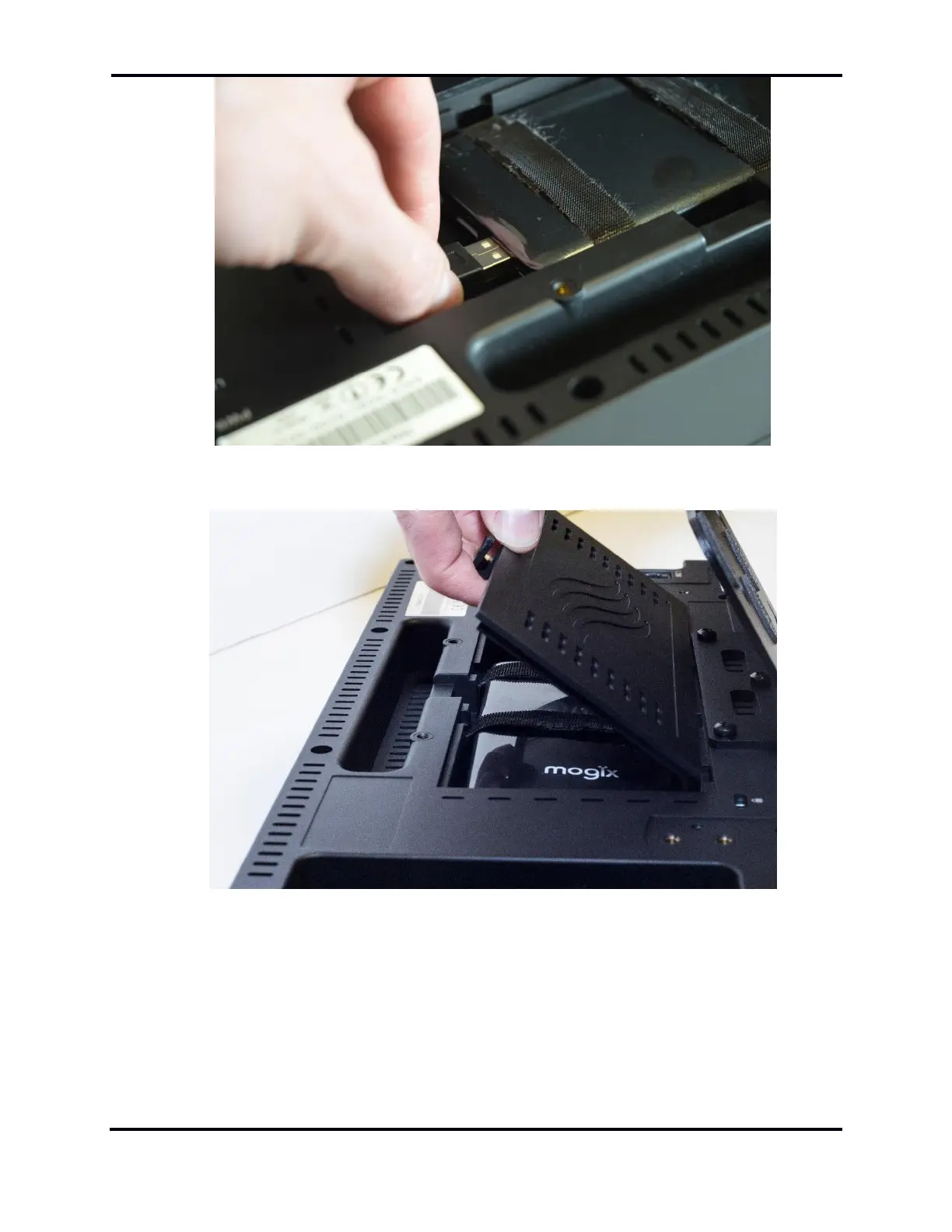
Make the battery power connection with the USB Type A plug to the battery drain connector.
Close the battery door and press the latch until it engages. Make sure the battery and the
connected battery power cable fit completely inside the compartment and do not interfere with
the door as it is closed.



 To Next Page
 Loading...