Multifunction Tester
Measurements
29
The voltage mode has no setup settings. The results are automatically measured and there is
no need to press
T.
To measure voltage and frequency:
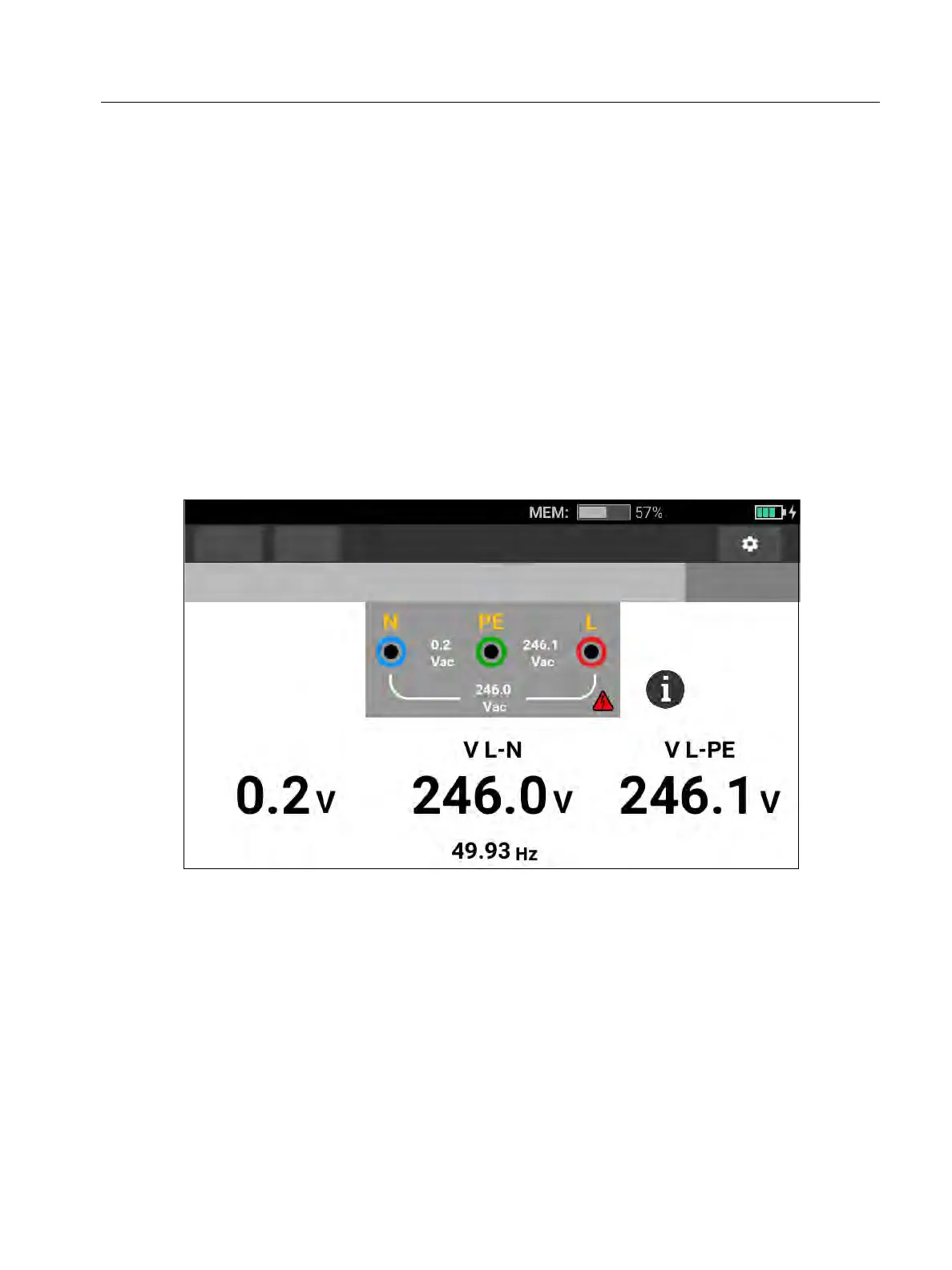
1. Select the Voltage mode. See Figure 8.
2. Select any pair (red, blue, or green) of terminals for this test. You can use test leads or the
mains test cord when you measure ac voltage.
The display shows the ac voltage for each pair. The Tester reads ac voltage ≤660 V.
Higher voltages show as overload (OL).
The display shows the mains frequency below the ac voltage measurements.
Invalid test result shows as _ _ _ on the display.
p is available in Volts mode to show a connection diagram.
Figure 8. Volts and Frequency Measurement Screen
Note
The displayed voltages are valid only if the selected test leads (including installation
wires) are connected and not broken.
Functions
Form
Voltage
No Limit
No project selected



 To Next Page