Power Recorder
Graph Toolbars
37
Table 8. Main Toolbar Contents (cont.)
Button Description
Take Snapshot. Takes a snapshot of the current power
measurements. Available only in 1750 Live views.
Insert Annotation. Inserts an annotation marker. Available
only in 1750 Live views
Help. Lets you get information about buttons on the screen and
commands in the menus. Click the Help tool button and then
the item you want information about. For information about the
contents of the main graph area, click the Help button at the top
of the Graph controls on the right side.
Window List. Lets you switch between multiple windows in the
same recorded data file.
Graph Toolbars
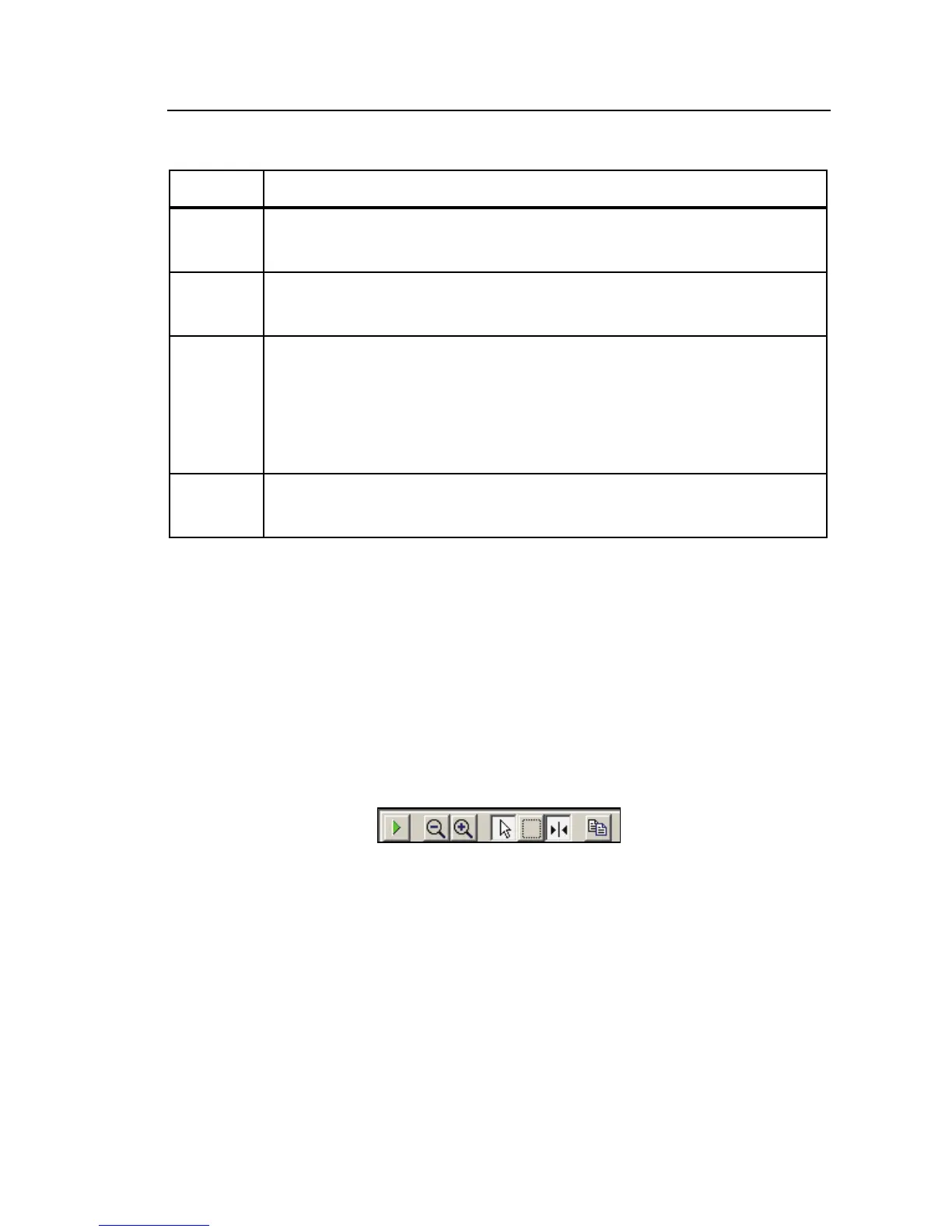
When you view data on graphs, special toolbars are available to help you work
with that data. Figure 8 shows a sample Graph Toolbar and Table 5 describes
the contents of the toolbar.
The particular tools available vary depending on the contents of the graph. The
screenshot below shows some of the tools that appear on graph toolbars, and
more detailed information about specific features follows that.
bae105s.bmp
Figure 8. Graph Toolbar



 To Next Page
 Loading...












