1750
Getting Started Guide
42
Working with Annotations
Annotations are optional markers that can be inserted by the Recorder operator
to flag a particular point in the data when recording. They are usually inserted
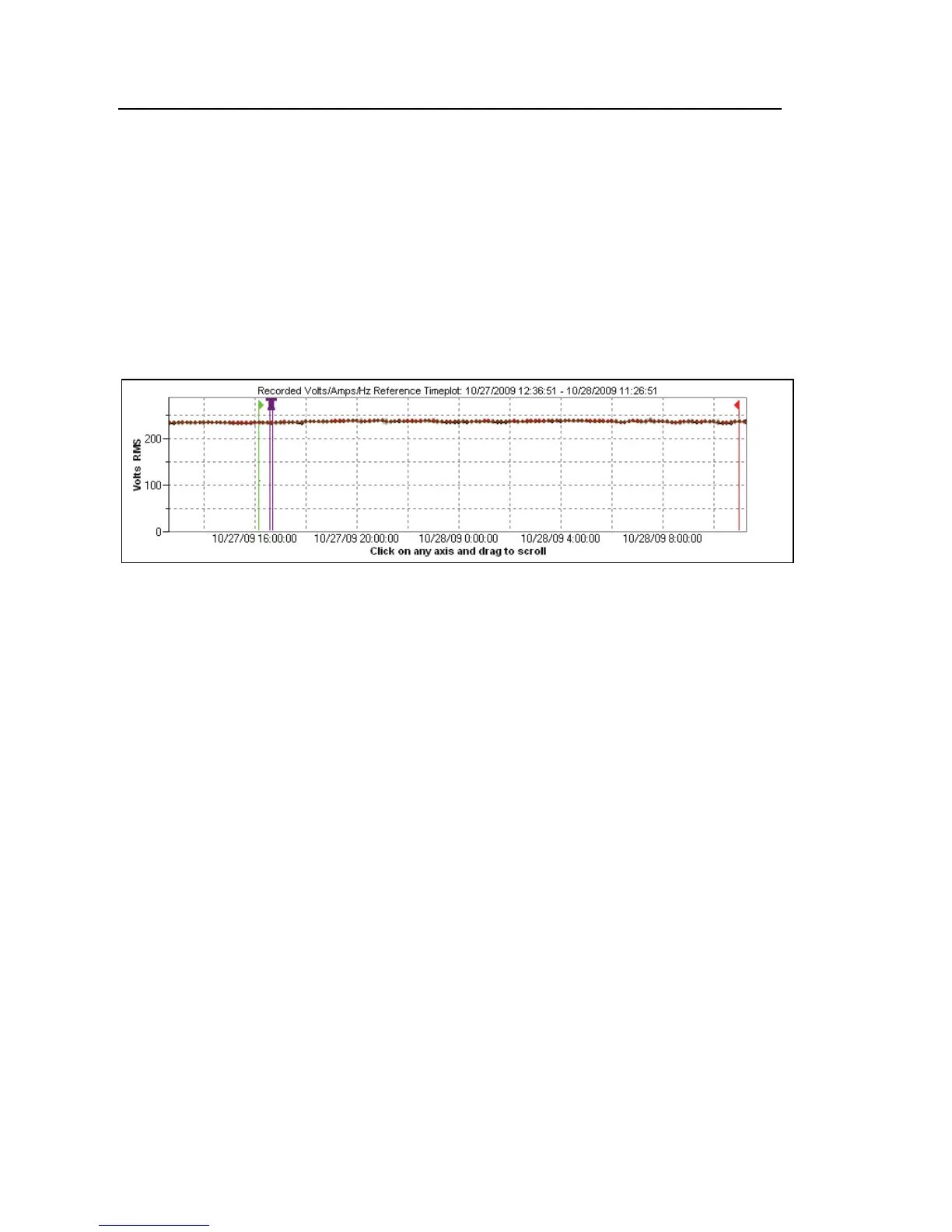
on using Power View with the wireless PDA. Figure 11 shows a sample
Annotation View screen.
Annotations can be used to help select what data to download, and to provide
additional information when reviewing recorded data in the Summary view.
azd221.bmp
Figure 11. Annotation View
There are five types of annotations:
• Start annotation (green)
The Start annotation can be used to signify where important data
begins. For example, the operator might want to establish a start
annotation after having finished all probe connections and instrument
setup, to indicate that any preceding data was preliminary.
Note
You are not limited to using the Start and Stop annotations in pairs,
or to show a range of data. You can use each as many times as
desired to mark a particular point during recording.
• Stop annotation (red)
The Stop annotation can be used to signify where important data
ends.



 To Next Page
 Loading...












