Section 4: Using the Model 9100: DC Voltage Function 4.3-9
Final Width = 215mm
4.3.5.4 To Reconfigure High Voltage State Thresholds
N.B. A password will be required for access when changing thresholds.
The High Voltage State thresholds have default values as given in Paras 4.3.5.3. These
values can be changed locally by entering a menu in Configuration Mode. When
changing values, the following procedure should be used:
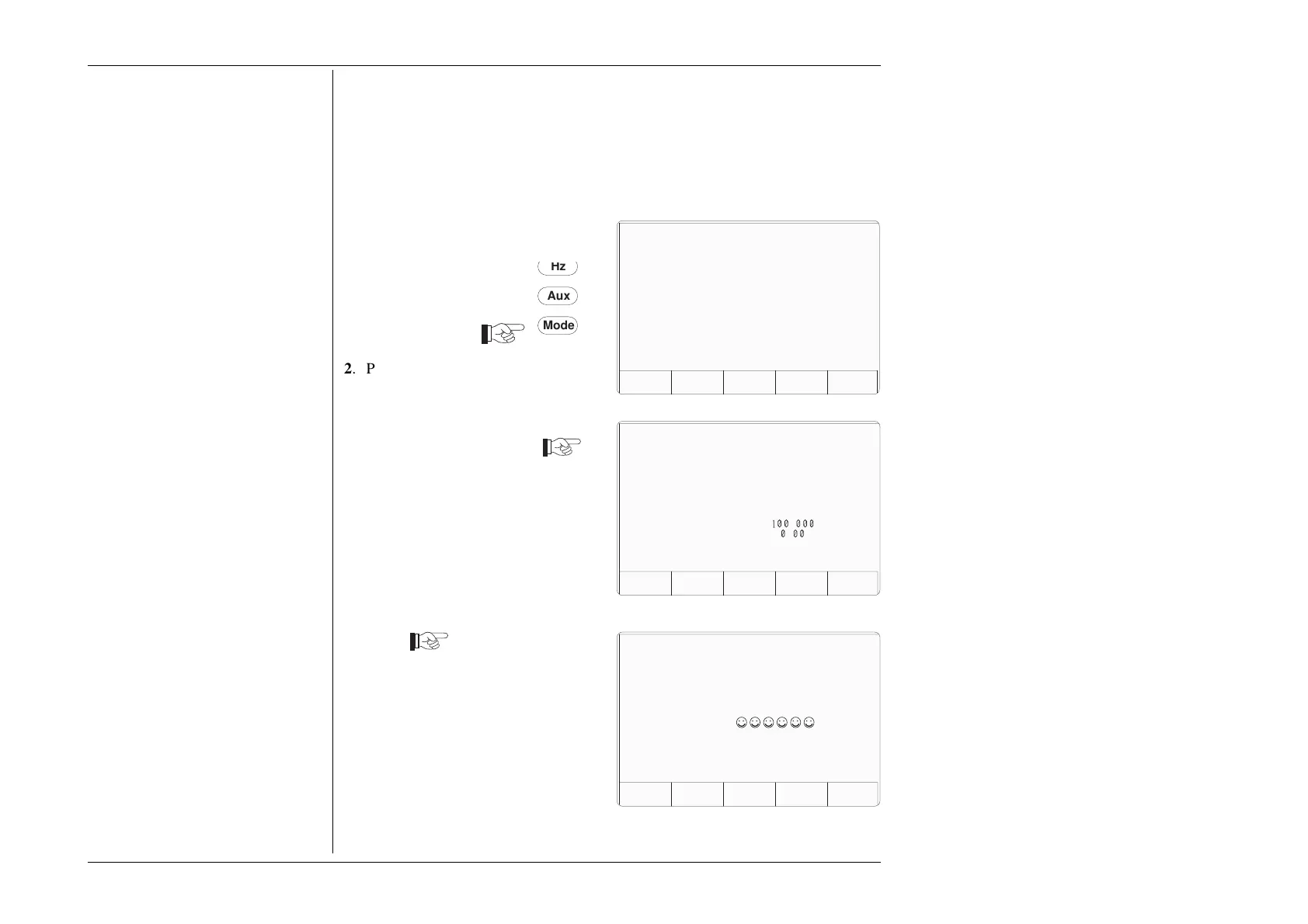
1. Press the Mode key on the right of
the front panel to obtain the 'Mode
Selection' menu screen
Passwords and Access
1. All Configuration mode selections,
other than the viewing angle, require
a password. When the 9100 is
shipped from new, the password
requirement is enabled to avoid
unauthorized access.
2. It is recommended that both
passwords be changed, for security
purposes, at the earliest
opportunity.
3. The shipment 'Configuration'
password is 12321 (as typed on the
front panel keypad when the
Password Entry screen for
Configuration mode is showing).
It is stated here to allow entry to
Configuration mode by personnel
authorized by local management,
and permit subsequent access to the
means of altering the password
itself. The necessary process is
detailed in Section 3 Paras 3.3.2.23
and 3.3.2.25.
Mode
Aux
z
2. Press the CONFIG screen key at
the center of the bottom row to
progress into 'Configuration' mode.
The 9100 will transfer to the open
'Configuration' menu screen
The present DC/RMS 'Safety
Voltage' value is given in the list
(default value shown).
3. 'VOLTAGE LIMIT' changes
require a password. Press the
MORE screen key on the right of
the bottom row. The 9100 will
transfer to the 'Password Entry'
screen
4. When entering the password via the
alpha-numeric keyboard, security
icons appear on the screen as you
type. Finally press the ↵ key.
If the password is incorrect: an error
message will be given and the
security icons will be removed,
enabling a new attempt to enter the
password.
Continued Overleaf
→
TODAYS DATE TIME
PROC MANUAL CONFIG CALIB TEST
Mode Selection
Select required mode using softkeys
TODAYS DATE TIME
MOREVIEW
Configuration
Present Settings:
Language English
Power-up mode Manual
Bus Address 1
Printer NONE
Results Card Disabled
Safety Voltage
.
V
Border Line 7
.
%
Scope option Option 600
Crystal option High acc
Ser. No. XXXXXX Rev. XXX
TODAYS DATE TIME
For Configuration
Password Entry
EXIT
Enter password :



 To Next Page