4.3-10 Section 4: Using the Model 9100: DC Voltage Function
Final Width = 215mm
5. The correct password, followed
by ↵, will provide entry to the
main 'Configuration' menu screen,
showing the present setting of the
'Safety Voltage' (always the upper
threshold value)
Note: Out-of-Range Indication
The valid range of limit values is from 10V to 110V. When values outside this range are
entered, a message will appear on the screen to indicate the permitted range, and the
'EXIT' screen key label will be replaced by 'OK'. By pressing 'OK' the original value is
reinstated and the message disappears, for a second attempt.
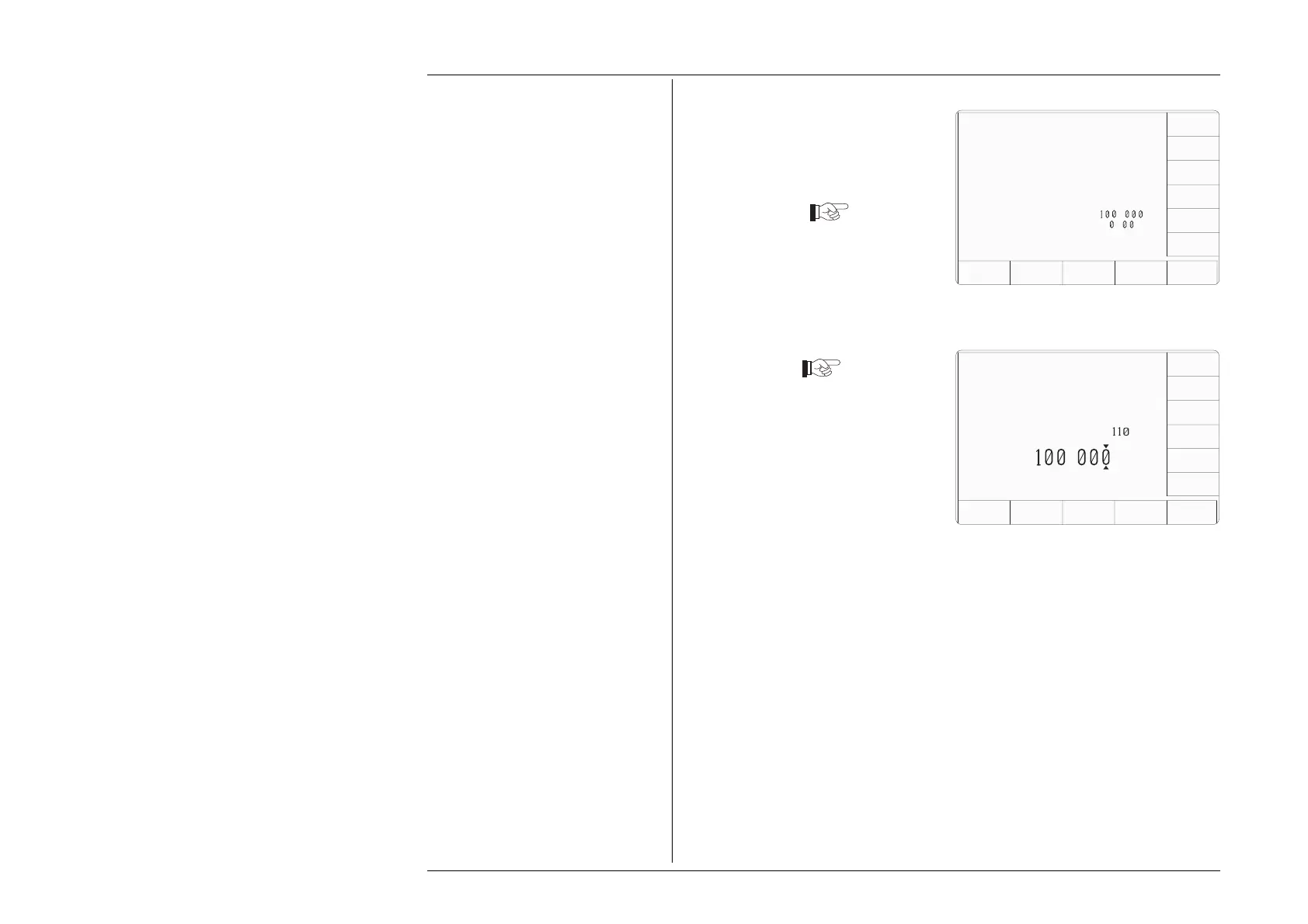
6. To change the Safety Voltage,
press the VOLTAGE LIMIT
screen key at the left of the bottom
row. This transfers to a
configuration screen designed for
changing the 'Voltage Limit'. In
our representation, the default
value is shown
7. Use Digit edit or Direct edit to set
the required high voltage warning
limit (UPPER threshold). If using
Direct edit, after typing the value
press the ↵ key (or press the Direct
edit 'V' screen key in the right-
hand column).
The 'DEFAULT 100V' screen key
can be used for a level of 100V.
10.Press the MANUAL screen key to
return to Manual mode and the DC
Voltage function. The new value of
High Voltage state threshold is now
active.
Return to DC Voltage Function
8. Press the EXIT screen key to return to
the 'Configuration' menu screen. The
new high voltage threshold value appears
on the 'Current Settings' list.
9. Press the Mode key at the right of the
front panel to return to the 'Mode
Selection' menu screen.
4.3.5.4 To Reconfigure High Voltage State Thresholds
(Contd.)
Configuration
VOLTAGE
LIMIT
DATE
TIME
BORDER
LINE
SELECT
LANG
MORE
POWER
UP MODE
BUS
ADDRESS
PRINTER
RESULTS
CARD
CLEAR
USER
LIST
TODAY'S DATE TIME
Present Settings:
Language English
Power-up mode Manual
Bus Address 1
Printer NONE
Results Card Disabled
Safety Voltage
.
V
Border Line
7
.
%
Scope option Option 600
Crystal option High acc
Ser. No. XXXXXX Rev. XXX
TODAYS DATE TIME
Configuration
EXIT
The high voltage warning limit
can be changed by using
digit or direct editing.
The maximum value is
V
Limit =
DEFAULT
100V
.
V



 To Next Page