4.9-4 Section 4: Using the Model 9100: Frequency Function
Final Width = 215mm
Help Available!
Section 3 Editing Tutorials.
4.9.4.1 Editing Output Frequency
Frequency values can be changed using 'Digit' and 'Direct' edit facilities. The editing
processes are not described in Section 3, but follow the same general rules as for editing
voltages.
The resolution of frequency values is set at six significant digits, leading to six frequency
spans of constant resolution.
The thresholds between resolutions of frequency are given in paras 4.9.5.1.
Hardware configurations for frequency change are given in paras 4.9.5.2.
4.9.4.2 Editing High and Low Voltage Levels
High Level and Low Level values can be changed using 'Digit' and 'Direct' edit facilities
as described in Section 3. On the
'Hz' menu screen (illustrated on page 4.9-2) the high level
value is placed on the left, beneath the output frequency value, with the low level value
on the right.
Default Output Waveshape
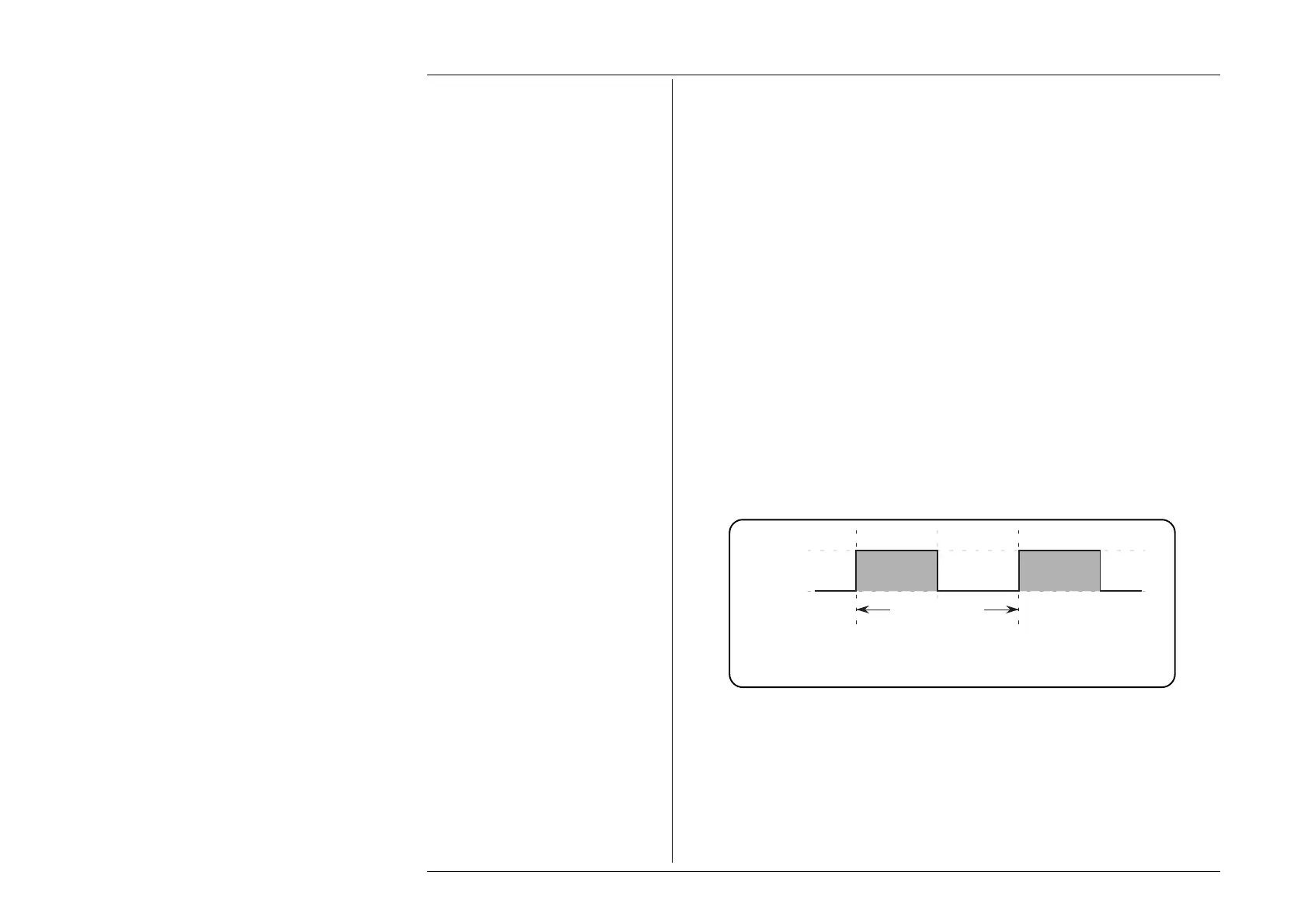
The default output is a 1kHz symmetrical square wave (equal mark and space durations;
i.e. 50% duty cycle) with its low level at 0 volts, and its high level at +5V, as shown below
in Fig 4.9.1:
4.9.4 Value Editing
Mark
= 500µs
Space
= 500µs
Period = 1ms
Repetition Rate = 1kHz
High Level
= +5V
Low Level
= 0V
Fig. 4.9.1 Frequency Function —
Default Output Waveshape



 To Next Page