4.13-2 Section 4: Using the Model 9100: Capacitance Function
Final Width = 215mm
4.13.2 Selection of Capacitance Function
(Manual Mode selected)
4.13.2.1 'Aux' Key
Capacitance is an 'Auxiliary' function. The Auxiliary menu screen is selected by pressing
the
'Aux' key at the right of the 'CALIBRATION SYSTEM' panel. Capacitance is selected
by pressing the screen key on the bottom row.
4.13.2.2 Default Settings
At power-on, the system defaults into DC Voltage function. Each time the
'Aux' key is
pressed, the system defaults to the 'Auxiliary Functions' menu (Sub-section 4.12).
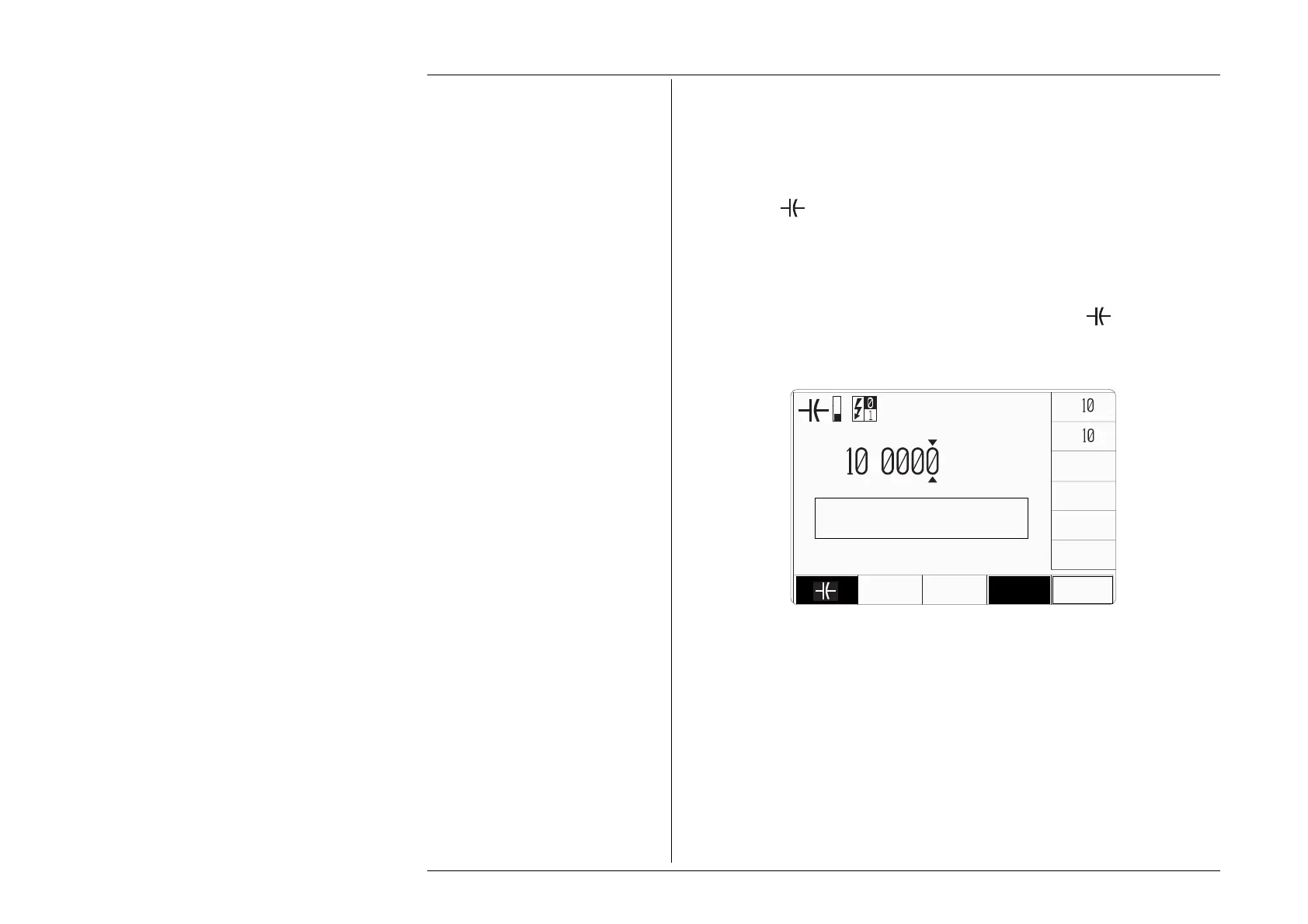
Whenever the Capacitance menu screen is opened by pressing the
screen key on the
'Auxiliary Functions' menu screen, except on recovery from a standby period, it will
appear with the following default settings:
N.B. The 'compensation' message will not always appear — conditions for internal
compensation are described in the left column of the page opposite.
x
∆
÷
U
U
T
i
.
µF
CHANGE
CURRENT
4 WIRE
PLEASE WAIT
Internal compensation in
progress



 To Next Page