4.15-4 Section 4: Using the Model 9100: RTD Temperature Function
Final Width = 215mm
4.15.3 Screen Keys (Contd.)
The screen reverts to the main
RTD display, but with the selected
type identifier transferred to the
top left corner:
The operation of the editing keys
is unchanged (paras 4.15.3.2).
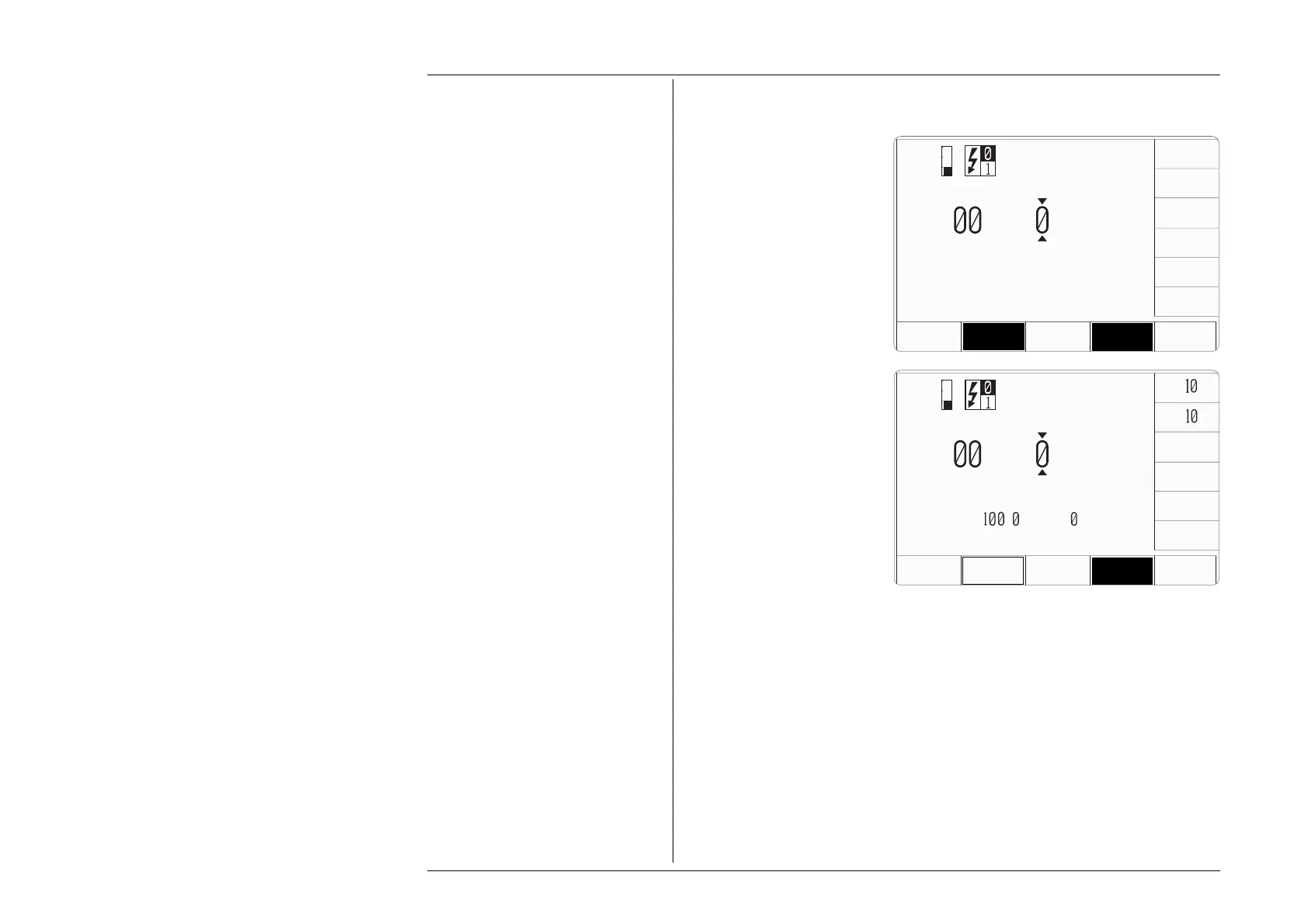
Pressing the 'RTD TYPE' key
(bottom row) presents a screen
with the two types of RTD listed
against the right screen keys:
Pressing the appropriate 'type'
screen key (e.g. 'PT392' type) sets
the internal parameters to simulate
the selected RTD type.
4.15.3.4 Temperature Scales
The 9100 supports two types of temperature scale: IPTS-68 (default) and ITS-90. The
'
TEMP SCALE' key toggles between the two scales, and the active selection appears on
the bottom right of the screen as shown.
x
÷
U
U
T
i
+
25.
°C
±
° F
K
PT
392
RTD
TYPE
CHANGE
CURRENT
THERMO
COUPLE
TEMP
SCALE
4 WIRE
I P T S - 6 8
NOM=
.
Ω @
°C
4.15.3.3 Selecting Other RTD Types
U
U
T
i
+
25.
°C
PT
385
CHANGE
CURRENT
THERMO
COUPLE
TEMP
SCALE
4 WIRE
I P T S - 6 8
PT385
PT392
RTD
TYPE



 To Next Page