4.16-2 Section 4: Using the Model 9100: Logic-Pulses Function
Final Width = 215mm
4.16.2 Selection of Logic-Pulses Function
(Manual Mode selected)
4.16.2.1 'Aux' Key
Logic-Pulses is an 'Auxiliary' function. The Auxiliary menu screen is selected by pressing
the
'Aux' key at the right of the 'CALIBRATION SYSTEM' panel.
Logic-Pulses is selected by pressing the '
LOGIC' screen key on the bottom row.
4.16.2.2 Default Settings
At power-on the system defaults into DC Voltage function. Each time the 'Aux' key is
pressed, the system defaults into Auxiliary function.
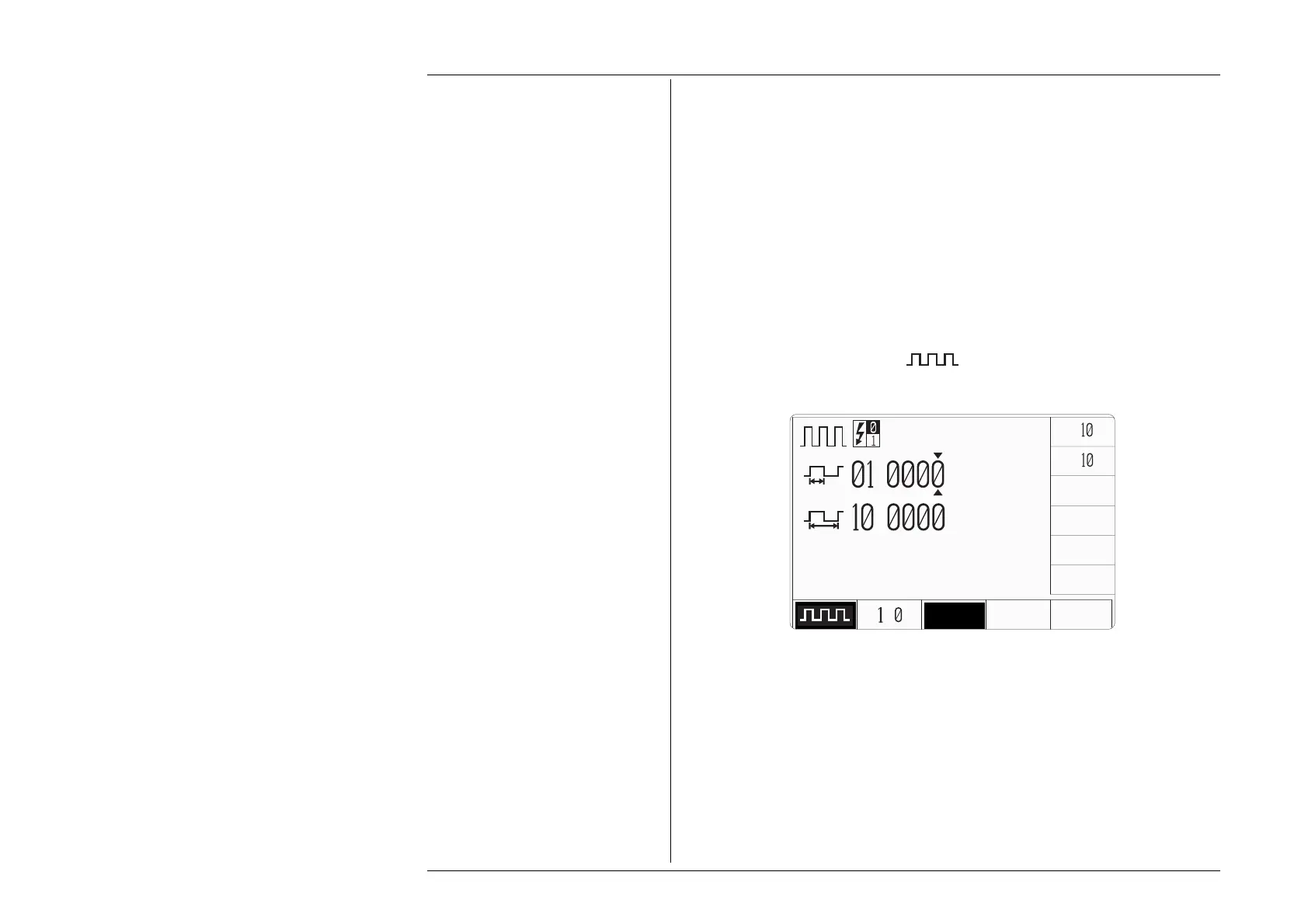
Whenever the Logic-Pulses menu screen is opened by pressing the '
LOGIC' screen key on
the Auxiliary menu screen, except on recovery from a standby period, it will appear with
the following default settings, with ' ' selected:
x
÷
.
ms
.
ms
INVERT
/
TTL CMOS ECL



 To Next Page