Section 2: Installing the Model 9100 2-13
Final Width = 215mm
2.8.3 Serial Port J102 (Rear Panel)
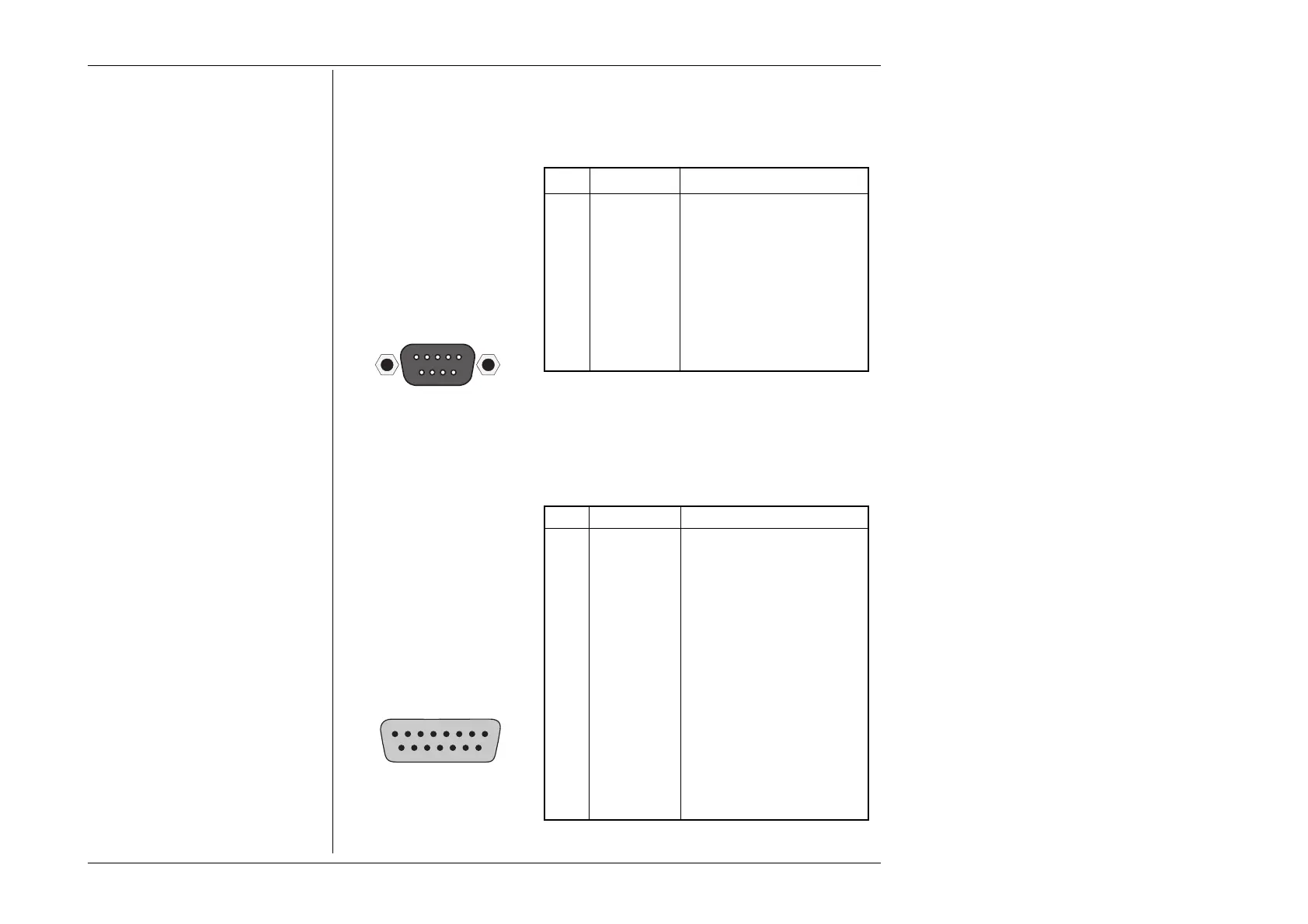
This 9-way D-Type socket is
located to the left and below
the IEEE-488 connector on the
rear panel. Its connections are
RS232-compatible; carrying
control and power supplies for,
and receiving data from, a
serial mouse.
Pin Layout
Pin Designations
Pin No. Name Description
1 - - - Not used
2 RXD0_L
Serial Data: Mouse → 9100
3 TXD0_L
Serial Data: 9100 → Mouse
4 DTR0_H Data Terminal Ready
5 0V_F Digital Common
6 DSR0_H Data Set Ready
7 RTS0_H Request to Send
8 CTS0_H Clear to Send
9 - - - Not used
_H ≡ Logic-1 active; _L ≡ Logic-Ø active.
2.8.4 Signal Output J109 (Front Panel)
This 15 way D-Type socket is
located beneath the main output
terminals on the front panel,
providing a guard-screened
connection for low-current
outputs; extension connections
for thermocouple simulation
output; and lines to identify
cable options.
_H ≡ Logic-1 active; _L ≡ Logic-Ø active.
Pin Designations
Pin No. Name Description
1 - - - Not used
2 - - - Not used
3 - - - Not used
4 IDØ_L Cable Option Ident
5 ID2_L Cable Option Ident
6 - - - Not used
7 I_GU Guard Screen
8 LO_I+ Low Current Output
9 THERM_DRV Junction Temperature Sense
10 TC_POS Thermocouple Output +
11 ID1_L Cable Option Ident
12 ØV Ident Common
13 - - - Not used
14 TC_NEG Thermocouple Output -
15 THERM_OP Junction Temperature Sense
Pin Layout
SERIAL PORT
15
69
81
15 9



 To Next Page