Section 4: Using the Model 9100: Insulation/Continuity Function (Option 135) 4.18-3
date time
x
÷
Ω
I = X.XXX xA
V = X.XXX xV
Ω
∆
.
MΩ
CHANGE
CURRENT
Ω
4.18.2 Selection of Insulation/Continuity Function
The Insulation and Continuity functions are accessed via the ‘Aux’ key on the right hand
side of the 9100, followed by the ‘Insulation/Continuity’ softkey:
Ω
4.18.2.1 Default setting
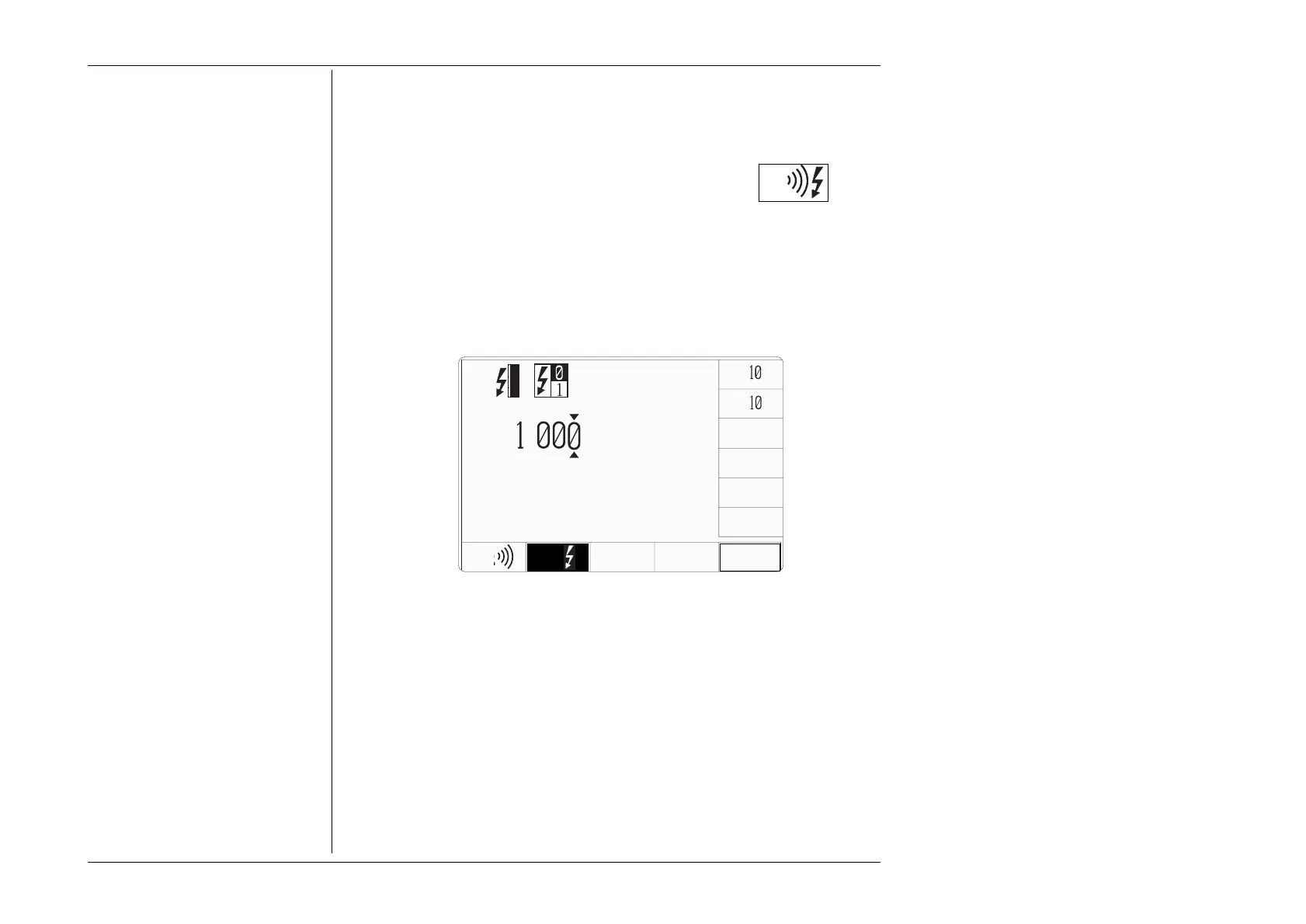
When you enter the Insulation/Continuity function, it will appear with the following
default screen settings:



 To Next Page