Section 4: Using the Model 9100: DC Power Function - Operation 4.19-3
Final Width = 215mm
4.19.2 Selection of DC Power Function
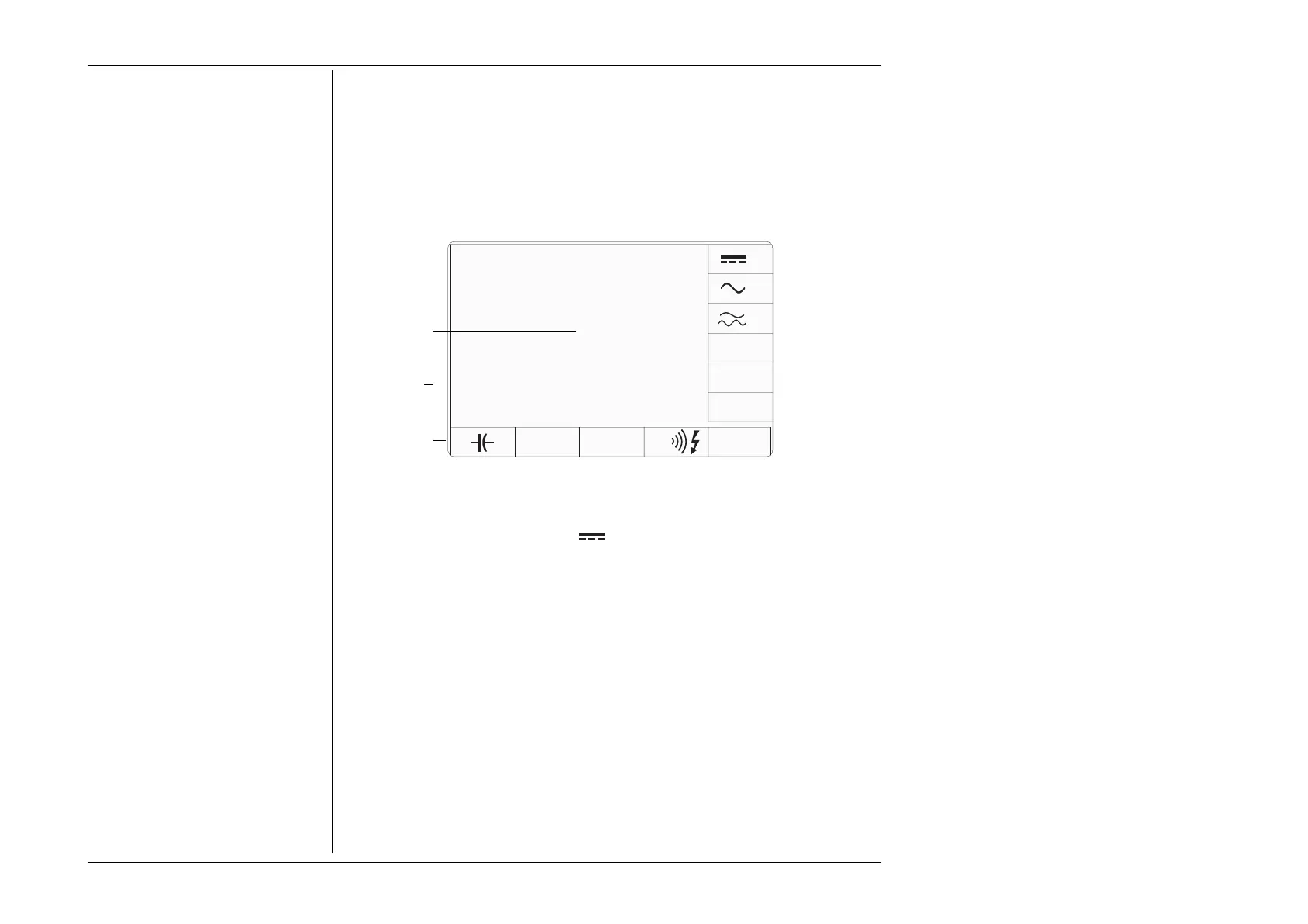
(Manual Mode selected) Entry is via the Aux key at the bottom right of the
‘CALIBRATION SYSTEM’ panel, followed by the POWER softkey if an oscilloscope
calibration option (Option 250 or Option 600) is fitted to the Model 9100. If no
oscilloscope calibration option is fitted, the Power selection softkeys illustrated below
will appear immediately the Aux key is pressed.
DC Power is selected by pressing the
W vertical softkey.
Figure 4.19.2 - the Auxiliary Function selection screen.
date time
W
Ω
LOGIC°C
The display on
these areas of the
screen will depend
on the options fitted
to the Model 9100
W
W



 To Next Page