4.19-4 Section 4: Using the Model 9100: DC Power Function - Operation
Final Width = 215mm
4.19.2.1
W Key
Pressing the
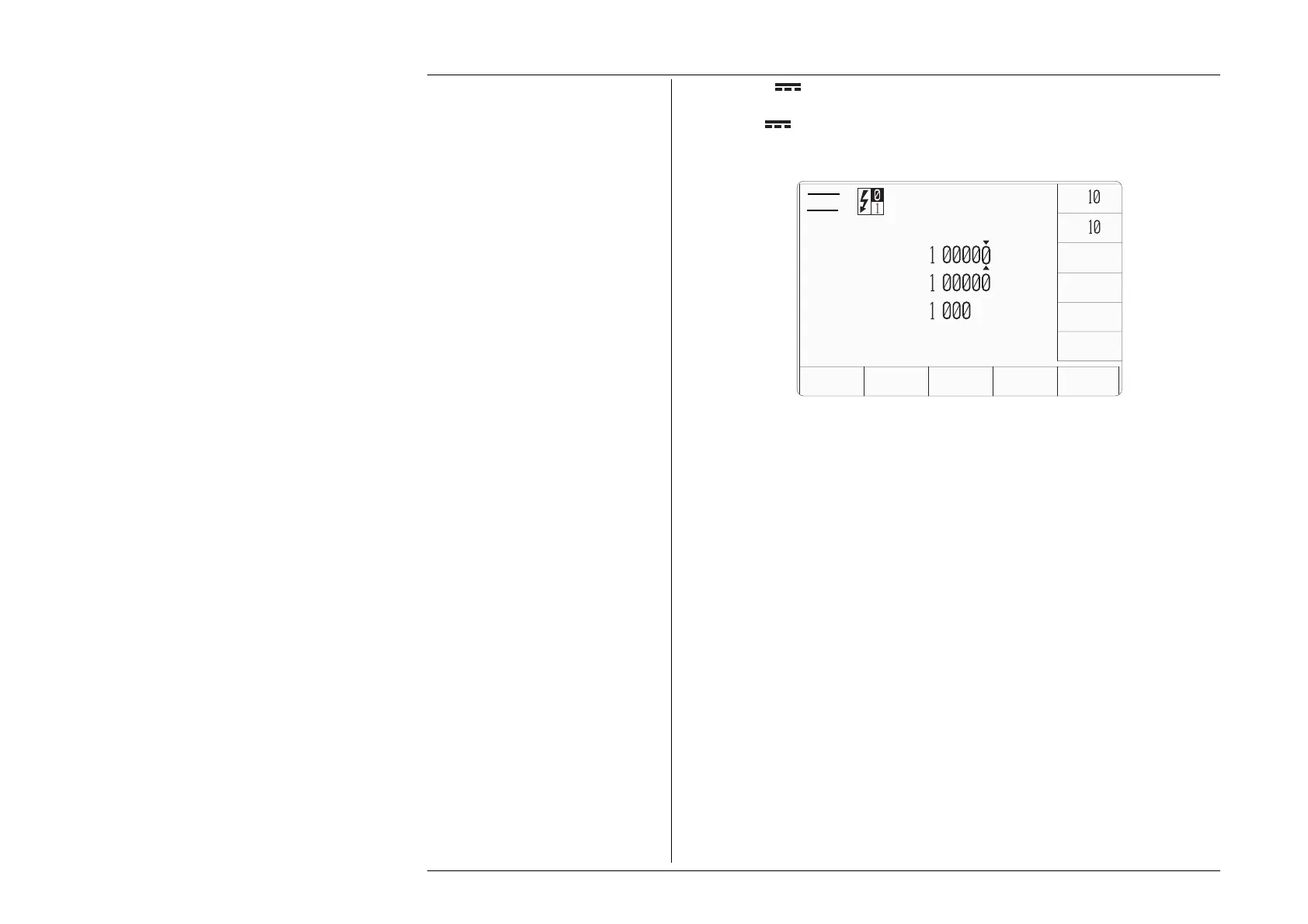
W vertical softkey will result in the display of a default DC power
function screen similar to that illustrated below.
x
÷
ZERO
AUX
CHANNEL
MODE
SIGNED
POWER
V
A
Power
=
.
W
Voltage
=+
.
V
Current
=+
.
A
Note that the 9105 Lead/Workmat must NOT be used with the Model 9100's Power
function. You must use the 9104 lead or an equivalent. If a 9105 Lead/Workmat is
connected to the Model 9100, the message
1014 “Power output not allowed with 9105
work-mat”
will be generated when any Power function is activated and an output ON is
requested.
The DC Power function icon is used to indicate whether auxiliary voltage or one of the
current modes is active. The upper part of the icon refers to the main channel, the lower,
the auxiliary channel. The left side of the icon indicates the waveshape (just a dc level in
this case), the right side, the output mode. The main channel will always be in voltage
mode, the auxiliary channel can be in voltage or current mode (current is indicated by ‘A’,
voltage by ‘V’).
The DC power screen will also give the user access to the softkey.
Whenever the DC Power menu screen is opened, except on recovery from a standby
period, it will appear with the following default settings:
Power = 1.00000 W
Voltage = +1.00000 V
Current = +1.000 A
AUX
CHANNEL
MODE



 To Next Page