4.19-6 Section 4: Using the Model 9100: DC Power Function - Operation
Final Width = 215mm
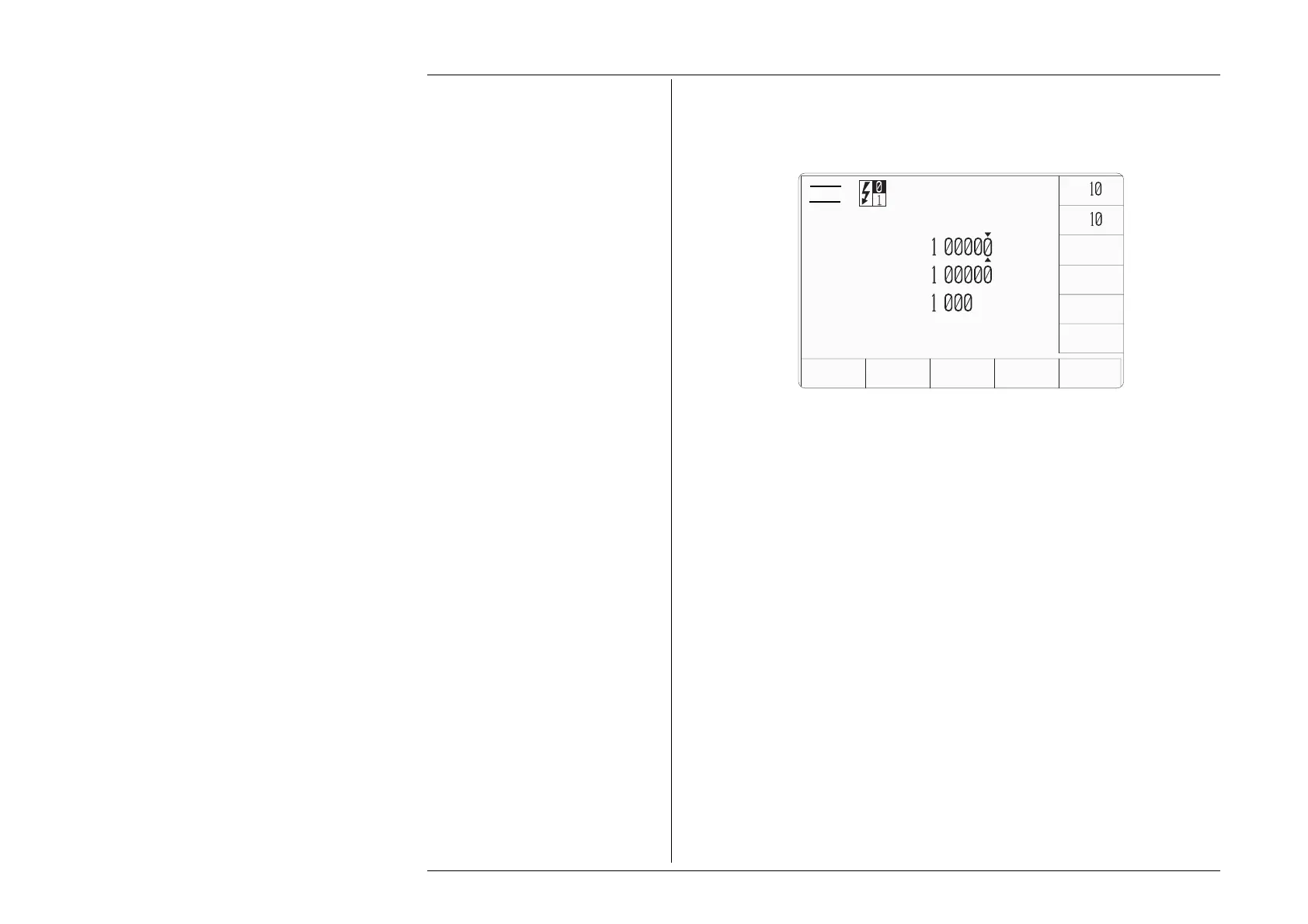
4.19.3.2 Right Side Screen Keys on Main DC Power Screen
x
÷
ZERO
AUX
CHANNEL
MODE
SIGNED
POWER
V
A
Power
=
.
W
Voltage
=+
.
V
Current
=+
.
A
X
10 Multiplies the value in the active edit field by ten.
÷10 Divides the value in the active edit field by ten.
± Voltage =, Current = and Voltage
≡
fields only. Reverses the polarity
of the value indicated in these edit fields.
ZERO Sets the value in the active edit field to zero.
Power = field only. This softkey toggles the display of the sign of the
power field. Depending on the sign settings, the power (mathematically)
is negative in two quadrants. Some power meters respond to this, others
do not. The key enables the display to be the same as the instrument
under test.
SIGNED
POWER



 To Next Page