4.20-2 Section 4: Using the Model 9100: AC Power Function - Operation
Final Width = 215mm
4.20.1.1 Default Settings and Configuration
Before using the Model 9100's AC Power function you can view and, if necessary, change
this function's default settings. To do this, press the Mode front panel key, followed by
the softkey sequence CONFIG, MORE, MORE, . This will result in the display
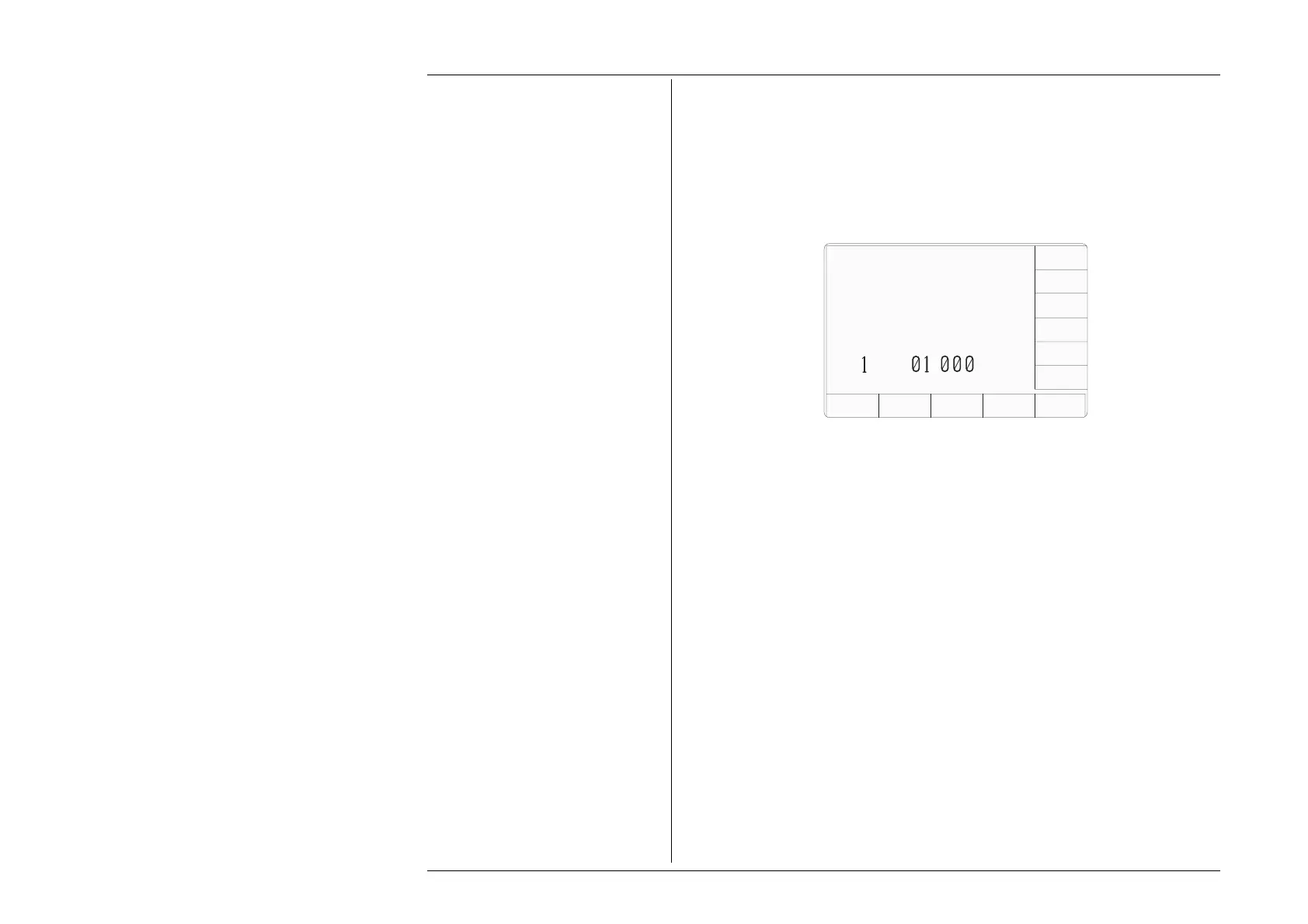
of a configuration screen similar to that shown below which can be used to enter user-
defined default values for the power option.
Figure 4.19.1 - the Power configuration screen.
The power configuration screen allows the following defaults to be modified:
Default Frequency - This default will be used to set the AC power default frequency.
Aux Voltage Scaling Factor - This value is used to scale the displayed power value of
the ac power function when the auxiliary voltage output is active. The message
7031, "The
transducer scaling factor must be between 45 uV and 10 mV"
will be displayed if the user
attempts to enter a scale factor in the configuration menu that exceeds the specified limits.
The user must enter a scaling factor for the instrument transducer. For example, a 50mV
1000A transformer requires the scaling factor 1A = 0.050 mV to be entered.
Pressing the EXIT softkey returns to the configuration screen.
TODAYS DATE TIME
Configuration
EXIT
Use the soft-keys to select a
default AC power FREQUENCY.
Use direct or digit editing
to enter a default power
transducer SCALING FACTOR
50Hz
60Hz
400Hz
DEFAULT
SCALE
FACTOR
A ≡
.
mV
CONFIG
POWER
OPTION



 To Next Page