4.20-6 Section 4: Using the Model 9100: AC Power Function - Operation
Final Width = 215mm
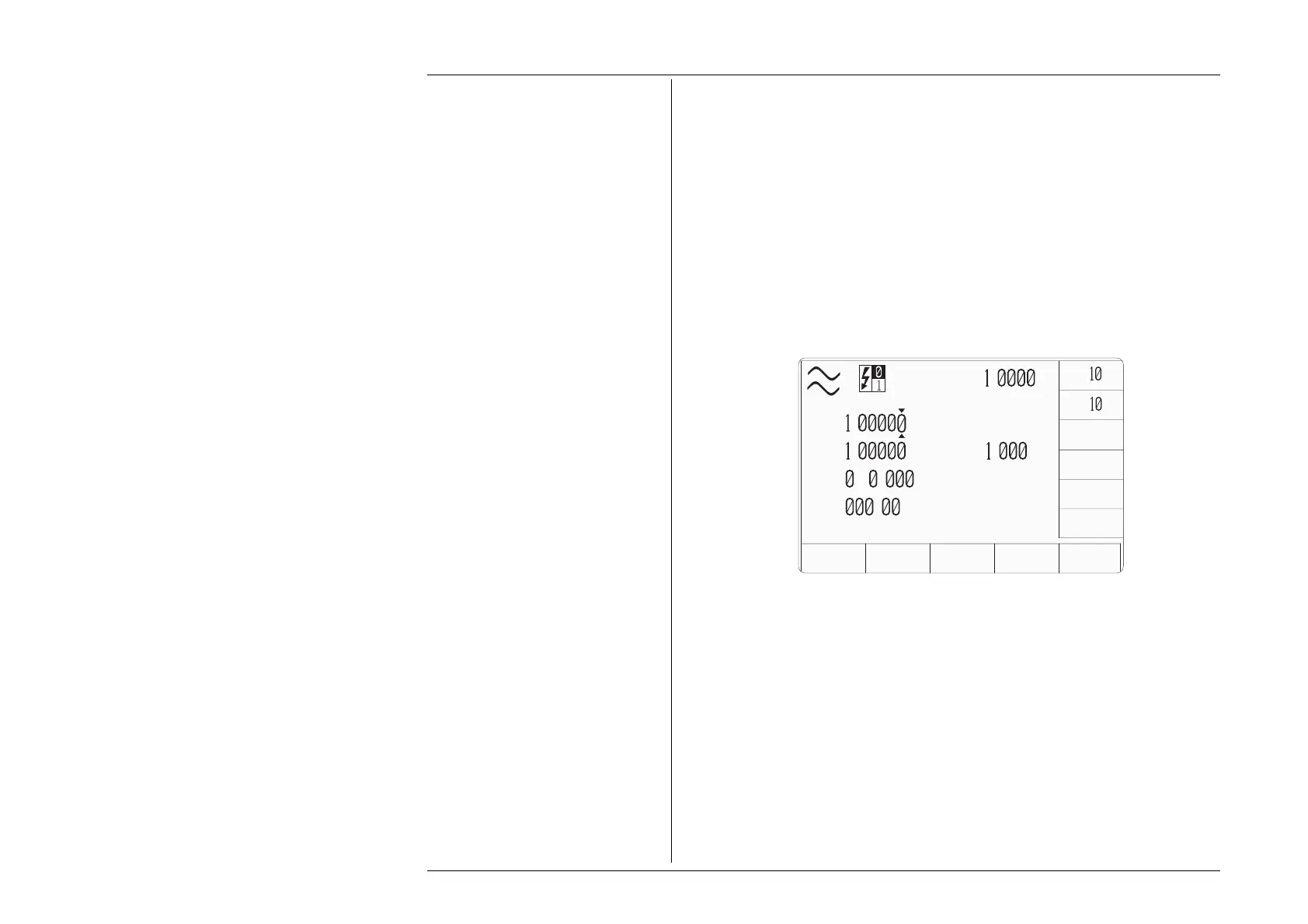
This softkey brings up an expansion menu which allows the
user to select the waveshape used by the Main channel. Refer to Section
4.20.3.3 for further details.
This softkey brings up an expansion menu which allows the user to select
the waveshape used by the Auxiliary channel. Refer to Section 4.20.3.3
for further details.
This softkey will bring up an expansion menu that allows the user to enable/
disable the instrument phase angle field. For further details refer to Section
4.20.3.4
4.20.3.2 Right Side Screen Keys
VOLTAGE
WV FRM
CURRENT
WV FRM
∆
Φ
X
10 Multiplies the value in the active edit field by ten.
÷10 Divides the value in the active edit field by ten.
± Ø = field only. Reverses the polarity of the value indicated in the phase
angle edit field.
ZERO P =, V =, I =, V
≡, Ø = fields only. Sets the value in the active edit field
to zero.
x
÷
ZERO
AUX
CHANNEL
MODE
SIGNED
POWER
V
A
P
=
.
W
V
=
.
V
I
=
.
A
F
=
5
.
Hz
ø
=
.
°
VOLTAGE
WV FRM
CURRENT
WV FRM
∆
Φ
POWER
UNITS
±
PF
=
.



 To Next Page