Section 4: Using the Model 9100: AC Power Function - Operation 4.20-5
Final Width = 215mm
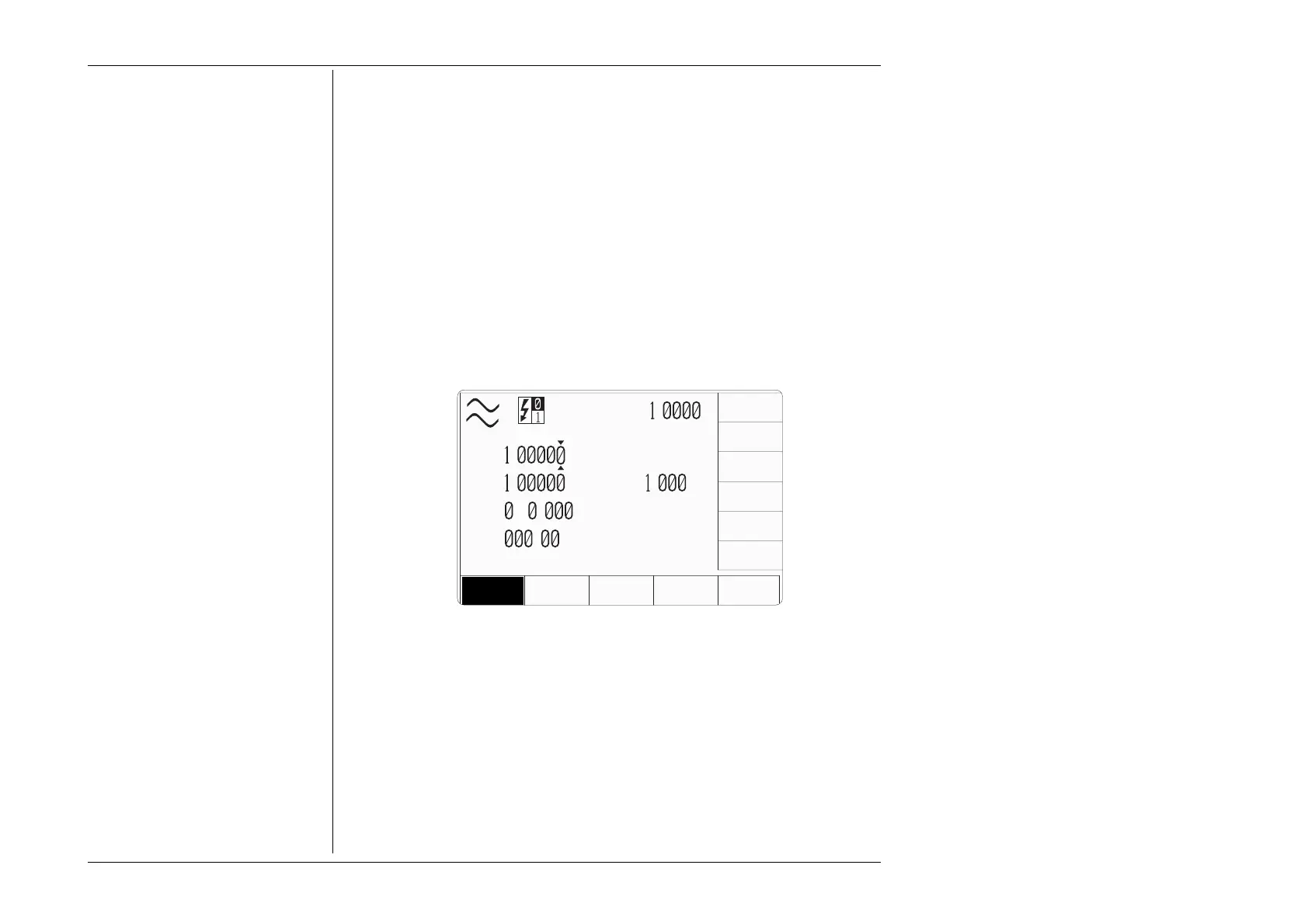
Whenever the AC Power menu screen is opened, except on recovery from a standby
period, it will appear with the following default settings:
Power = 1.00000 W
Voltage = 1.00000 V
Current = 1.000 A
Frequency = as configured (see Section 4.20.1.1).
Ø = 000.00
°
(This is the internal phase angle of I or aux V relative to V)
4.20.3 AC Power Screen Keys
4.20.3.1 Bottom Screen Keys
This softkey will trigger the display of an expansion menu that allows the
Auxiliary output channel’s operating mode to be configured.
AUX
CHANNEL
MODE
TODAYS DATE TIME
V
A
P
=
.
W
V
=
.
V
I
=
. A
F
=
5 .
Hz
ø
=
.
°
VOLTAGE
WV FRM
CURRENT
WV FRM
∆
Φ
POWER
UNITS
AUX
CHANNEL
MODE
CURRENT
VOLTAGE
10 TURN
COIL
50 TURN
COIL
The expansion menu on the right-hand side keys contains the following
four items:-
Configures the Auxiliary channel as a current source.
Configures the Auxiliary channel to provide a simulated current via a
x10 current coil.
Configures the Auxiliary channel to provide a simulated current via a
x50 current coil.
Configures the Auxiliary channel as a voltage source.
CURRENT
VOLTAGE
10 TURN
COIL
50 TURN
COIL
PF
=
.



 To Next Page