5.3-2 Section 5: Using the Model 9100: Procedure Mode
Final Width = 215mm
5.3.2 Mode Selection
(A flow chart summarizing the access to Procedures is given at paras 5.3.3.13 — Fig. 5.3.1)
5.3.2.1 'Mode' Key
The five 'Modes' are accessed by pressing the
'Mode' key at the right of the front panel.
5.3.2.2 'Mode Selection' Display
At power-on, the system defaults into either Procedure mode or Manual mode as
previously programmed in 'Configure' mode. When 'Procedure' mode is required and the
Configure default is 'Manual' mode, it will be necessary to transfer via the 'Mode' display.
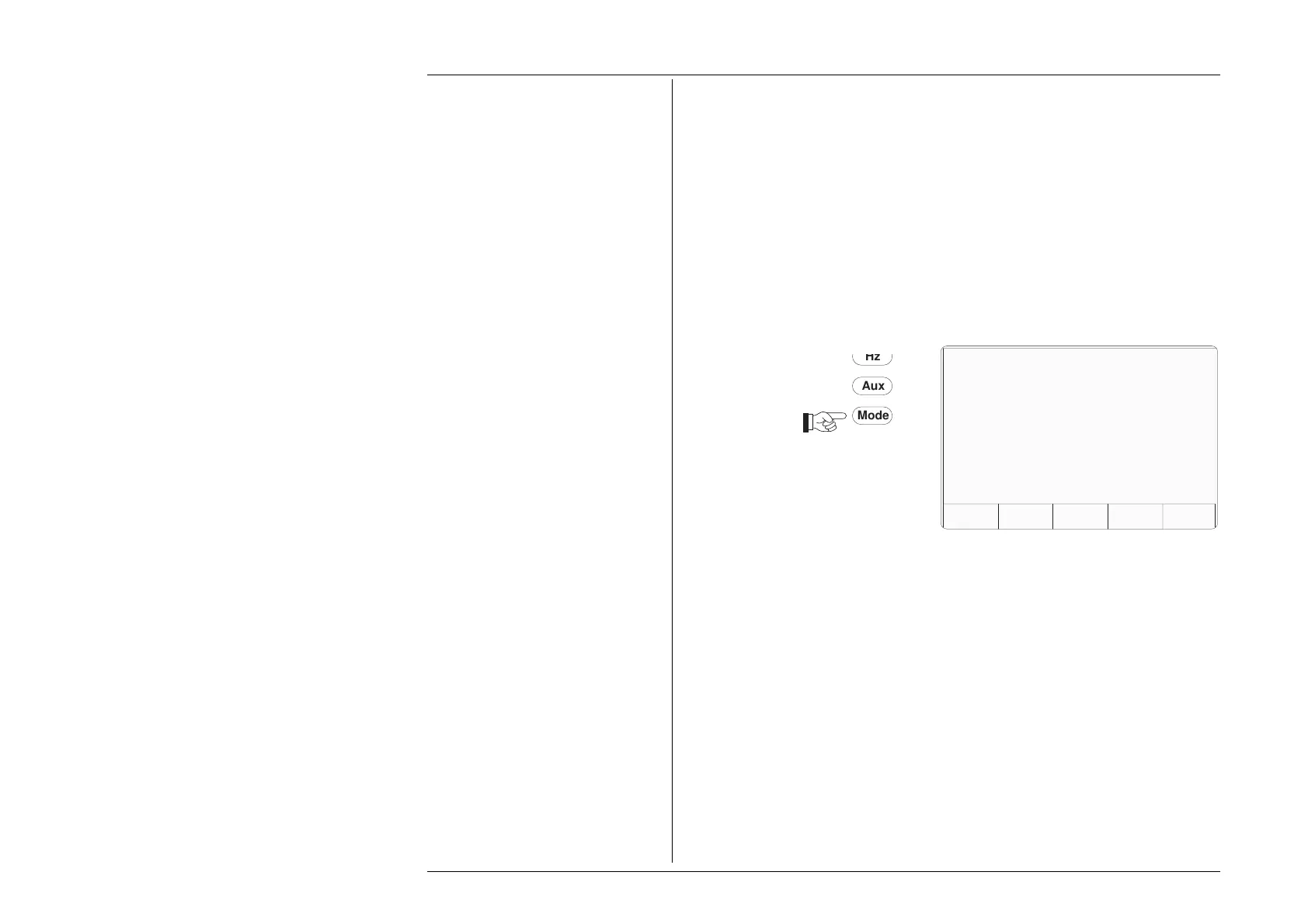
Press the Mode key on the right of the
front panel to obtain the 'Mode Selection'
menu screen
Each time the
'Mode' key is pressed, the system will present the Mode Selection menu
screen for selection from the five modes:
Procedure; Manual, Configure, Calibration; Test.
Whenever the Mode Selection menu screen is opened, it will appear with the choices and
information shown:
The required mode is selected by pressing its appropriate screen key on the bottom row;
then the 'Mode Selection' screen will be replaced by the mode's first menu screen (or in
the case of Configure or Calibration mode, the password entry screen).
TODAYS DATE TIME
PROC MANUAL CONFIG CALIB TEST
Mode Selection
Select required mode using softkeys
Mode
Aux



 To Next Page