3-20 Section 3: Model 9100 Controls: Modes of Operation
Final Width = 215mm
TODAYS DATE TIME
TODAYS DATE TIME
3.3.2.16 'HEADER SIZE'
Users are given the facility to change
the header size on the printed
certificates.
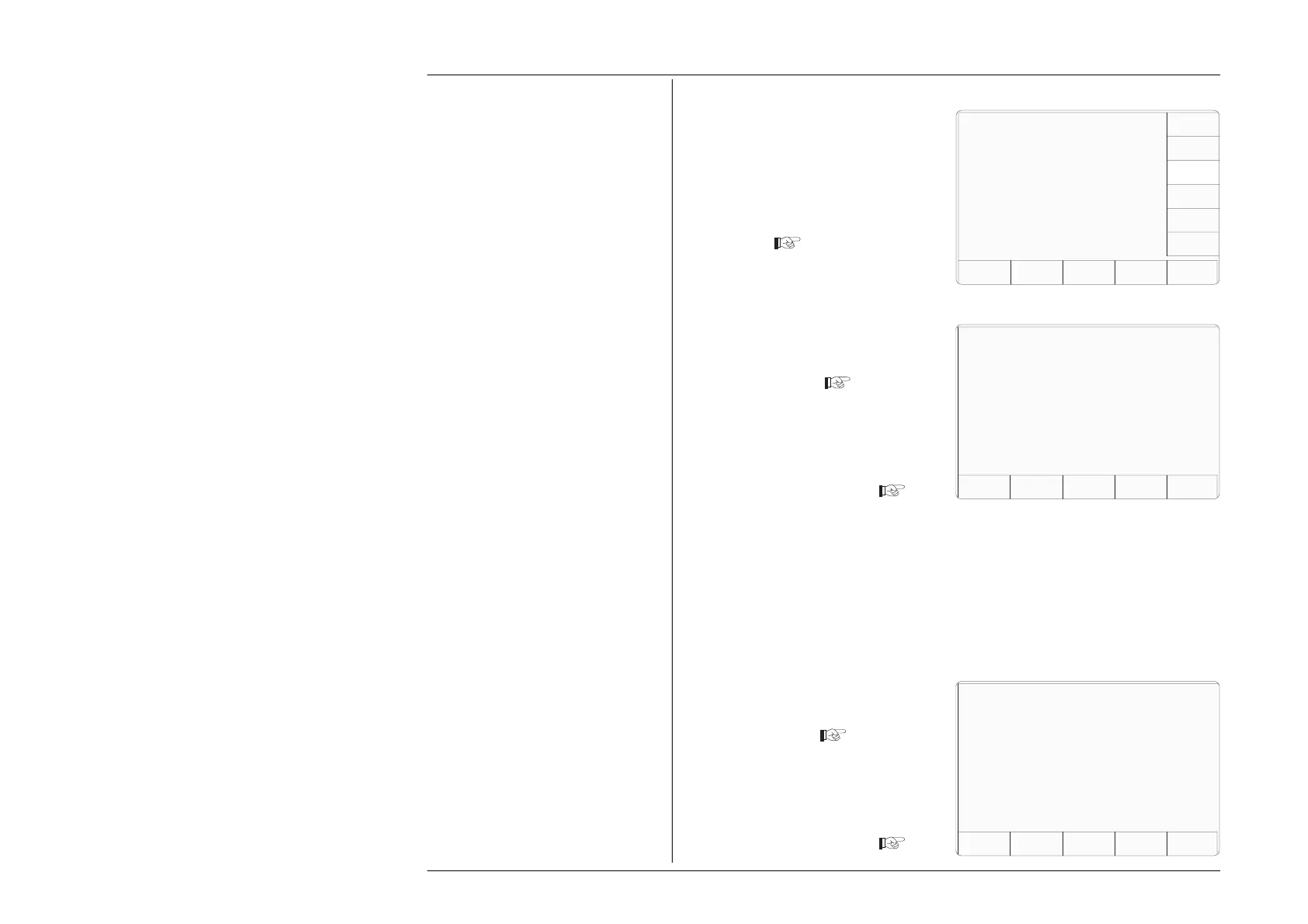
1. On the CERT DETAILS menu
screen, press the HEADER SIZE
screen key
EXIT
This transfers to 'The current
header size' screen
2. If required, use the numeric
keypad to enter a new header size
on the certificate.
3. Press the EXIT key to revert to
the CERT DETAILS screen
3.3.2.17 'FOOTER SIZE'
Users are given the facility to change
the footer size on the printed
certificates.
1. On the CERT DETAILS menu
screen, press the FOOTER SIZE
screen key.
This transfers to 'The current
footer size' screen
2. If required, use the numeric
keypad to enter a new footer size
on the certificate.
3. Press the EXIT key to revert to
the CERT DETAILS screen
EXIT
TODAYS DATE TIME
Configuration
EXIT
Present settings
Certificate style Style 1
Page length 66 lines
Header size Ø lines
Footer size 1 lines
Appended message XXX XXX...
APPEND
MESSAGE
FOOTER
SIZE
HEADER
SIZE
CERT
STYLE
PAGE
LENGTH
LAB
DETAILS
Configuration
The current header size is Ø lines.
Enter new header size:
The current footer size is 1 lines.
Enter new footer size:
Configuration



 To Next Page