Section 3: Model 9100 Controls: Modes of Operation 3-25
Final Width = 215mm
TODAYS DATE TIME
TODAYS DATE TIME
Passwords and Access
1. All Configuration mode selections,
other than the viewing angle,
require a password. When the 9100
is shipped from new, the password
requirement is enabled to avoid
unauthorized access.
2. It is recommended that both
passwords be changed, for security
purposes, at the earliest
opportunity.
3. The shipment 'Configuration'
password is 12321 (as typed on the
front panel keypad when the
Password Entry screen for
Configuration mode is showing).
4. A second (different) password will
be required to allow entry to
Calibration mode as authorized by
local management. The shipment
version of the Calibration mode
password is 2→3→5→7 (as typed
on the front panel keypad when the
Password Entry screen for
Calibration mode is showing).
Changing the Passwords
Two passwords are allocated (they can
be the same or different):
• for entry to Configuration mode
(other than for setting the viewing
angle);
• to enter Calibration mode (for
calibration of the 9100 itself).
The passwords can be changed once
access has been gained to Configuration
mode.
Configuration
EXIT
3.3.2.24 'NEW
PASSWORD'
To change either the CALIB or
CONFIG password
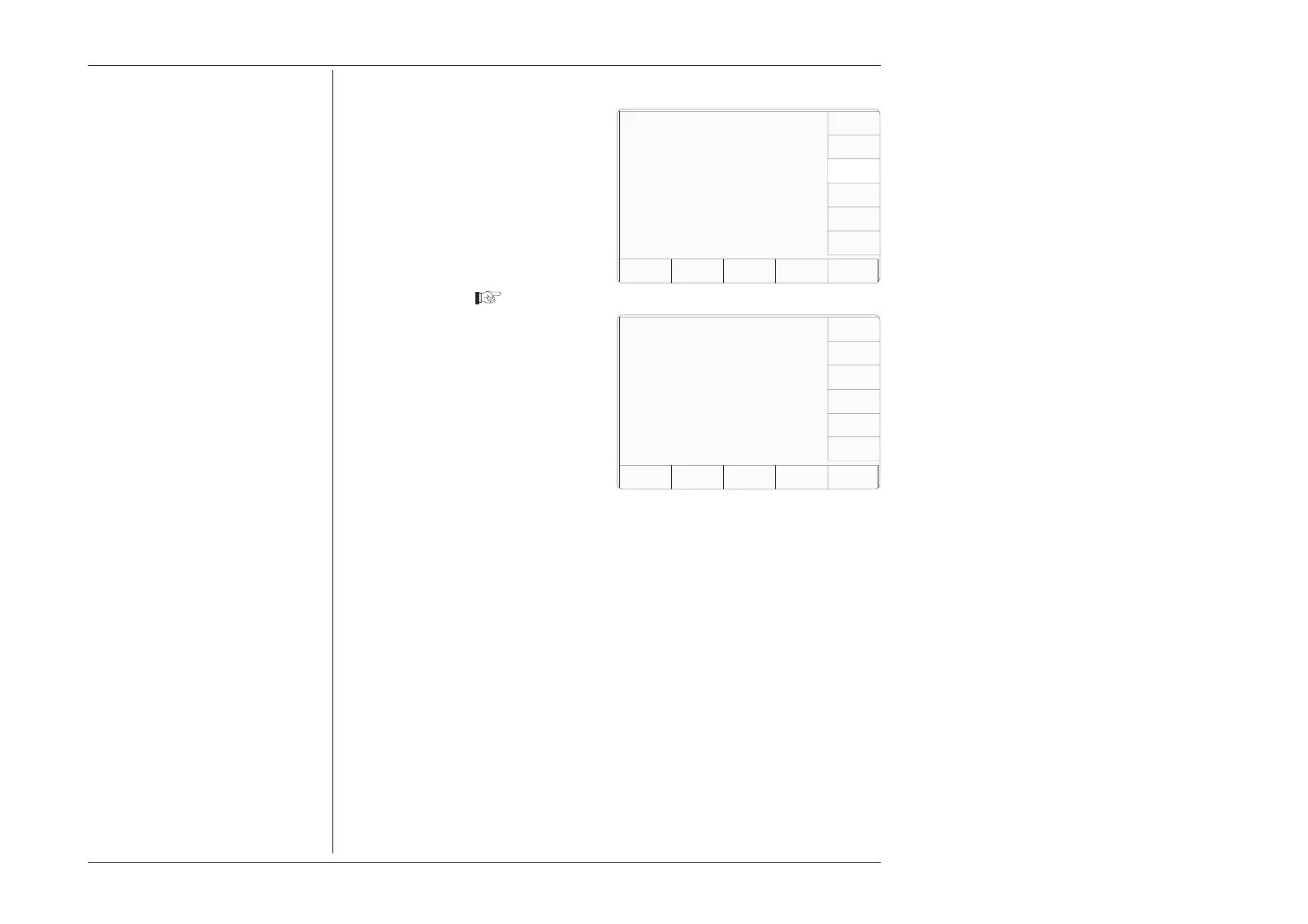
1. On the 'MORE — Present
Settings' menu screen, press the
NEW PASSWORD screen key
on the right.
This transfers to the 'Select the
Password' screen
2. Select the password to be
changed, using a screen key on
the right. See overleaf for the
details of changing individual
passwords.
3. The EXIT screen key reverts to
the 'MORE — Present Settings'
screen.
Select the Password to be changed
using the softkeys.
CALIB
CONFIG
Present Settings:
Certificate Style Style 1
Engineers Notes Disabled
Fluke Lead Cap 28.50 pF
User Lead Cap 0.00 pF
EXIT
WFLUKE
LEAD
CAP
USER
LEAD
CAP
Configuration
Ser. No. XXXXXX Rev. XXX
NEW
PASSWRD
CERT
DETAILS
ENG
NOTES



 To Next Page