3-24 Section 3: Model 9100 Controls: Modes of Operation
Final Width = 215mm
TODAYS DATE TIME
TODAYS DATE TIME
Engineer's Notes
1. When a certificate is being prepared
in Procedure mode, sometimes it
will be desirable to insert additional
information about special
conditions, pertinent to the
procedure which was carried out.
For instance: if the procedure was
performed on a plug-in module of
an oscilloscope, it may be desired
to add the serial number of the
oscilloscope mainframe, as well as
the module's serial number.
2. If, in CONFIG mode, the 'Engineers
Notes' are enabled, then an extra
field will be added to the certificate
entitled 'Additional Notes' in which
any engineer's information can be
entered. It will appear between the
'Calibration Standard' and
'Measurement Type' blocks.
The additional notes can be added
on a screen which will be shown in
Procedure mode when 'Engineers
Notes' are enabled.
Configuration
EXIT
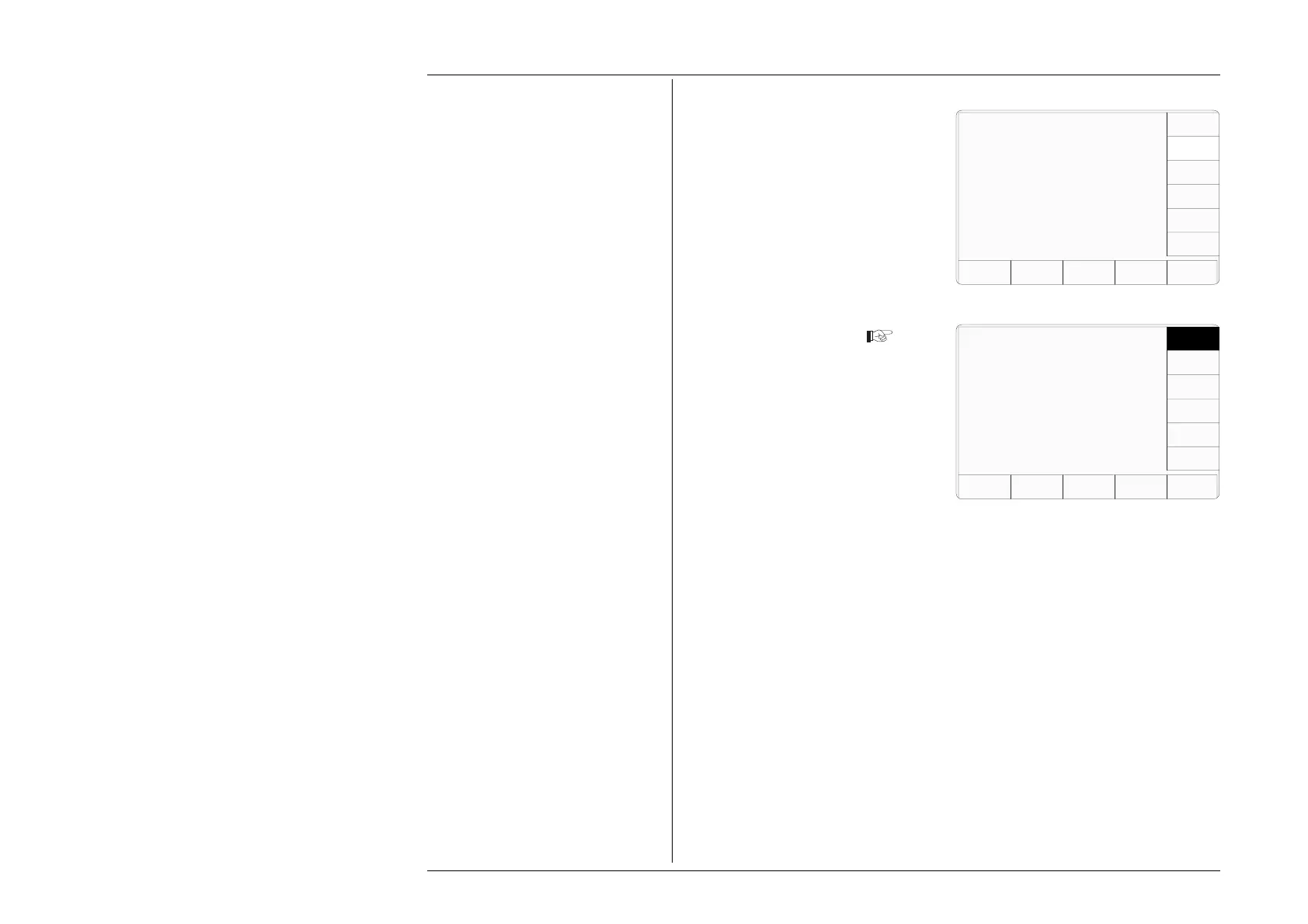
3.3.2.23 'ENGINEERS
NOTES'
To Enable Engineers Notes
1. On the 'MORE — Present
Settings' menu screen, press the
ENG NOTES screen key on the
right.
This transfers to the 'The eng
notes requirement' screen
2. Press the ENABLE screen key
on the right. The DISABLE key
reverses the process.
3. The EXIT screen key reverts to
the 'MORE — Present Settings'
screen.
The eng notes requirement is
indicated by the highlight.
Use the softkeys to select
another.
DISABLE
ENABLE
Present Settings:
Certificate Style Style 1
Engineers Notes Disabled
Fluke Lead Cap 28.50 pF
User Lead Cap 0.00 pF
EXIT
WFLUKE
LEAD
CAP
USER
LEAD
CAP
Configuration
Ser. No. XXXXXX Rev. XXX
NEW
PASSWRD
CERT
DETAILS
ENG
NOTES



 To Next Page