Section 3: Model 9100 Controls: Modes of Operation 3-29
Final Width = 215mm
TODAYS DATE TIME
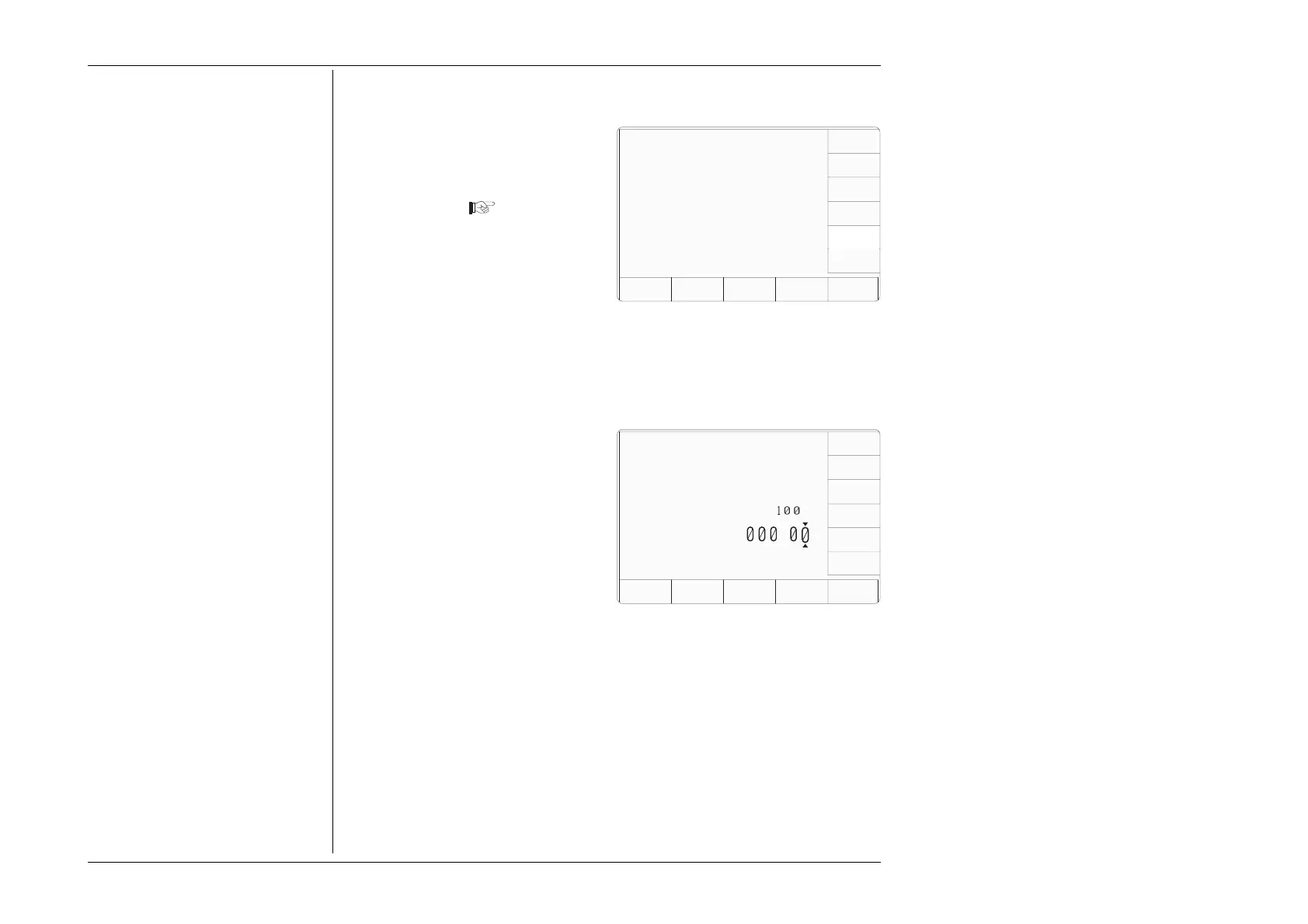
3.3.2.29 'User Lead Capacitance Compensation Adjustment'
1. For access to alter the User Lead
Capacitance Compensation, press
the USER LEAD CAP screen
key on the 'MORE' 'Present
Settings' screen
2. This transfers to the 'User Leadset'
screen, which allows users to
adjust the compensation for a
known lead capacitance value
(refer to paras 3.3.2.31).
3. The EXIT screen key reverts to
the 'Present Settings' screen.
Configuration
Ser. No. XXXXXX Rev. XXX
Present Settings:
Certificate Style Style 1
Engineers Notes Disabled
Fluke Lead Cap 28.50 pF
User Lead Cap 0.00 pF
EXIT
NEW
PASSWRD
CERT
DETAILS
ENG
NOTES
WFLUKE
LEAD
CAP
USER
LEAD
CAP
3.3.2.30 User Lead Compensation Adjustment Screen
1. Use Digit edit or Direct edit to
adjust the compensation, by
adding the extra value of lead
capacitance to the default value.
2. The EXIT screen key reverts to
the 'MORE' - 'Present Settings'
screen.
TODAYS DATE TIME
Configuration
EXIT
User leadset capacitance
compensation can be adjusted
using digit or direct editing.
DEFAULT
CAP
COMP
The maximum value is
pF
Lead Cap (pF) =
.



 To Next Page