Section 3: Model 9100 Controls: Working with Front Panel Controls — Tutorials 3-53
Final Width = 215mm
TODAYS DATE TIME
Press the screen key, on the right side of the display, labelled 'kV'. This fixes the
new offset value at -1kV, but again, because the resolutions of offset and output
values are different, the firmware will seek the best resolution which satisfies both
values. In this case, the best available resolution is that of the offset value of -1kV,
so the new value which appears when the box is removed (remember the 'kV'
screen key is also the equivalent of the ↵ key) becomes -1ØØØ.ØØ V.
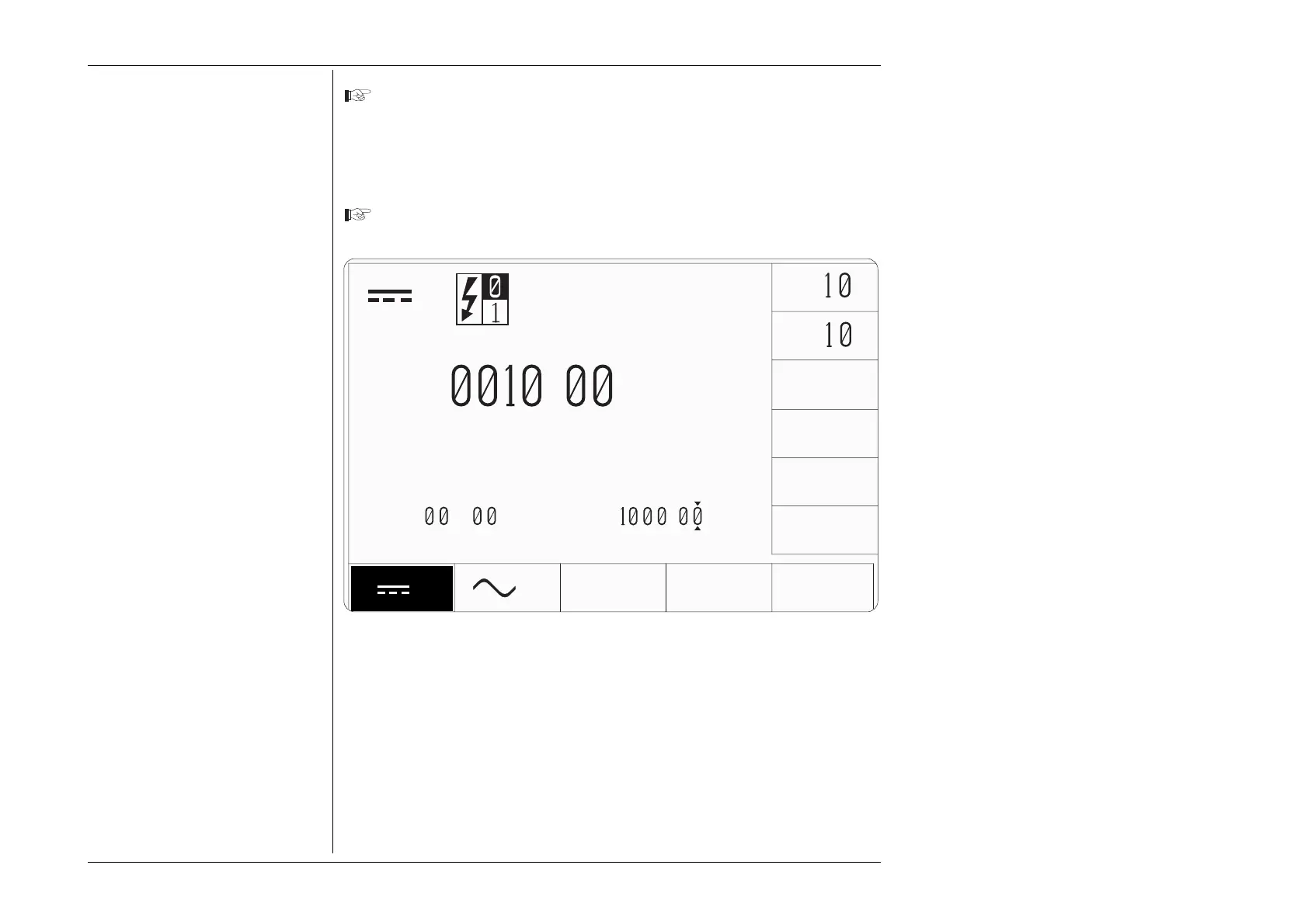
Now observe the output value. Notice that the resolution of the +10V is now
adapted to that of the -1kV offset, i.e. +ØØ1Ø.ØØ.
V
+
.
∆
V
V
V
∆%=
.5
x
÷
±
∆V=-
.
V



 To Next Page