3-52 Section 3: Model 9100 Controls: Working with Front Panel Controls — Tutorials
Final Width = 215mm
TODAYS DATE TIME
3.4.6.3 Editing Large Offset Values
In calibrators with 'Floating' outputs, the permitted offset value is usually limited,
because the output Lo can float to large values. However, for safety reasons, the 9100
output is 'Earthy' (i.e. the Lo and I- terminals are tied to analog Ground) and it is necessary
to permit values of offset which approach the maximum available output value, in order
to match possible offsets of the UUT.
In the following exercise, a very large offset is entered to illustrate the effect on the tied
resolutions of the two values.
Please be very careful: Ensure that the OUTPUT remains OFF throughout the
whole of the exercise.
After the previous exercise, the cursor has remained on the offset value.
This time we shall enter a negative offset of 1000V:
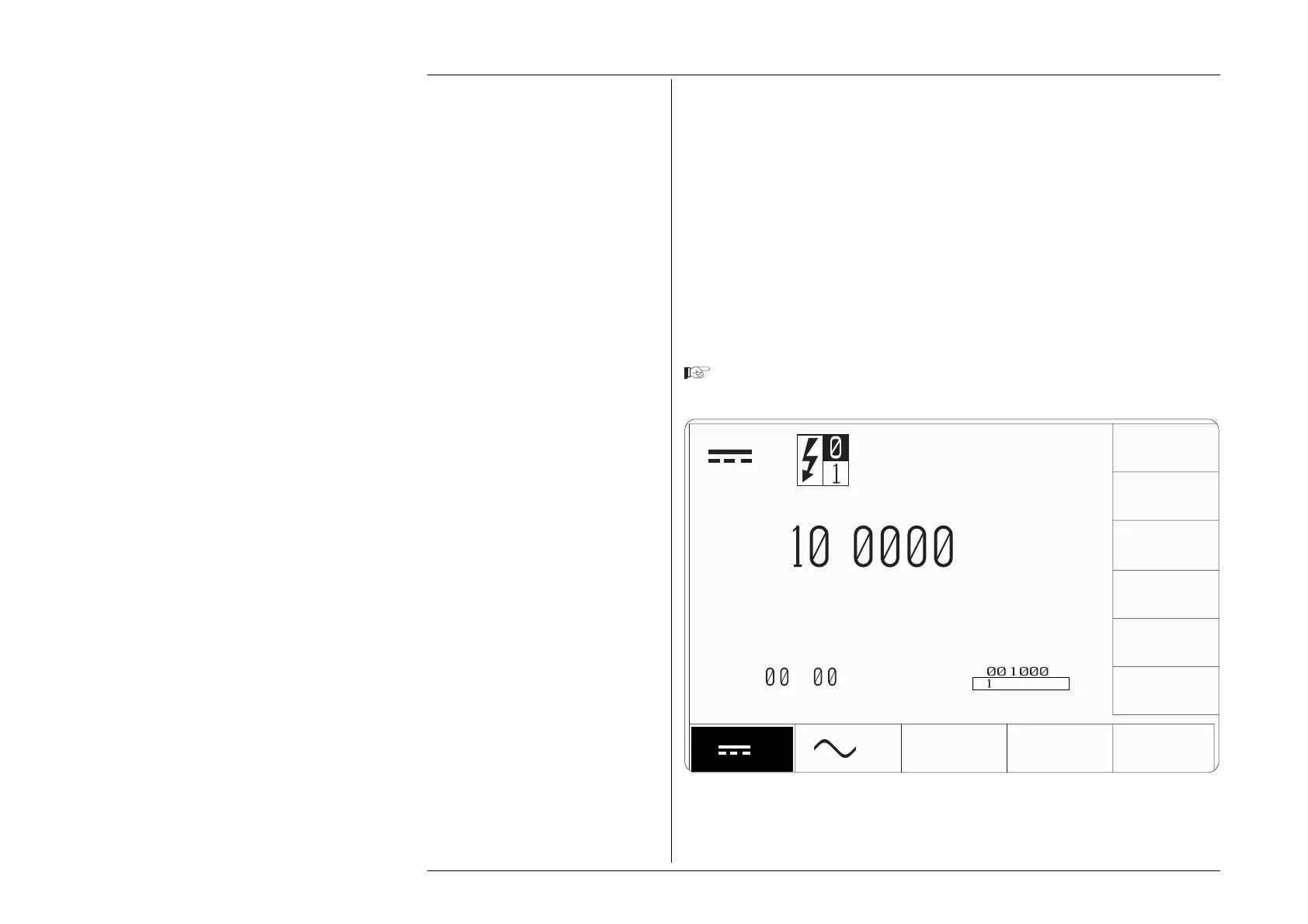
Type the number '-1' using the numeric keypad. The edit box will appear with the
number '-1' inside it:
V
+
.
∆
V
V
V
V
∆%=
.5
∆V=
-
+
.
V
mV
kV



 To Next Page