F1 F2 F3 F4
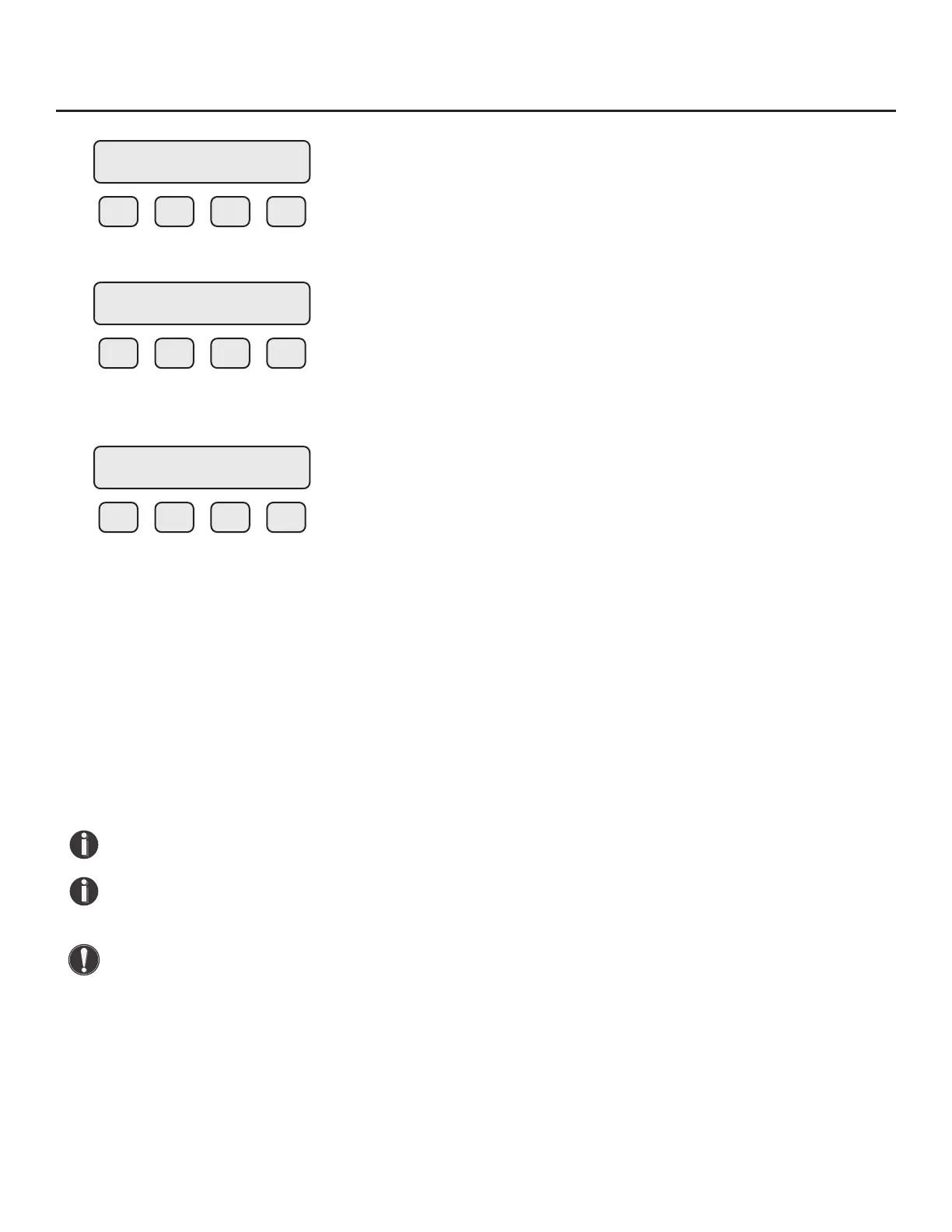
Press FLO (F2):
F1 F2 F3 F4
Press UNT (F2) for Unit selection.
The screen will show:
F1 F2 F3 F4
Press NXT (F1) to change selection and OK (F4) to accept.
Flow Units
Selections for ow units are:
SCFM KG/M LBS/D SM3/H MSCFD (MCFD)
SCFH KG/S NLPH SM3/D MMSCFD (MMCFD)
NM3/H LBS/H NLPM NM3/D MCFD (MSCFD)
NM3/M LBS/M NLPS SLPM MMSCFM (MMCFM)
KG/H LBS/S SM3/M SCFD MT/H
SMPS
NMPS SFPM
NOTE! The totalizer must be reset immediately after changing the ow units setting.
NOTE! The totalizer (total ow measured) will roll over when reaching a certain value. The
maximum value is dependent on the ow units selected (see Totalizer Rollover p. 74).
WARNING! The FT3 re-calculates area, 4 and 20mA values, maximum ow for the pulse
output and zero ow cuto when changing ow units except for velocity units. When going
to or from velocity units, the FT3 will not recalculate these values and these values must be
re-entered manually.
SET PARAMETERS
I/O FLO DSP EXIT
FLOW PARAMETERS 1
DGN UNT PRM EXIT
FLO = SCFM
NXT OK
Operation | 65
Model FT3
Operation



 To Next Page