Tips for troubleshooting
81
(continued)
Franking not possible
Maximum postage value for franking exceeded.
Please contact the administrator.
Credit of the current user is too low.
Have the administrator assign new credit.
PostBase Mini does
not print
Sensor does not recognise the letter.
Place a letter at the right hand edge of the letter slot
and push in as far as it goes. (The sensor is in the back
right hand corner of the letter slot.)
Sensor does not recognise the sheet (e.g. for a test
print). Fold the sheet down the middle and place it in
the letter slot folded edge first.
Sensor does not recognise the label.
Place a sheet or empty envelope under the label to be
printed and try again.
The letter was already in the letter slot when you made
settings in the menu.
Remove letter and re-insert.
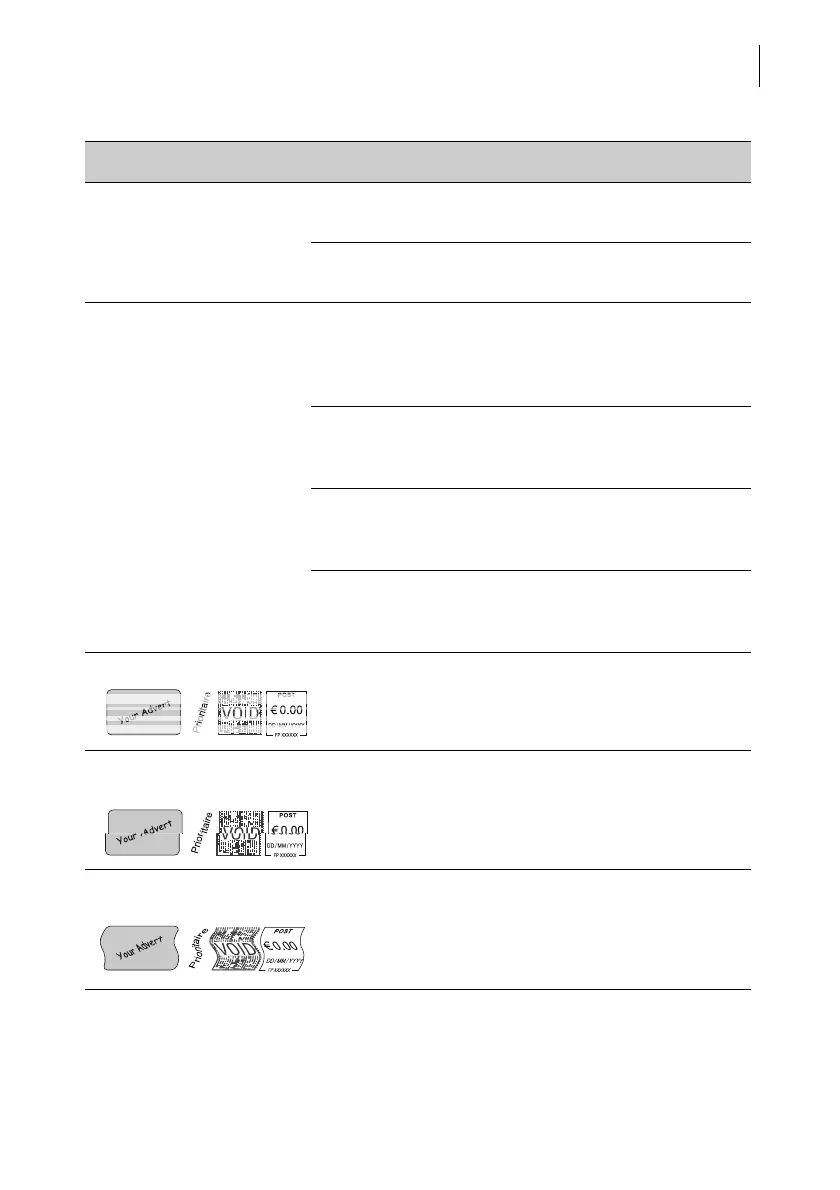
Print quality: gaps / blanks Clean print system (see chapter 12.5).
Print quality: offsets / shifts
in the imprint
Align the ink cartridge (see chapter 12.4).
Print quality: the printing
image is distorted
Letter has been moved during printing.
Let go of the letter during printing.
Give large envelopes just a little support.
Problem Possible cause and remedy



 To Next Page