QUANTUM
™
LX EVAPORATOR CONTROL PANEL
COMMUNICATIONS SETUP
090.610-CS (MAY 2016)
Page 122
PERFORMING THE COMMUNICATIONS LOOPBACK TEST
NOTE: Session must be set to at least user level 2
to access this feature.
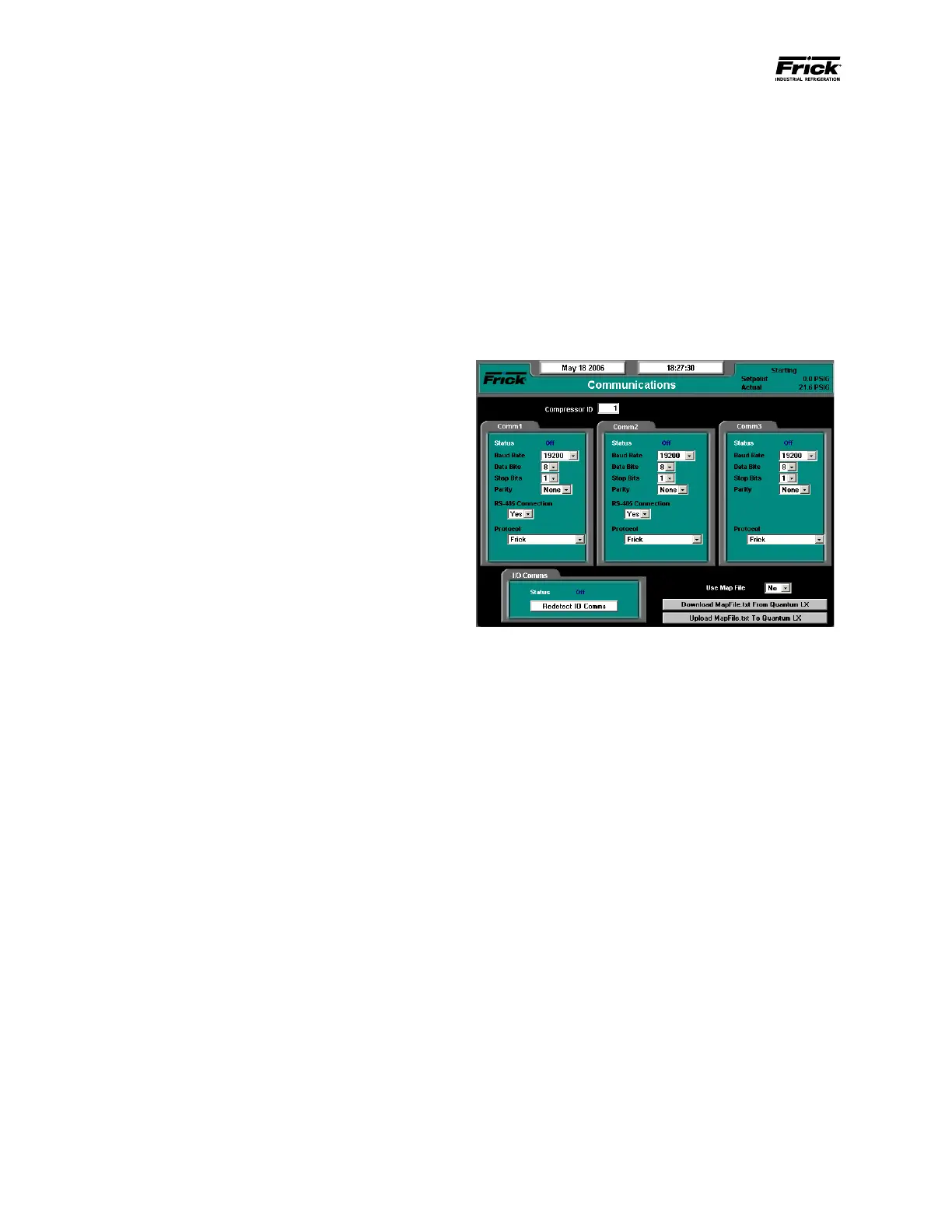
Upon properly setting up the Communications screen,
press the [Submit Changes] key. Access the Com-
munications Loop Back Test Screen by pressing the
[Menu] key, then the [Service…] key, and nally the
[Communications Loop Back Test] key.
Three buttons appear on this screen:
1. Test Comm 1 – Comm 2
2. Test Comm 1 – Comm 3
3. Test Comm 2 – Comm 3
Ensure that the proper test harness is installed and the
associated jumpers are in their correct positions for
the particular test to be performed.
Pressing the appropriate test key will initiate the test.
A dialog box will appear with one of the following mes-
sages:
1. Testing - This will appear as the test is run-
ning. NOTE: The test occurs so quickly that It
may be possible that the word Testing will not
appear if the test passes.
2. Passed - If the test passes, the word Passed
will appear.
3. Failed - If the test does not pass, this will ap-
pear.





 To Next Page