QUANTUM
™
LX EVAPORATOR CONTROL PANEL
COMMUNICATIONS SETUP
090.610-CS (MAY 2016)
Page 47
For MODBUS® ASCII:
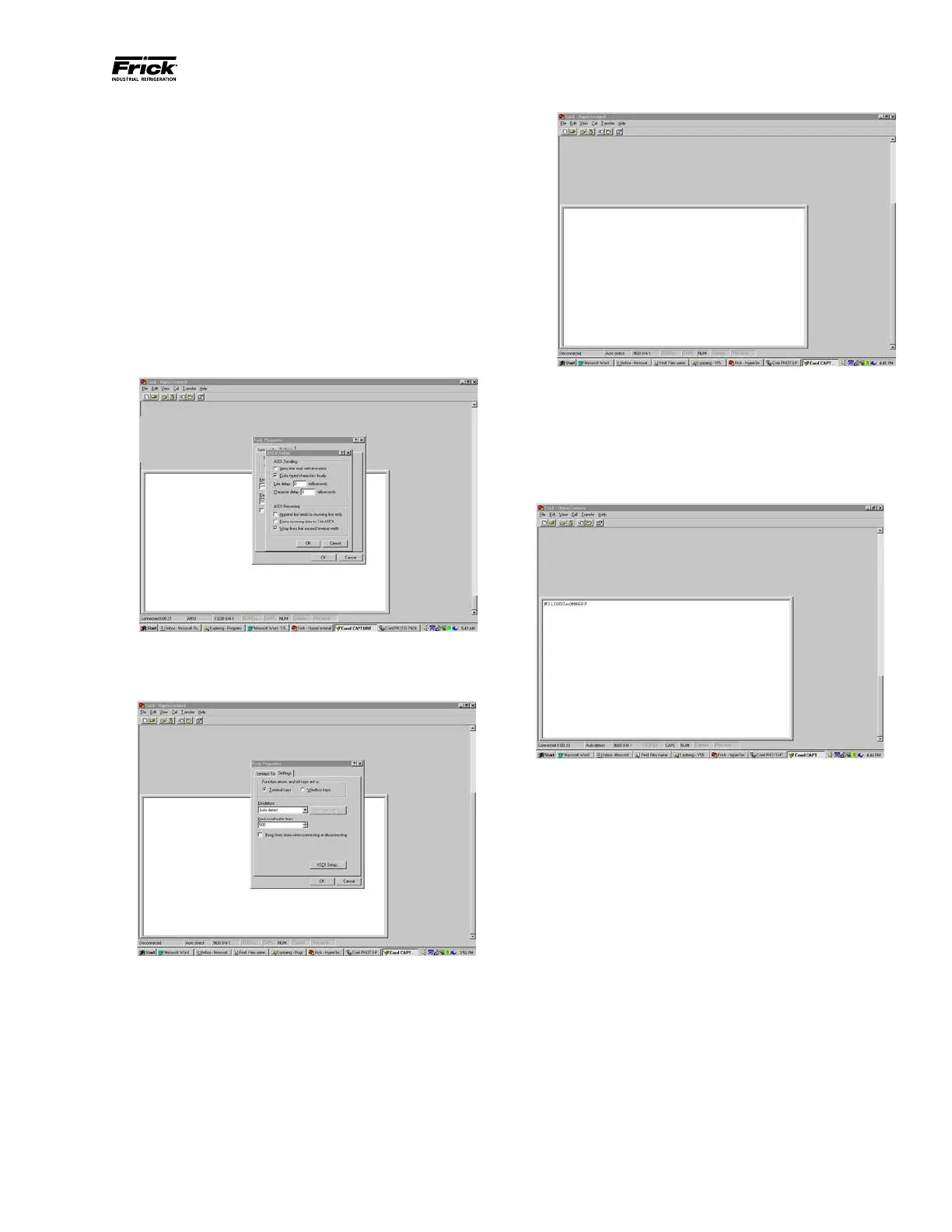
• Send line ends with line feeds
• Echo typed characters locally
• Append line feeds to incoming line ends
• Wrap lines that exceed terminal width
For Frick® protocols (# and $):
• Echo typed characters locally
• Append line feeds to incoming line ends
• Wrap lines that exceed terminal width
Leave everything else on this dialog box unchanged,
then click on [OK].
The Properties screen will once again be shown. Click
on the [OK] button to proceed.
You will now be back to the main Hyperterminal com-
munications screen. This screen will be blank. All com-
munications, both from the computer, and to the com-
puter (from the Quantum™), will appear on this screen.
Proceed to the Testing Communications section.
TESTING COMMUNICATIONS
Set the keyboard for CAPS (so that all capital letters
will be typed). Type in the following command: #01I,
then press [ENTER]. (This command will request the
Quantum™ with ID 01 to send a packet of Information.)
If the communications is working properly, there should
be an immediate response from the rst Quantum™.
The response should look something (but not neces-
sarily exactly) like #01I000AOMN609.
If this portion of the test has passed, you can try to
communicate to the next (or any Quantum™), by
changing the value that you type into the HyperTermi-
nal screen as follows:
Instead of [#01], replace the 01 portion with the ID
that you would like to access. For instance, if you
wanted to talk to a fourth Quantum™ (ID 4), type
in [#04]. This should return a message from that
Quantum™.
This has been just a brief description of how to check
your communications and verify that it is working.
Greater detail can be found by consulting tables for
each of the protocols in this manual.





 To Next Page