QUANTUM
™
LX EVAPORATOR CONTROL PANEL
COMMUNICATIONS SETUP
090.610-CS (MAY 2016)
Page 42
In order to ensure that the Quantum™ in question
receives the data request accurately, we must ap-
pend an Error Check byte to the end of the mes-
sage. This is accomplished by adding each of the
byte pairs (hex) that we have generated thus far:
01 + 06 + 1B + EE + 03 + E8 = 1FB hex
Normally, we would subtract 1FB (hex) from 100
(hex), as in the previous read example. However,
in this case we see that 1FB hex is greater than
100 hex. Since the math in this particular example
would yield a negative number (FFFF FFFF FFFF
FF05), we need to modify the value of 1FB in order
to provide a positive result. This is accomplished
quite simply by dropping the most left hand digit
(1FB becomes FB), and then subtracting FB hex
from 100 hex:
100 (hex) - FB (hex) = 05 (hex)
After the entire data packet has been created,
simply press the [Enter] key, a Line Feed will au-
tomatically be sent also.
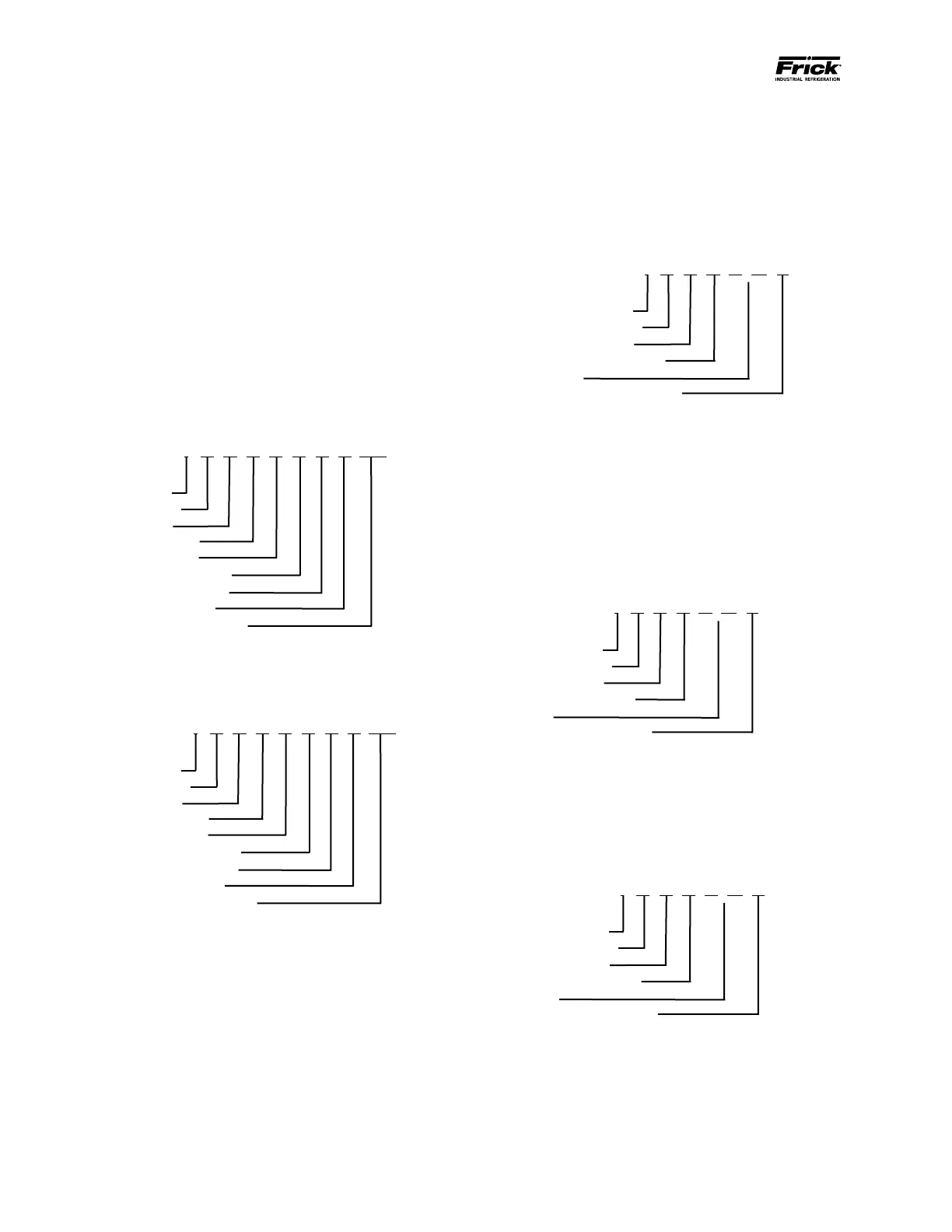
: 01 06 1B EE 03 E8 05 CRLF
Where:
Message Start:
Quantum™ ID #:
Write Function:
H. O. address (hex):
L. O. address (hex):
H. O. # of Data Value:
L. O. # of Data Value:
Error Correction Code:
Carriage Return - Line Feed:
}
: 01 06 1B EE 03 E8 05 CRLF
Where:
Message Start:
Quantum™ ID #:
Write Function:
H. O. address (hex):
L. O. address (hex):
H. O. # of Data Value:
L. O. # of Data Value:
Error Correction Code:
Carriage Return - Line Feed:
}
ASCII Response Example
If the packet was properly received by the Quan-
tum™, you should see an immediate response in Hy-
perTerminal. In the Query Response (read function)
example used earlier, a response of :01030205D025
(hex) was received.
Where:
Message Start:
Quantum™ ID #:
Read Function:
# of Bytes Returned:
Data:
Error Correction Code:
: 01 03 02 05 D0 25
}
}
Once again, the rst part of the message will be a
Colon (:). This represents a heads up alert that data
is coming down the line, but since the data is com-
ing from the Quantum™ to the Master this time, the
Master will accept it.
After having received the Colon (:), the Master will
look at the two bytes that follows it, so that it may
determine from which Quantum™ the message is
coming from.
Now that the Master knows which panel is respond-
ing, it needs to known which function the panel is
responding to. In this case, it sees that it is a read
function, and the Quantum™ is merely returning a
value that was previously requested.
Where:
Message Start:
Quantum™ ID #:
Read Function:
# of Bytes Returned:
Data:
Error Correction Code:
}
: 01 03 02 05 D0 25
}
Where:
Message Start:
Quantum™ ID #:
Read Function:
# of Bytes Returned:
Data:
Error Correction Code:
}
: 01 03 02 05 D0 25
}





 To Next Page